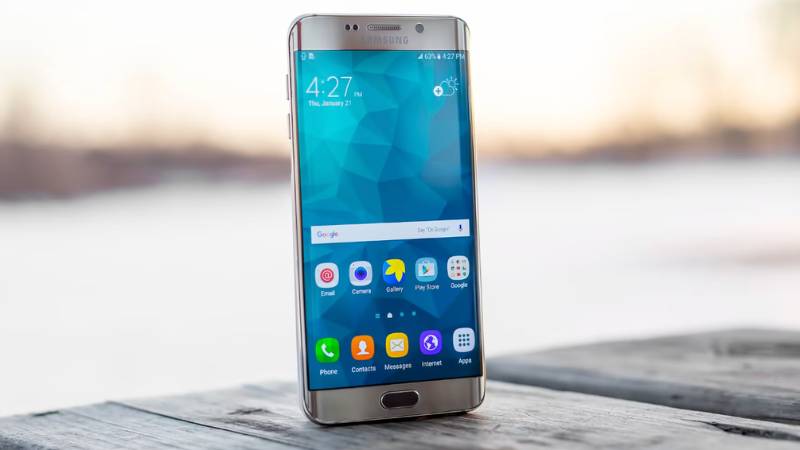
Samsung dual SIM phones let you use two phone numbers, carriers, or mobile plans on a single device. This added flexibility makes them a popular choice for travelers, business users, and anyone who wants to separate work and personal lines.
In this guide, we’ll explore the best dual SIM Samsung phones in 2026, the different dual SIM options available, and how to set up and manage two lines on your Galaxy device.
1. What Is a Dual SIM Samsung Phone?
A Samsung dual SIM phone lets you use two phone numbers on one device. Depending on the model, it may support two physical SIM cards, a physical SIM and eSIM, or multiple eSIM profiles.
This feature is popular among business users, travelers, and anyone who wants to separate work and personal lines without carrying two phones.
Most Samsung dual SIM phones also allow you to choose which line handles calls, texts, and mobile data.
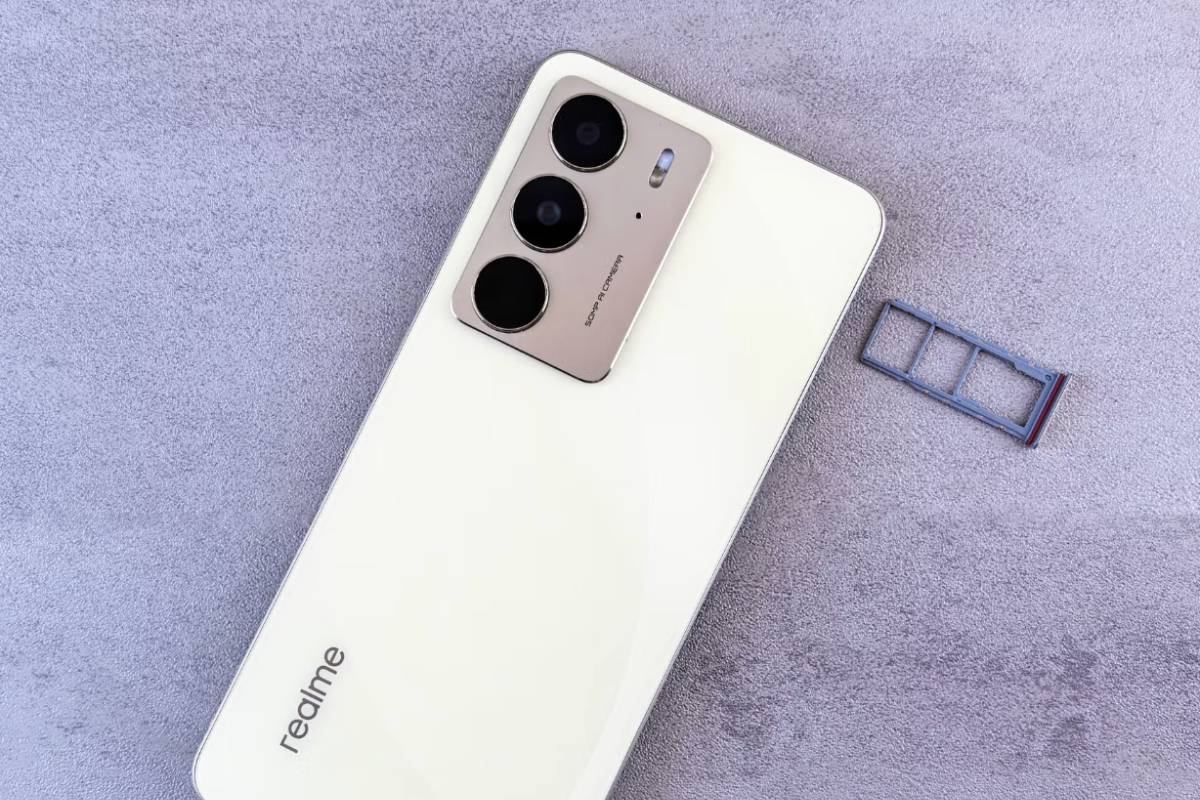
>>> You might interested in: Samsung SIM Card Guide: 2026 Models, Sizes, eSIM & Setup
2. Top 5 Best Samsung Dual SIM Phones in 2026
Samsung offers dual SIM support across its flagship, foldable, and mid-range devices.
Whether you’re managing work and personal numbers, traveling internationally, or using multiple carriers, these Samsung phones provide some of the best dual SIM experiences available in 2026.
2.1 Galaxy S26 Ultra
The Galaxy S26 Ultra is Samsung’s most advanced smartphone and a top choice for dual SIM users. It supports both a physical nano-SIM and eSIM, allowing you to manage multiple lines without sacrificing performance.
With premium hardware, long-term software support, and advanced connectivity features, the S26 Ultra is ideal for professionals, frequent travelers, and power users.
2.2 Galaxy S26+
The Galaxy S26+ delivers many of the same Samsung dual SIM phones benefits as the Ultra model at a more accessible price point.
Users can easily switch between work and personal numbers while enjoying flagship-level performance, battery life, and software support.
It’s a strong option for anyone who wants a premium Samsung dual SIM phone without paying for Ultra-exclusive features.
2.3 Galaxy Z Fold8
The Galaxy Z Fold8 combines Samsung’s foldable design with flexible dual SIM functionality. Support for both physical SIM and eSIM makes it easy to manage multiple carriers, business lines, or international travel plans.
Its large foldable display is especially useful for multitasking, making it a popular choice among business users.
2.4 Galaxy Z Flip8
For users who want a compact device without giving up dual SIM capabilities, the Galaxy Z Flip8 is one of Samsung’s best options.
It offers support for modern SIM configurations while maintaining a pocket-friendly foldable design.
The Z Flip8 is particularly appealing to travelers and users who want flexibility without carrying multiple devices.
2.5 Galaxy A56
The Galaxy A56 proves that you don’t need a flagship phone to enjoy dual SIM functionality.
As one of Samsung’s strongest mid-range devices, it offers reliable performance, solid battery life, and dual SIM support at a more affordable price.
It’s an excellent choice for budget-conscious users who need two phone numbers on a single device.
Which Samsung Dual SIM Phone Is Best?
- Best overall: Galaxy S26 Ultra
- Best value flagship: Galaxy S26+
- Best for productivity: Galaxy Z Fold8
- Best compact foldable: Galaxy Z Flip8
- Best budget option: Galaxy A56
3. Types of Dual SIM on Samsung Phones
Samsung uses several different dual SIM configurations depending on the model and region. Before purchasing a device, it’s worth checking which setup your specific phone supports.
- Two Physical Nano-SIMs: Common on many international Samsung models. Both phone numbers use traditional physical SIM cards.
- Nano-SIM + eSIM: One physical SIM card works alongside a digital eSIM profile. This has become one of the most common configurations on recent Samsung devices.
- Dual eSIM: Some newer Samsung phones can keep two eSIM lines active simultaneously, eliminating the need for a physical SIM card altogether.
Because regional variations exist, the same Samsung model may support different SIM configurations depending on where it was purchased.
4. How to Set Up Dual SIM on a Samsung Phone
Setting up dual SIM on a Samsung phone usually takes just a few minutes. The process is similar whether you’re using two physical SIM cards, a physical SIM and eSIM, or multiple eSIM profiles.
Step 1: Insert Your SIM Cards or Activate eSIM
Insert your physical SIM card(s) into the SIM tray. If your Galaxy device supports eSIM, go to Settings > Connections > SIM Manager > Add eSIM and follow your carrier’s activation instructions.
Once activated, both lines should appear in SIM Manager.
Step 2: Label Your SIM Lines
To make switching between numbers easier, assign a custom label to each line.
For example, you can name one line Work and the other Personal or Travel. This helps you quickly identify which number is being used.
Step 3: Choose Default Settings
In SIM Manager, select which line should be used by default for:
- Voice calls
- Text messages
- Mobile data
You can change these preferences at any time.
Step 4: Test Both Lines
Make a phone call, send a text message, and verify that mobile data is working correctly on the selected line.
If one of the SIMs is not active, check your carrier settings or restart the device.
5. Pros and Cons of a Dual SIM Samsung Phone
Dual SIM functionality can be extremely useful, but it’s not the perfect solution for everyone. Before choosing one of the many Samsung dual SIM phones available today, it’s worth considering both the advantages and potential drawbacks.
| Pros | Cons |
| Manage two phone numbers on one device | Setup may be confusing for first-time users |
| Separate work and personal calls | Some features vary by carrier and region |
| Use different carriers for coverage or pricing | Certain models have different SIM support depending on market |
| Convenient for international travel | Battery usage may be slightly higher when two lines stay active |
| No need to carry two phones | Not all carriers support every dual SIM configuration |
For most users, the benefits outweigh the disadvantages, especially when the goal is reducing costs, simplifying travel, or keeping multiple numbers organized on a single device.
>>> Read more: How Many eSIMs Can I Have? The Real Limit Explained
6. FAQs
Do all Samsung phones support dual SIM?
No. Dual SIM support varies by model and region. Many recent Galaxy S, Galaxy Z, and Galaxy A devices support dual SIM, but the exact configuration may differ.
Can I use a physical SIM and eSIM at the same time?
Yes. Many modern Samsung dual SIM phones support one physical nano-SIM and one active eSIM simultaneously.
Which Samsung phone is best for dual SIM use?
The Galaxy S24 Ultra, Galaxy Z Fold series, and Galaxy A55 are among the strongest options in 2026, depending on your budget and needs.
Can I use two different carriers on one Samsung phone?
Yes. Dual SIM allows many Samsung devices to connect to two separate carriers at the same time.
How do I switch between SIMs on Samsung?
You can manage both lines through Settings > Connections > SIM Manager, where Samsung lets you select default lines for calls, messages, and data.
7. Conclusion
Samsung dual SIM phones offer a convenient way to manage two numbers, two carriers, or separate work and personal lines from a single device.
Whether you choose a Galaxy S, Galaxy Z, or Galaxy A model, dual SIM functionality can add flexibility without requiring a second phone. Before setting up your second line, make sure your device supports the SIM configuration you plan to use and that your carrier is compatible.