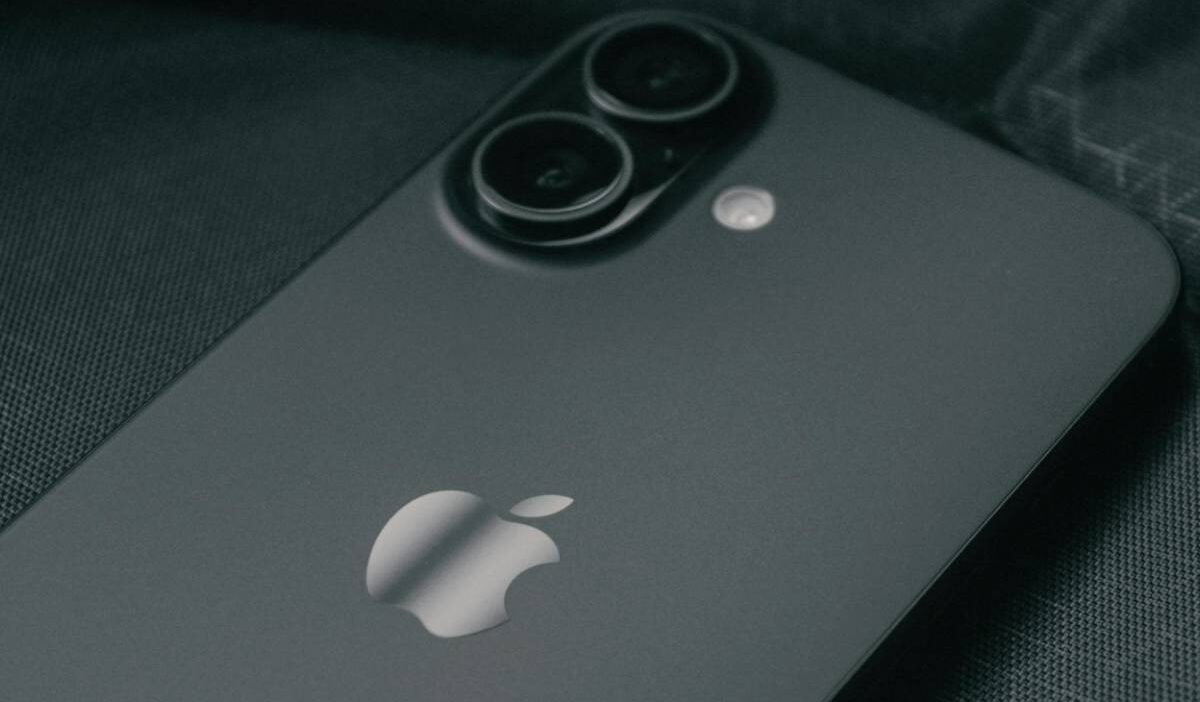
A lot of buyers still look for the SIM tray first when unboxing a new phone, which is why the iPhone 16 surprises some people immediately after setup. Depending on where the device was purchased, the SIM experience can look completely different from older iPhones.
Understanding does iPhone 16 have SIM card mostly comes down to region and model type. U.S. versions of the iPhone 16 lineup rely entirely on eSIM technology, while many international versions still include a physical nano-SIM slot alongside eSIM support.
1. Does iPhone 16 Have a SIM Card?
The answer to does iPhone 16 have SIM card depends entirely on where the phone was purchased.
U.S. versions of the iPhone 16 lineup no longer include a physical SIM tray and instead rely completely on eSIM activation. However, many international versions still support both a nano-SIM card and eSIM functionality.
That regional difference matters for travelers, international buyers, and people who regularly switch between carriers or countries.
2. iPhone 16 SIM Setup by Region
Apple continues using different SIM configurations depending on the country and model version.
U.S. Models
eSIM Only (No Physical Tray)
If you buy an iPhone 16 in the United States, the phone does not include a physical SIM card slot.
Instead, activation happens digitally through eSIM.
This applies across the full U.S. lineup, including:
- iPhone 16
- iPhone 16 Plus
- iPhone 16 Pro
- iPhone 16 Pro Max
Users can still store multiple eSIM profiles and activate dual eSIM lines simultaneously.
International Models
Nano-SIM + eSIM Dual Support
Many international iPhone 16 models still include a nano-SIM tray alongside eSIM support.
This setup allows users to:
- Insert a physical SIM card
- Add an eSIM digitally
- Use dual SIM functionality more flexibly
International versions are often preferred by people who travel frequently or switch carriers often.
Same Rule for iPhone 16, 16 Plus, 16 Pro, 16 Pro Max
When asking does iPhone 16 have SIM card, the answer generally follows the same regional rule across all four versions of the lineup.
That means:
- U.S. models: eSIM only
- International models: nano-SIM + eSIM
The SIM setup difference is tied more to region than to whether the device is the standard, Plus, Pro, or Pro Max version.
3. How to Set Up eSIM on iPhone 16
After understanding does iPhone 16 have SIM card, the next step for many users is activating eSIM service properly during setup.
Connect to Wi-Fi
Before starting activation:
- Connect the iPhone to a stable Wi-Fi network
- Update iOS if needed
- Confirm the carrier supports eSIM activation
Because eSIM profiles download digitally, internet access is required during setup.
Open Cellular Settings and Start eSIM Setup
To begin activation:
- Open Settings
- Tap Cellular
- Select Add eSIM
The iPhone will then guide users through the available activation methods supported by the carrier.
Scan a QR Code or Use Your Carrier’s App
Most carriers activate eSIM using either:
- A QR code
- Their mobile app
- Automatic transfer from another iPhone
Scanning the QR code usually starts downloading the eSIM profile immediately.
Confirm Activation and Restart
Once setup finishes:
- Confirm the signal appears
- Test calls or mobile data
- Restart the phone if necessary
Some carriers may require additional verification before the line becomes fully active.
4. How to Activate eSIM Service on an iPhone 16 Already in Use
Switching carriers or adding a new line on an iPhone 16 that is already set up usually works differently from older iPhones with removable SIM cards.
For users still wondering why does the iPhone 16 not have a SIM card, Apple removed the physical tray from U.S. models and moved activation completely to eSIM technology instead.
If the iPhone is already active and in use, adding or changing service normally happens through the Cellular settings menu.
To activate a new eSIM line:
- Open Settings
- Tap Cellular
- Select Add eSIM
- Choose your carrier activation method
Most carriers allow activation through:
- QR codes
- Carrier apps
- Automatic transfer from another iPhone
- Manual activation details
If transferring from another iPhone:
- Keep both devices nearby
- Connect both phones to Wi-Fi
- Follow the onscreen transfer instructions
After activation finishes, users should:
- Restart the iPhone if needed
- Test calls and mobile data
- Confirm the correct line is active under Cellular settings
Some carriers may require removing the old eSIM profile before activating a new one.
Read more: SIM Network Unlock PIN Free: What’s Worth Trusting in 2026
5. Prefer a Phone That’s Already Connected and Ready to Use?
For some users, eSIM setup feels unfamiliar compared to inserting a physical SIM card manually. That is especially true for people upgrading from older iPhones for the first time.
Some also ask questions like “why does iPhone 16 not have SIM card slot”. This confusion comes from Apple moving U.S. iPhones fully toward digital activation.
Instead of swapping SIM cards physically, activation now depends on carrier support, Wi-Fi access, and eSIM setup steps.
Several households may prefer getting a phone and wireless service already connected through a provider rather than handling activation separately.
People participating in programs such as Medicaid, SNAP, SSI, Federal Public Housing Assistance, or Veterans Pension benefits may also qualify for Lifeline-supported phone service depending on eligibility requirements.
Lifeline is a federal assistance program that helps eligible low-income households receive more affordable phone and wireless service through participating providers.
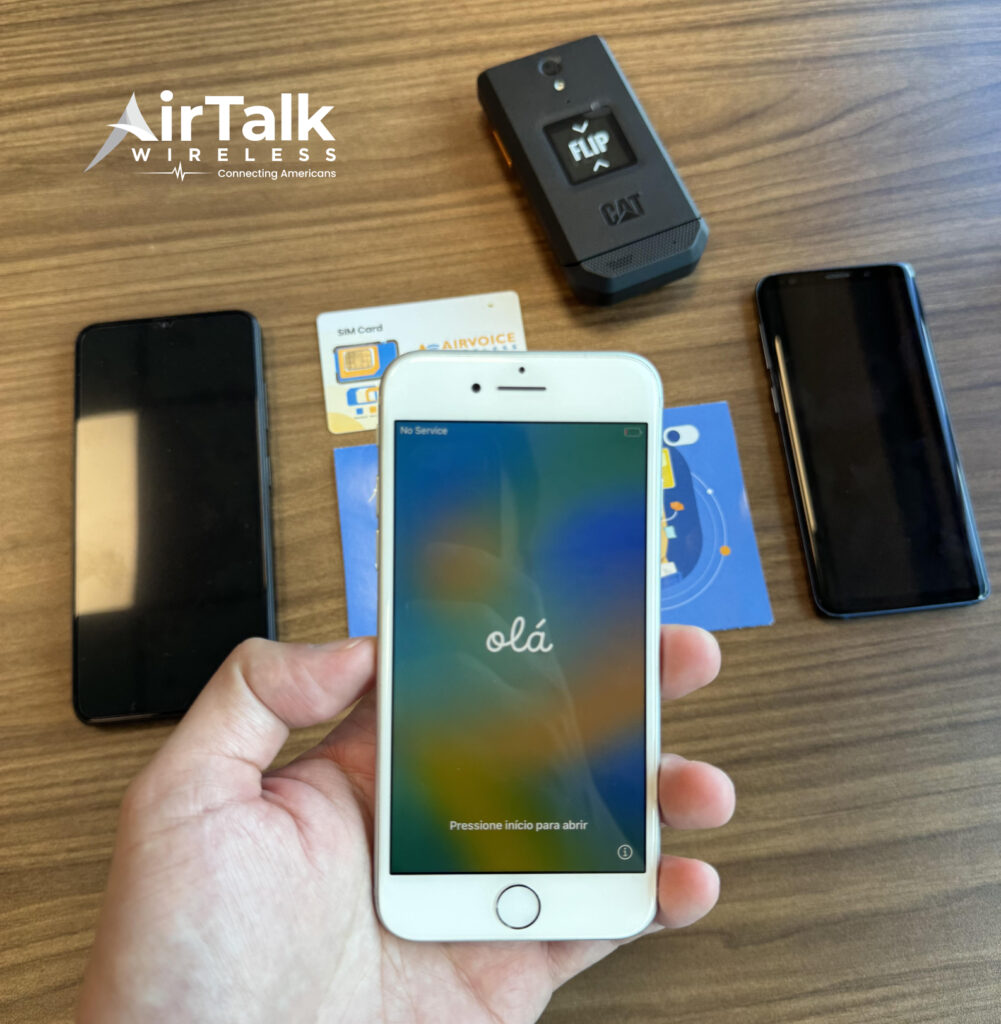
AirTalk Wireless is one provider participating in the Lifeline program in supported areas. Eligible users may receive:
- Free monthly talk, text, and data
- Compatible smartphone options
- SIM or eSIM activation support
- Bring Your Own Device options in some cases
For users transitioning into newer eSIM-focused phones, activation support and preconfigured service options may help simplify the setup process.

6. FAQS
Why Does My iPhone 16 Not Have a SIM Card Slot?
U.S. iPhone 16 models no longer include a physical SIM tray because Apple moved fully to eSIM activation for the American market. International versions may still include a nano-SIM slot depending on the region.
Does iPhone 16 Pro Max Have SIM Card Slot?
U.S. versions of the iPhone 16 Pro Max do not include a physical SIM card slot. However, many international versions still support nano-SIM plus eSIM functionality.
Can iPhone 16 Use Dual SIM?
Yes. iPhone 16 supports dual SIM functionality through eSIM technology, and many international versions also support nano-SIM plus eSIM together.
Can You Transfer an Old SIM Card into iPhone 16?
Only international iPhone 16 models with a physical nano-SIM tray can use traditional SIM cards directly. U.S. models require eSIM activation instead.
7. Conclusion
The answer to does iPhone 16 have SIM card depends mostly on the country where the phone was purchased. U.S. models now rely completely on eSIM technology, while many international versions still support both nano-SIM and eSIM functionality.
Before upgrading, checking the model region, carrier compatibility, and preferred activation method can help avoid setup confusion later, especially for users transitioning from older physical SIM-based iPhones.