Digital SIM activation has become much more common over the past few years, especially for users who want faster carrier setup, easier travel options, or dual-line functionality without constantly swapping physical SIM cards.
For anyone wondering does iPhone 13 have eSIM, Apple included full eSIM support directly in the device alongside the traditional nano-SIM tray.
That means the iPhone 13 can use both physical SIM and eSIM at the same time, giving users more flexibility for carrier switching, travel plans, work numbers, and digital activation.
1. Does iPhone 13 Have eSIM?
Yes, the iPhone 13 fully supports eSIM technology alongside a physical nano-SIM card. Apple designed the device to allow both traditional SIM activation and digital carrier activation, giving users more flexibility depending on the carrier and region.
The iPhone 13 can support:
- One physical nano-SIM
- One active eSIM
- Dual SIM functionality
- Multiple stored eSIM profiles
One major advantage is the ability to activate service digitally without waiting for a physical SIM card to arrive.
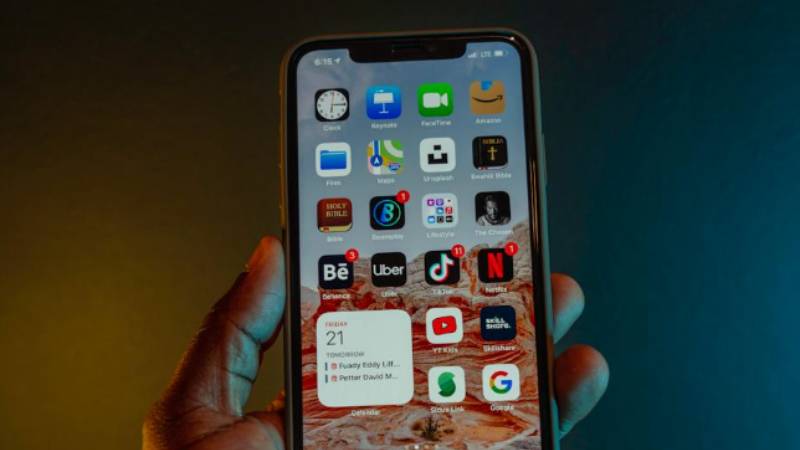
2. SIM Card vs eSIM on iPhone 13: What’s the Difference?
The iPhone 13 supports both SIM technologies, but they work differently behind the scenes.
How the Physical Nano-SIM Works
A physical nano-SIM is the small removable card inserted into the SIM tray.
It stores carrier information needed for:
- Calls
- Text messaging
- Mobile data
- Network authentication
Physical SIM cards are still common for prepaid carriers, international travel, and users who swap devices frequently.
How the eSIM Works Digitally
An eSIM works without a removable card.
Instead, the carrier installs a digital activation profile directly onto the iPhone through:
- QR codes
- Carrier apps
- Manual activation details
This allows users to activate service almost instantly on supported networks.
Why iPhone 13 Supports Both at the Same Time
Apple included both options to give users more flexibility.
Dual SIM support can help with:
- Work and personal lines
- International travel
- Backup carrier coverage
- Separate data and voice plans
For many people asking does iPhone 13 have eSIM, the biggest benefit is being able to run both SIM types together on a single device.
3. How to Activate eSIM on iPhone 13 Step-by-Step
Most eSIM activations only take a few minutes when the carrier fully supports digital setup.
Connect to Wi-Fi First
Before starting:
- Connect the iPhone to stable Wi-Fi
- Update iOS if possible
- Confirm the carrier supports eSIM activation
A reliable internet connection helps the installation process complete more smoothly.
Open Cellular Settings to Begin eSIM Activation
To start setup:
- Open Settings
- Tap Cellular
- Select Add eSIM
The phone will then guide the activation process depending on the carrier setup method.
Scan a QR Code from Your Carrier
Many carriers provide a QR code for eSIM activation.
To install it:
- Scan the QR code
- Follow the prompts on screen
- Confirm the cellular plan installation
Some carriers also allow activation directly through their mobile apps instead.
Confirm Activation and Restart
After installation finishes:
- Confirm the cellular plan appears in settings
- Restart the iPhone if prompted
- Test calls, texts, and mobile data
Once setup completes properly, the eSIM should work like a normal physical SIM line.
Read more: Does iPhone 14 Have a SIM Card? How to Check Your Model Easily
4. Common eSIM Troubleshooting for iPhone 13
Most eSIM issues on iPhone 13 are related to carrier activation, network settings, or temporary provisioning delays rather than hardware failure.
eSIM Not Downloading
If the eSIM installation gets stuck:
- Check the Wi-Fi connection
- Restart the iPhone
- Re-scan the QR code
- Update iOS if needed
- Confirm carrier compatibility
Carrier-side activation delays can sometimes slow the process temporarily.
No Service After Activation
Sometimes the eSIM installs successfully but the iPhone still shows:
- No Service
- Searching
- SOS Only
Possible fixes may include:
- Restarting the device
- Toggling Airplane Mode
- Updating carrier settings
- Verifying the eSIM line is enabled
Most activation problems are temporary once carrier provisioning finishes completely.
Carrier Says “Not Supported”
This error may appear if:
- The carrier does not support eSIM
- The phone is carrier locked
- Regional compatibility restrictions exist
- The activation profile is invalid
Before setup, users should always verify both the carrier and iPhone model support eSIM service fully.
How to Reset Network Settings the Right Way
If network problems continue:
- Open Settings
- Tap General
- Select Transfer or Reset iPhone
- Tap Reset
- Choose Reset Network Settings
This clears saved network configurations without deleting personal files or apps.
5. Want Free Monthly Service on Your iPhone 13?
One reason many users like the iPhone 13 eSIM setup is the flexibility it gives when switching carriers or activating lower-cost plans digitally. Instead of waiting for physical SIM cards or visiting stores, compatible carriers can often activate service directly through QR codes or mobile apps.
That flexibility can become especially useful for people trying to lower their monthly phone bills while continuing to use the iPhone they already own.
Eligible households may qualify for Lifeline-supported wireless service depending on factors such as:
- Income eligibility
- Medicaid participation
- SNAP benefits
- SSI participation
- Federal Public Housing Assistance
- Veterans Pension benefits
AirTalk Wireless is one participating Lifeline provider offering eligible users benefits that may include:
- Free monthly talk
- Free text
- Free data
- Nationwide coverage on compatible networks
- Bring Your Own Device support for compatible phones
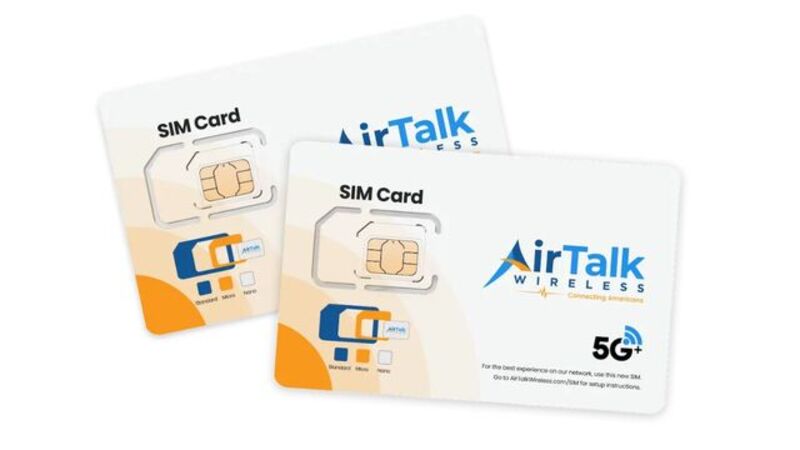
Separate from standard Lifeline service benefits, AirTalk may also offer free or discounted smartphones depending on eligibility and device availability.
For users already using an iPhone 13, eSIM support may help simplify activation even further on compatible plans.
6. FAQS
Can iPhone 13 Use Dual SIM?
Yes. The device supports one physical SIM and one eSIM simultaneously, and some supported carriers also allow dual eSIM functionality.
Is eSIM Better Than a Physical SIM?
It depends on the situation. eSIM offers faster activation and easier carrier switching, while physical SIM cards may still work better for some prepaid or international situations.
Can I Transfer My eSIM to Another iPhone?
Many carriers allow eSIM transfer directly between iPhones during setup or through carrier apps.
7. Conclusion
The iPhone 13 supports both eSIM and physical nano-SIM functionality, giving users flexible options for carrier activation, dual-line usage, and digital setup. Whether someone prefers traditional SIM cards or wants the convenience of faster eSIM activation, the device handles both smoothly on compatible networks.
As more carriers continue expanding digital activation support, does iPhone 13 have eSIM becomes less of a limitation question and more about choosing the setup that fits your travel, work, or monthly service needs best.