Switching carriers or activating a second number is much easier now that eSIM support is available on newer iPhones. Instead of waiting for a physical SIM card, users can often activate compatible plans digitally within minutes directly from the device itself.
If you are wondering “is iPhone 12 Pro Max eSIM compatible?”, check the latest guide below.
1. Is iPhone 12 Pro Max eSIM Compatible?
Yes, the iPhone 12 Pro Max fully supports eSIM technology alongside a physical nano-SIM card. Apple built dual SIM functionality directly into the device, allowing users to activate compatible carrier plans digitally while still keeping access to a removable SIM tray.
The iPhone 12 Pro Max supports:
- One physical nano-SIM
- One active eSIM
- Dual SIM functionality
- Multiple stored eSIM profiles
For those checking is iPhone 12 Pro Max eSIM compatible, the most important part is confirming both the phone and the carrier support eSIM activation properly.
2. How to Confirm Your iPhone 12 Pro Max Supports eSIM
Even though the iPhone 12 Pro Max includes built-in eSIM hardware, carrier restrictions or lock status can still affect activation.
Verify the EID Information Inside iPhone Settings
One of the easiest ways to confirm eSIM support is by checking whether the phone has an EID number.
To check:
- Open Settings
- Tap General
- Select About
- Scroll down to find EID
If an EID number appears, the iPhone includes eSIM functionality.
Use Your Carrier’s IMEI Compatibility Tool
Many carriers provide online compatibility checkers where users can enter the device IMEI number.
This helps confirm:
- eSIM support
- Network compatibility
- Carrier restrictions
- Activation eligibility
Some carriers may support eSIM only on unlocked devices.
Use AirTalk’s eSIM Compatibility Checker
AirTalk Wireless is a participating Lifeline provider that supports compatible unlocked devices through Bring Your Own Device activation, including many iPhones with eSIM capability.
Before activating service, AirTalk’s compatibility checker can help users verify whether the iPhone 12 Pro Max is ready for eSIM setup on supported plans.
The checker may help confirm:
- Whether the iPhone is unlocked
- If eSIM activation is supported on the device
- Compatibility with supported AirTalk plans
- Whether Bring Your Own Device activation is available
This step can help reduce activation problems later, especially for people who are switching carriers or trying to activate service digitally without using a physical SIM card.
3. Carrier Lock vs eSIM Compatibility: What’s the Difference?
Many users assume eSIM compatibility automatically means the phone can activate with any carrier, but those are actually two different things.
An iPhone may fully support eSIM hardware while still being:
- Carrier locked
- Restricted to one network
- Limited by financing agreements
- Ineligible for transfer
For example:
- An unlocked iPhone 12 Pro Max can usually activate eSIM with multiple supported carriers
- A locked iPhone may only allow eSIM activation through the original carrier
That is why checking both eSIM capability and lock status is important before switching service providers.
Read more: How to Lock SIM Card on iPhone and Android (Simple Step-by-Step Guide)
4. Step-by-Step: Activate eSIM on iPhone 12 Pro Max
Most eSIM activations only take a few minutes when the carrier fully supports digital setup.
Connect to a Stable Wi-Fi Network
Before starting activation:
- Connect the iPhone to reliable Wi-Fi
- Update iOS if possible
- Confirm carrier compatibility
A stable internet connection helps prevent setup interruptions.
Open Cellular Settings to Start eSIM Setup
To begin activation:
- Open Settings
- Tap Cellular
- Select Add eSIM
The iPhone will then guide the setup process based on the carrier activation method.
Scan the QR Code or Use the Carrier App
Many carriers provide:
- QR activation codes
- Carrier-based setup apps
- Manual activation details
After scanning the QR code or confirming setup through the app, the eSIM profile will begin downloading to the device.
Confirm Activation and Restart Your iPhone
After installation finishes:
- Confirm the cellular plan appears in settings
- Restart the iPhone if prompted
- Test calls, texts, and mobile data
Once setup completes properly, the eSIM should work the same way as a traditional SIM line.
5. Want a Simpler Way to Stay Connected? AirTalk Wireless Has You Covered
As mentioned earlier in the compatibility checker section, AirTalk Wireless supports compatible unlocked iPhones with eSIM capability, including many users bringing their own iPhone 12 Pro Max onto supported plans.
That matters because checking is iPhone 12 Pro Max eSIM compatible is not only about the hardware inside the phone itself.
Carrier-side support also plays a major role in whether activation works smoothly, especially when setting up service digitally through eSIM instead of a physical SIM card.
AirTalk Wireless is a participating Lifeline provider offering eligible users affordable wireless service on compatible nationwide networks.
Depending on eligibility and availability, AirTalk plans may include:
- Monthly talk
- Text
- Data service
- Compatible eSIM activation
- Bring Your Own Device support
The setup process typically begins by entering a ZIP code to check local service availability and device compatibility. After that, users can complete the online application, upload any required verification documents if requested, and activate service once approved.
For users who do not already own a compatible iPhone, AirTalk may also offer free or discounted smartphones depending on eligibility and inventory availability.
For users with supported devices, AirTalk supports Bring Your Own Device activation.
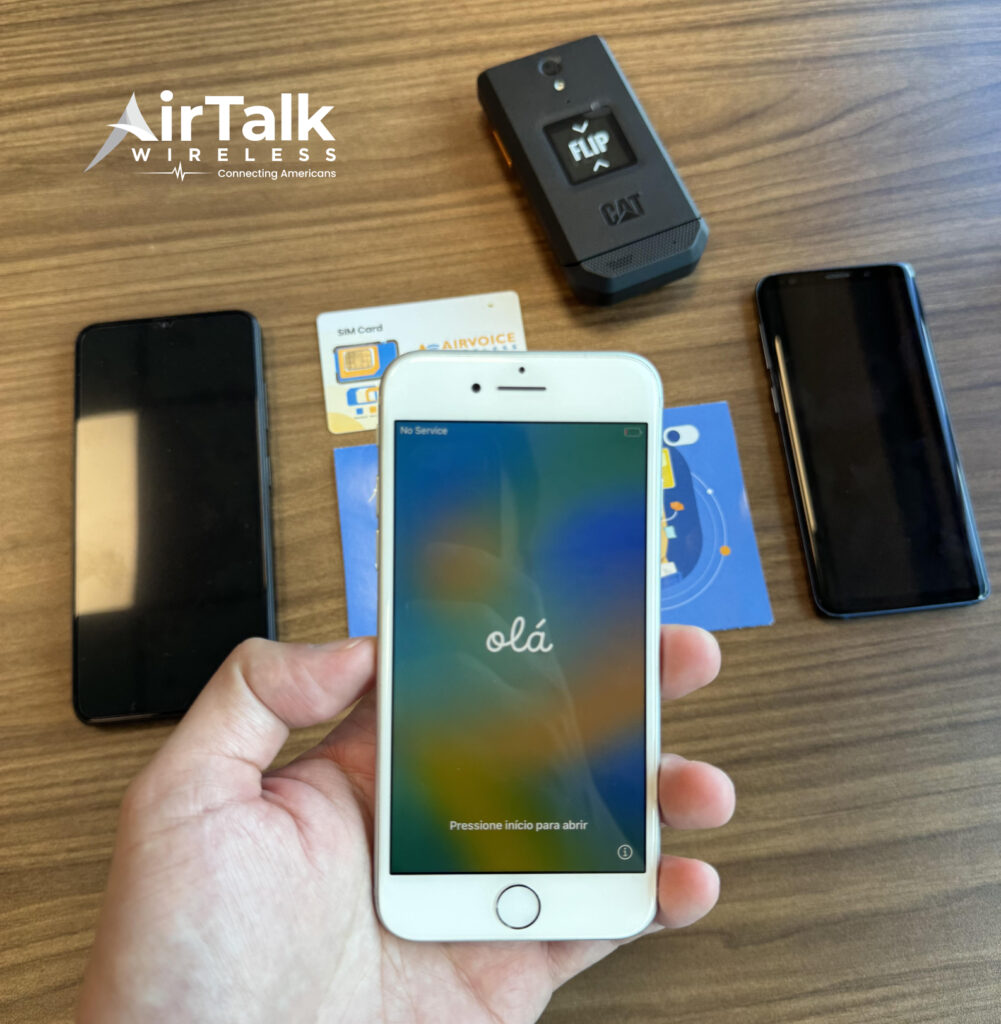
Available iPhone models may include:
6. FAQS
Can iPhone 12 Pro Max Use eSIM and Physical SIM Together?
Yes. The iPhone 12 Pro Max supports dual SIM functionality using one physical nano-SIM and one active eSIM simultaneously.
Does eSIM Work on a Locked iPhone 12 Pro Max?
It depends on the carrier. Some locked devices only allow eSIM activation through the original carrier network.
Can I Remove an eSIM After Activation?
Yes. eSIM profiles can be removed directly through Cellular settings if users switch carriers or reset the device.
Does Resetting the iPhone Delete eSIM?
Some reset options may remove installed eSIM profiles, so users should confirm carrier recovery procedures before resetting the device.
7. Conclusion
The iPhone 12 Pro Max fully supports eSIM functionality, but successful activation still depends on factors like carrier support, unlock status, and compatibility verification. Checking those details before setup can help avoid activation issues and make switching service much easier.
As more carriers continue expanding digital activation support, is iPhone 12 Pro Max eSIM compatible becomes less about hardware limitations and more about finding a provider that supports smooth activation, compatible plans, and flexible setup options for everyday use.