Many people assume eSIM only exists on newer iPhones, which is why the iPhone 11 still surprises users who want dual SIM functionality or digital carrier activation without relying entirely on physical SIM cards.
Does iPhone 11 have eSIM? Let’s find the accurate answer below.
1. Does iPhone 11 Have eSIM?
Yes, the iPhone 11 supports eSIM functionality alongside a physical nano-SIM card.
Apple introduced dual SIM support with eSIM on the iPhone 11 lineup, allowing compatible carriers to activate service digitally without depending only on removable SIM cards.
The iPhone 11 supports:
- One physical nano-SIM
- One active eSIM
- Dual SIM functionality
- Multiple stored eSIM profiles
If you are checking does iPhone 11 have eSIM, one of the biggest advantages is the ability to manage two numbers on the same device more easily.
2. Does My iPhone 11 Work with eSIM Out of the Box?
Most iPhone 11 models include built-in eSIM hardware, but regional differences can still affect how SIM functionality works.
Models Released in the U.S.
U.S. iPhone 11 models generally support:
- Physical nano-SIM
- eSIM activation
- Dual SIM functionality
- Multiple stored eSIM profiles
As long as the device is unlocked and the carrier supports eSIM, setup is usually straightforward.
Models Released in China and Hong Kong (Different SIM Setup)
Some iPhone 11 models sold in China, Hong Kong, or Macau use a different SIM configuration.
Instead of combining one nano-SIM and one eSIM, certain regional models may support dual physical nano-SIM cards without eSIM functionality enabled.
That is why checking the exact model number becomes important before assuming all iPhone 11 devices support eSIM the same way.
3. How Do I Enable eSIM on My iPhone 11?
Most eSIM activations only take a few minutes when the carrier supports digital setup properly.
Using Your Carrier’s App
Some wireless providers allow users to activate eSIM directly through their apps.
Without physical SIM cards, users can still to:
- Purchase plans
- Transfer service
- Activate instantly
- Manage multiple lines
Scanning a QR Code from Your Carrier
Many carriers also provide QR codes for manual eSIM activation.
To install the eSIM:
- Open Settings
- Tap Cellular
- Select Add eSIM
- Scan the QR code
- Follow the setup prompts
A stable Wi-Fi connection is usually required during activation.
Transferring an eSIM from Another iPhone
Apple also supports eSIM transfer between compatible iPhones in many situations.
During setup, users may see prompts allowing them to:
- Move an existing cellular plan
- Transfer the eSIM automatically
- Continue using the same number
Carrier support for transfer tools can vary depending on the provider.
4. Can iPhone 11 Use Dual SIM or Dual eSIM?
The iPhone 11 supports dual SIM functionality, allowing users to manage multiple lines on one device.
Nano-SIM + eSIM (Standard Dual SIM)
The standard setup includes:
- One physical nano-SIM
- One active eSIM
This configuration works well for:
- Work and personal numbers
- Travel data plans
- Separate carriers
- Backup network coverage
Users can assign different lines for calls, texts, and mobile data directly inside settings.
Dual eSIM Support with iOS 16 and Later
With newer iOS versions and compatible carriers, some iPhone 11 setups also support two active eSIM lines simultaneously.
For users asking does iPhone 11 have eSIM, this added flexibility is one reason the phone still remains practical even years after release.
5. Want a Free Phone & eSIM Service? Try AirTalk Wireless Lifeline Services
One reason the iPhone 11 still remains popular is that it supports many modern wireless features without requiring the newest flagship pricing.
Since the device already supports eSIM and dual SIM functionality, many choose to keep using it while searching for lower-cost monthly service options instead of replacing the phone itself.
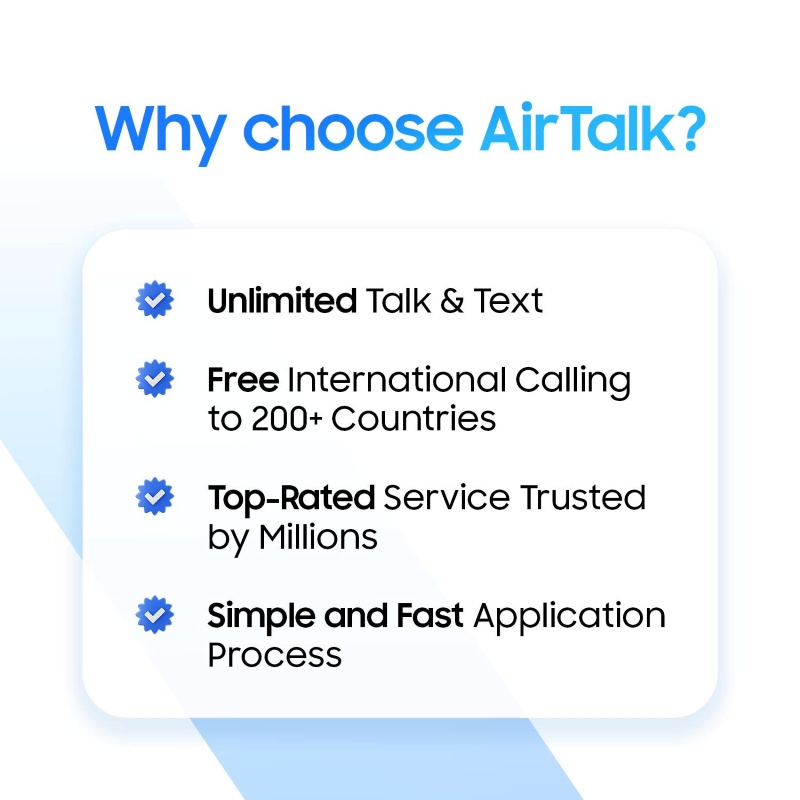
That is where Lifeline-supported wireless service may help eligible households reduce monthly phone expenses through participating providers like AirTalk Wireless.
Understanding the Lifeline Program
Lifeline is a federal assistance program created to help qualifying low-income households access more affordable phone service.
Through participating providers like AirTalk Wireless, eligible users may receive:
- Monthly talk
- Text
- Data benefits
- Compatible nationwide network coverage
- Bring Your Own Device support for eligible phones
For people already using an iPhone 11, compatible eSIM activation may also make setup easier because supported plans can sometimes activate digitally without waiting for a physical SIM card shipment.
Do You Qualify for Free Service?
Eligibility may happen through either income qualifications or participation in qualifying assistance programs such as:
- Medicaid
- SNAP
- SSI
- Federal Public Housing Assistance
- Veterans Pension benefits
Depending on availability and qualification status, some may also qualify separately for free or discounted smartphone offers.
How to Get Started in a Few Steps
The setup process usually begins with checking local service availability and compatibility.
Most users typically:
- Enter a ZIP code to check coverage availability
- Complete the online application
- Upload verification documents if requested
- Choose whether to keep their current phone or browse device offers
- Activate service after approval
Read more: How Do I Know If My Phone Is Unlocked? 4 Quick Ways to Check
6. FAQs About iPhone 11 eSIM
Because the iPhone 11 already supports eSIM, compatible plans may allow users to complete activation digitally on supported carriers much more quickly.
Can iPhone 11 Store Multiple eSIM Profiles?
Yes. The iPhone 11 can store multiple eSIM profiles, although only supported combinations can remain active simultaneously depending on carrier support and iOS version.
Does eSIM Work Without a Physical SIM Installed?
Yes. The iPhone 11 can operate entirely through eSIM on supported carriers without needing a physical nano-SIM card inserted.
Can I Delete and Reinstall an eSIM on iPhone 11?
Yes. Users can remove and reinstall eSIM profiles, although some carriers may require a new activation QR code during reinstallation.
Does eSIM Affect Battery Life on iPhone 11?
In normal daily use, eSIM does not create a major battery difference compared to physical SIM usage.
7. Conclusion
The iPhone 11 continues to stay relevant because it combines strong everyday performance with flexible carrier support, including both eSIM and physical nano-SIM functionality.
All in all, does iPhone 11 have eSIM? Yes, and that support makes the device much easier to use with dual numbers, digital carrier activation, travel plans, and modern wireless services even in 2026.