Do I need a new SIM card for a new phone? This is one of the most common questions people have when upgrading their device. While moving your current SIM is often straightforward, factors like your carrier, phone model, and SIM technology can make the process less obvious than it seems.
Before swapping devices, it’s helpful to understand what determines SIM compatibility, when a replacement may be necessary, and what you should check to keep your mobile service running smoothly.
1. Do I Need a New SIM Card for a New Phone?
Not always. In many cases, you can simply move your current SIM card to your new phone and continue using the same phone number and mobile plan. However, that isn’t true for every upgrade.
Whether you need a new SIM card depends on several factors, including your carrier, the type of SIM your new phone supports, and whether your existing SIM is compatible with your carrier’s current network.
If you’re switching carriers, moving to an eSIM-only device, or using an older SIM card, a replacement may be necessary.
2. When You Can Keep Your Current SIM Card
If your current SIM card is compatible with your new phone and carrier, transferring it is usually the fastest way to get started.
Here are the most common situations where you can continue using the same SIM.
You’re Staying With the Same Carrier
Keeping the same wireless carrier often means you can keep the same SIM card as well.
Most carriers allow customers to move their SIM card between compatible phones without changing their phone number or service plan. After inserting the SIM into your new device, it typically connects to the network automatically or after a quick restart.
Your New Phone Uses the Same SIM Size
Physical SIM cards come in different sizes, but most modern smartphones use a Nano SIM.
If both your old and new phones use the same SIM size, you can usually move the card directly between devices.
If the new phone requires a different SIM format or supports only eSIM, you’ll need to request a replacement or activate a digital SIM instead.
Your SIM Supports Your New Phone’s Network
A SIM card also needs to be compatible with your carrier’s current network technology.
For example, an older SIM that was issued years ago may not fully support newer LTE or 5G services, even if it physically fits your new phone. If your carrier recommends replacing an outdated SIM, doing so can help you get the best network performance and avoid activation issues.
3. When You’ll Need a New SIM Card
Although many upgrades don’t require replacing your SIM, there are situations where a new SIM card or eSIM activation is necessary before your new phone can connect to the network.
You’re Switching Carriers
Changing wireless providers almost always means getting a new SIM card.
Each carrier uses its own SIM credentials to identify your account on its network. Even if you keep the same phone number through number porting, your new carrier will typically provide a new physical SIM or eSIM during activation.
Your Phone Uses eSIM Instead of a Physical SIM
Some newer smartphones no longer rely on a removable SIM card.
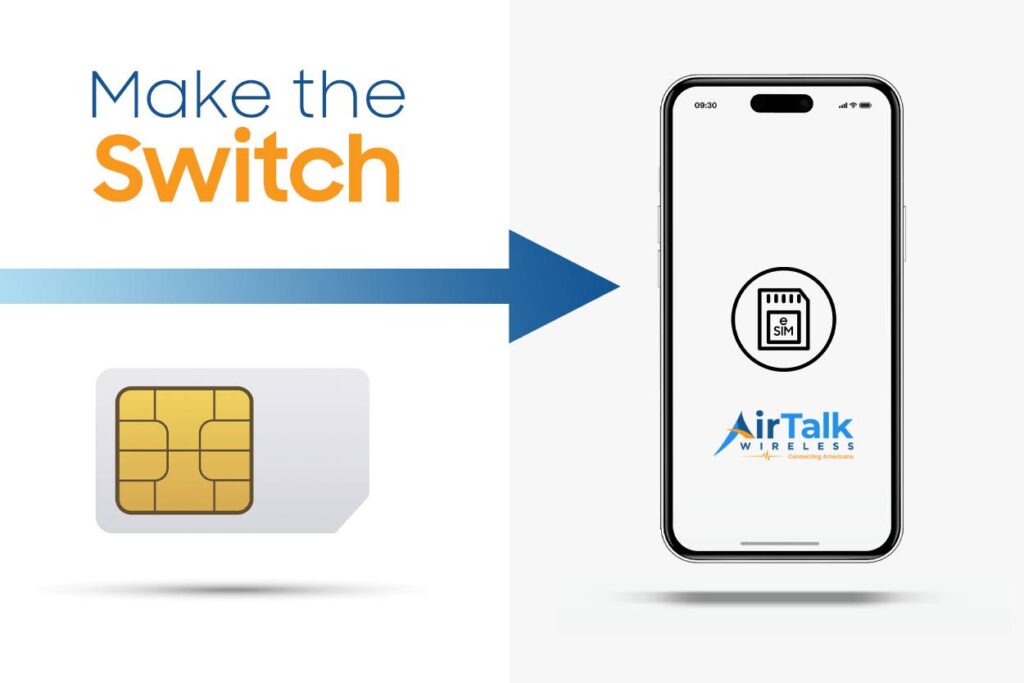
If your new device supports only eSIM, you’ll need to activate a digital SIM through your carrier instead of moving your existing physical SIM.
Many carriers now allow customers to complete this process online or through their mobile app.
Your Current SIM Is Damaged or Outdated
A SIM card that’s worn out or no longer meets current network requirements should be replaced.
Signs of a failing SIM card include frequent “No SIM” errors, dropped connections, failed activation, or inconsistent network service.
Replacing a damaged or outdated SIM is usually inexpensive and can restore reliable connectivity on your new phone.
4. How to Move Your SIM Card to a New Phone
Moving your SIM card to a new phone is usually a quick process, but taking a few extra minutes to prepare can help you avoid activation issues or temporary service interruptions.
Before You Switch Phones
Before removing the SIM card, make sure your new phone is compatible with your carrier and supports the same SIM type or eSIM technology.
It’s also a good idea to back up your contacts, photos, and other important data. While your phone number and mobile service are tied to the SIM, most personal content is stored on your phone or in cloud accounts rather than on the SIM card itself.
Transfer the SIM Card Safely
Power off both phones before removing the SIM card.
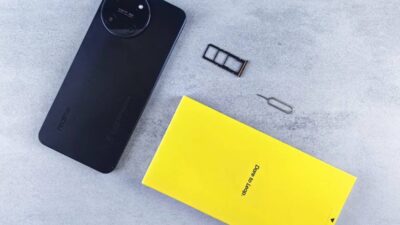
Use the SIM eject tool to open the tray, carefully move the SIM into your new phone, and insert it in the correct orientation. Once the phone is powered back on, it should detect the SIM automatically.
If it doesn’t, restarting the device or checking for carrier settings updates may resolve the issue.
If your new phone supports only eSIM, follow your carrier’s activation instructions instead of transferring a physical SIM card.
Test Calls, Texts, and Mobile Data
After activation, confirm that everything is working properly.
Try making a phone call, sending a text message, and browsing the internet using mobile data with Wi-Fi turned off. If any of these services don’t work, contact your carrier to verify that your SIM or eSIM has been activated correctly.
Read more: How Do I Know If My Phone Has a SIM Card? Seamless Ways to Check Any Device
5. Upgrading Your Phone? Make Sure Your SIM Is Ready
Getting a new phone is also a good opportunity to make sure your mobile service is ready for newer devices and network technology.
If your current SIM card is old, damaged, or incompatible with your new phone, replacing it before activation can help you avoid connectivity issues. If you’re moving to a phone that supports eSIM, you may not even need a physical SIM card. Instead, your carrier can activate service digitally, making setup faster and eliminating the need to swap SIM trays.
For eligible customers, AirTalk Wireless offers both traditional SIM cards and eSIM activation on supported devices, giving you more flexibility when upgrading to a new phone.
Depending on your eligibility and device compatibility, AirTalk Wireless may offer:
- Free SIM card activation for eligible users.
- eSIM activation on supported smartphones for faster setup.
- Monthly talk, text, and data through the federal Lifeline program.
- Bring Your Own Device (BYOD) support if you want to keep your current phone.
- Compatible LTE and 5G smartphones, subject to availability.
Not sure whether your phone supports eSIM? AirTalk Wireless provides a free eSIM Compatibility Checker that lets you verify your device before starting activation. Checking compatibility in advance can save time and make switching to your new phone much smoother.
Available plans, devices, SIM options, and eSIM support vary by state and device compatibility.
6. FAQs
Can I just buy a new phone and put my SIM card in it?
Yes, if your new phone is compatible with your carrier, uses the same SIM type, and your current SIM supports the network. If you’re switching carriers or using an eSIM-only phone, you’ll likely need a new SIM or eSIM activation.
Will my SIM card transfer everything to my new phone?
No. A SIM card mainly stores your phone number and carrier information. Photos, apps, messages, and most contacts are typically stored on your phone or synced through cloud services, so they need to be transferred separately.
What happens if you take out your SIM card and put it in another phone?
If the new phone is unlocked and compatible with your carrier, your phone number and mobile service usually move with the SIM card. You’ll be able to make calls, send texts, and use mobile data on the new device once it’s recognized by the network.
7. Conclusion
In many cases, upgrading your phone doesn’t mean replacing your SIM card. Whether you can keep your existing SIM depends on your carrier, your new device, and whether your current SIM supports today’s network technology.
If you’re still asking do I need a new SIM card for a new phone, checking compatibility before you switch is the easiest way to avoid activation problems. And if your new device supports eSIM, digital activation may provide an even faster and more convenient way to get connected.