A missing SIM card doesn’t necessarily mean your phone stops being useful. Many smartphones can continue performing a wide range of everyday tasks, even without an active connection to a cellular network. The key difference is how the device accesses the internet and communicates with others.
Before deciding whether you need a SIM card, it’s helpful to know which features depend on mobile service and which ones work perfectly over Wi-Fi alone. That distinction can help you get more value from an old phone, a backup device, or a phone that’s waiting for activation.
This guide explores what can you do without a SIM card, which features remain available, what limitations to expect, and when adding a SIM card makes the most sense.
1. Can You Use a Phone Without a SIM Card?
Yes. A smartphone can still perform many everyday functions without a SIM card, especially when it’s connected to Wi-Fi. While it won’t have access to cellular services, it can continue working much like a small tablet for entertainment, communication, and productivity.
Exactly what can you do without a SIM card depends on whether the feature requires a mobile network or simply an internet connection. Many apps and built-in tools remain fully usable even without active cellular service.

2. What Can You Do Without a SIM Card?
A SIM card connects your phone to a carrier’s mobile network, but many popular features don’t rely on that connection. With Wi-Fi access, your phone can still handle a wide variety of everyday tasks.
Connect to Wi-Fi
Even without a SIM card, your phone can connect to home, school, work, or public Wi-Fi networks.
Once connected, you can browse websites, download apps, check email, join video calls, and access most online services just as you would with an active mobile plan. For many users, Wi-Fi alone is enough for day-to-day use at home.
Browse the Internet and Use Apps
Most apps continue working normally over Wi-Fi.
You can use social media, stream content, shop online, manage your calendar, read the news, and communicate through internet-based messaging apps.
Services such as WhatsApp, Messenger, FaceTime, Zoom, and Google Meet all work without a SIM card as long as an internet connection is available.
Take Photos and Record Videos
Your phone’s cameras work independently of the SIM card.
You can take photos, record videos, edit media, and save everything locally on the device. You can also upload your files to cloud storage or share them online whenever you’re connected to Wi-Fi.
Watch Videos and Listen to Music
A phone without a SIM card can still serve as an entertainment device.
Streaming services like YouTube, Netflix, Spotify, and other media apps work over Wi-Fi. You can also enjoy downloaded movies, music, podcasts, ebooks, and other offline content without any mobile service.
Use GPS and Offline Maps
Most smartphones include built-in GPS hardware that works without a SIM card.
Navigation apps can still determine your location using GPS satellites, while downloaded offline maps allow you to navigate even without cellular data. Real-time traffic updates and live route changes, however, usually require an internet connection.
Make Emergency Calls
Many smartphones can still place emergency calls even if there isn’t an active SIM card installed.
Depending on your location and local regulations, the phone may connect to any available cellular network for emergency services. Because availability varies by country and carrier, a phone without a SIM card shouldn’t be relied on as your only means of emergency communication.
3. What Can’t You Do Without a SIM Card?
Although what can you do without a SIM card includes many everyday activities, certain features still depend on an active connection to a mobile carrier. With no SIM card or eSIM, your phone loses access to most cellular services.
Make Regular Calls
Standard voice calls require an active mobile number and a connection to your carrier’s network.
If you don’t use a SIM card, you won’t be able to place or receive traditional phone calls. Internet calling apps may still work over Wi-Fi, but they don’t replace your regular cellular service.
Send SMS Messages
Text messages sent through your carrier also require an active SIM card.
Without one, standard SMS and MMS messages won’t send or arrive. Messaging apps that use the internet can still function normally over Wi-Fi.
Use Mobile Data
A SIM card provides access to your carrier’s cellular data network.
Without it, your phone can’t connect to LTE or 5G data when you’re away from Wi-Fi. Internet access will only be available through Wi-Fi or another connected network.
Receive Carrier Services
Many carrier-specific features also depend on an active SIM card.
Without mobile service, you generally won’t receive carrier voicemail, network-based caller ID, mobile account notifications, or verification texts sent to your phone number. Activating a SIM card restores these services and allows your phone to function as a fully connected mobile device.
4. Who Might Not Need a SIM Card?
Although a SIM card is necessary for full mobile service, not everyone needs one all the time. In certain situations, a Wi-Fi connection provides everything a user needs.
Kids Using Wi-Fi Only Devices
Parents sometimes give children an older smartphone with no SIM card instead of a traditional mobile phone.
Connected to Wi-Fi, the device can support educational apps, video streaming, games, and internet-based video calls while avoiding monthly wireless costs. It also allows parents to limit cellular access while still providing many useful features.
Travelers Waiting for a Local SIM
International travelers often arrive at their destination before purchasing a local SIM card.
Until then, a smartphone can still connect to hotel, airport, or café Wi-Fi for navigation, messaging apps, travel bookings, and online communication. Once a local SIM or eSIM is activated, the phone regains full cellular service.
Keeping an Old Phone as a Backup
A retired smartphone doesn’t have to stay in a drawer just because it no longer has cellular service.
Many people continue using an older phone as a backup device for music, videos, smart home controls, video calls, security cameras, or emergency internet access whenever Wi-Fi is available.
5. When Is It Time to Get a SIM Card?
A no-SIM phone works well when Wi-Fi is available, but it becomes much less practical if you need to stay connected while you’re away from home.
Getting a SIM card is usually the better choice if you need to:
- Make and receive regular phone calls.
- Send and receive SMS messages.
- Access mobile data without relying on Wi-Fi.
- Receive verification codes tied to your phone number.
- Stay connected while commuting, traveling, or during emergencies.
If the cost of mobile service is what’s holding you back, you may have more affordable options than you expect.
Lifeline is a federal assistance program that helps eligible low-income households reduce the cost of phone or internet service through participating wireless providers.
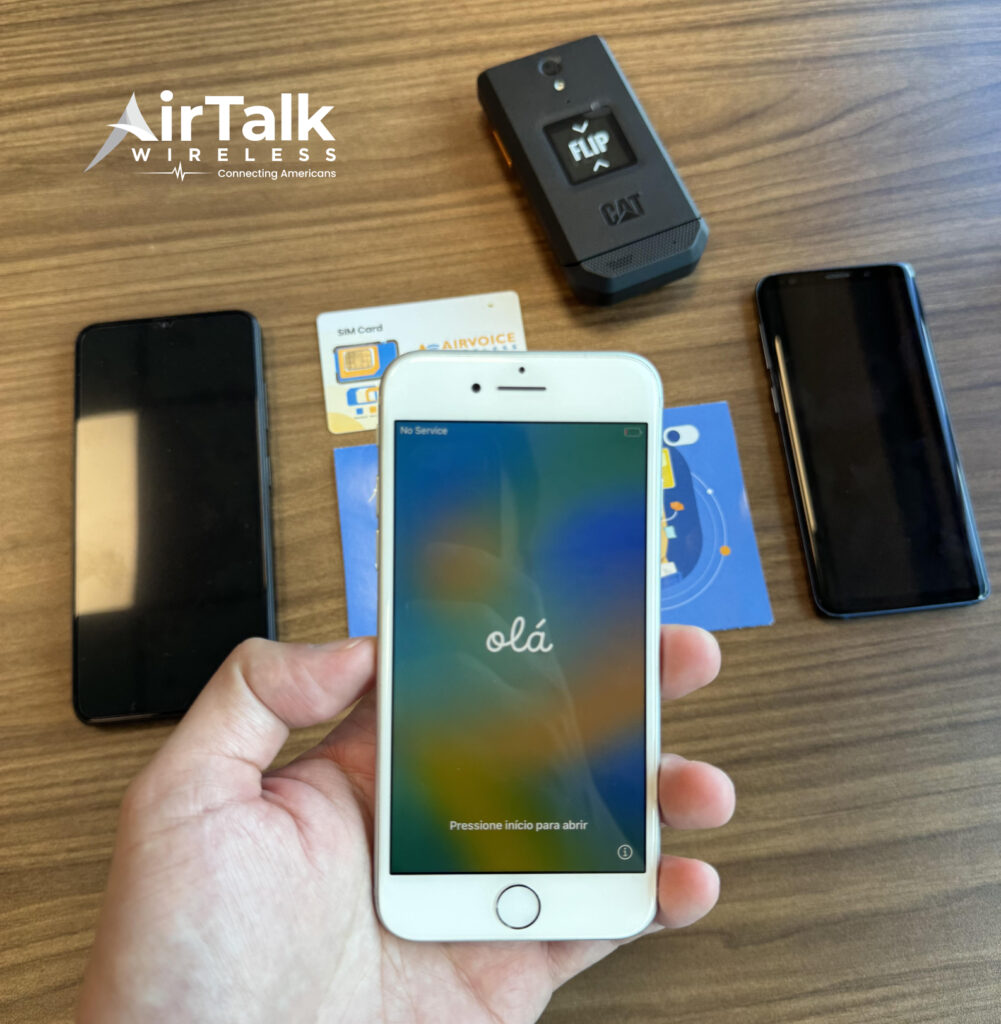
As a participating Lifeline provider, AirTalk Wireless may offer eligible customers:
- Free SIM card activation, where available.
- Monthly talk, text, and data plans.
- Compatible LTE and 5G smartphones.
- eSIM-compatible devices on supported models.
- Bring Your Own Device (BYOD) support.
Read more: How to Call Without a SIM Card: 5 Methods to Stay Connected
6. FAQs
Can I still use my phone if I remove the SIM card?
Yes. You can still connect to Wi-Fi, use apps, browse the internet, take photos, and access many built-in features. However, cellular services such as regular calls, SMS, and mobile data won’t be available.
Can I use WhatsApp without a SIM card?
Yes. Once your account has been set up, WhatsApp can continue working over Wi-Fi without an active SIM card. Some account changes or reinstallation may require phone number verification.
Does GPS work without a SIM card?
Yes. Your phone’s GPS receiver works independently of the SIM card. Navigation apps can still determine your location, and offline maps can provide directions without mobile data.
Can I turn an old phone into a Wi-Fi-only device?
Absolutely. Many people reuse older smartphones for streaming, gaming, smart home controls, video calls, online learning, or as backup devices without installing a SIM card.
7. Conclusion
A smartphone can remain surprisingly useful without cellular service. From browsing the web and using apps to taking photos and navigating with GPS, many everyday features continue to work with nothing more than a Wi-Fi connection.
Knowing what can you do without a SIM card helps you decide whether Wi-Fi-only access is enough or whether a mobile plan better fits your daily routine. If staying connected outside Wi-Fi is important, adding a SIM card is still the simplest way to unlock your phone’s full capabilities.