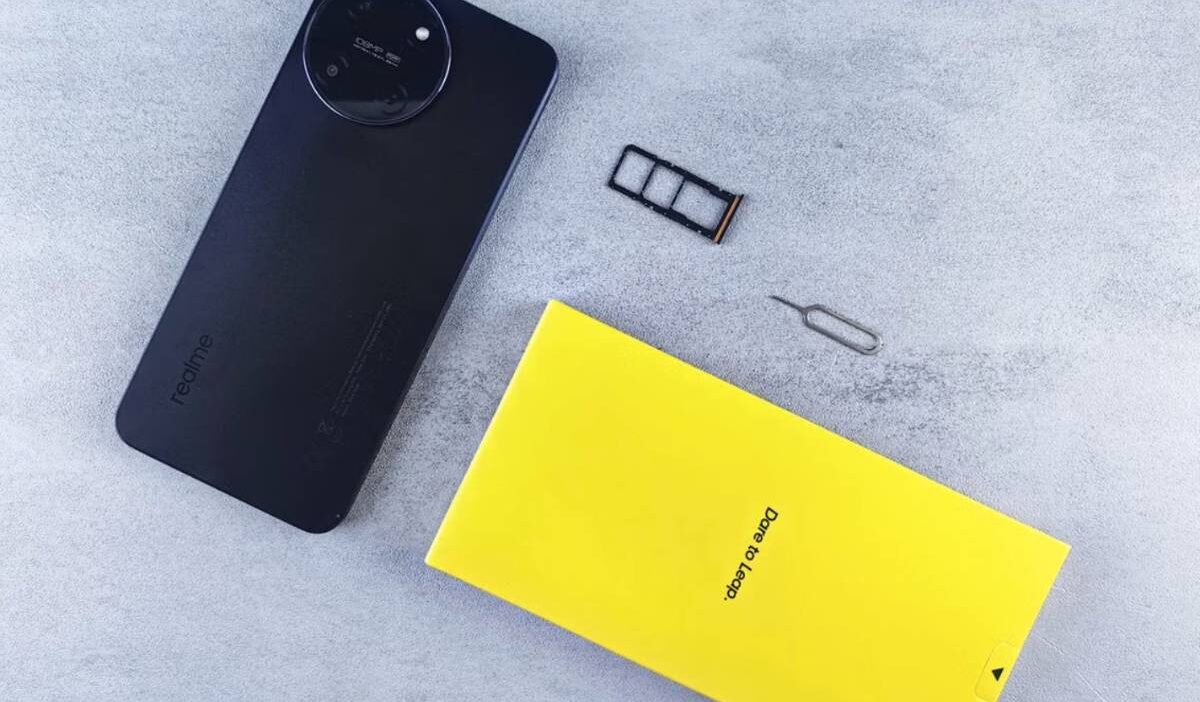
Mobile phones have evolved rapidly over the years, and so have the tiny cards that connect them to a cellular network. As manufacturers introduced slimmer designs, the format gradually shrank from standard to micro, then to nano, leaving many people unsure which version their handset requires.
A micro SIM card was once the default for popular smartphones, including several iPhone generations and many Android models. Although today’s flagship devices mostly use nano SIMs or eSIM technology, this format is still found in older handsets and some budget models.
Here’s what a micro SIM card is, which phones use it, and whether it’s still worth keeping around.
1. What Is a Micro SIM Card?
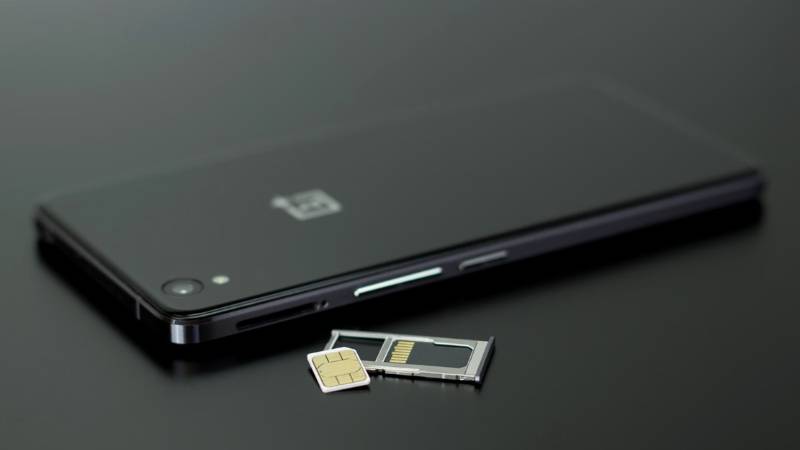
A micro SIM card, often shortened to micro SIM, is the third generation of SIM technology introduced to reduce the amount of plastic surrounding the chip while keeping the same functionality as earlier formats.
Measuring 15 × 12 mm, it’s smaller than a mini SIM but larger than a nano SIM.
The chip stores information such as your mobile number, carrier details, and subscriber identity, allowing a handset to connect to a cellular network.
Although the plastic frame became smaller over time, the technology inside remained largely unchanged.
2. Which Phones Use a Micro SIM Card?
Although most newly released smartphones rely on nano SIMs or eSIMs, many earlier models still require a micro SIM.
Older Android Phones
Several Android phones released during the early 2010s adopted the micro SIM format.
Examples include:
- Samsung Galaxy S3 and Galaxy S4
- HTC One M7
- Sony Xperia Z
- LG G2
- Motorola Moto G (1st generation)
If you’re reactivating one of these models, you’ll likely need a micro SIM rather than a newer format.
Older iPhones
Apple began using the micro SIM with the iPhone 4 and continued through several later generations.
These include:
- iPhone 4
- iPhone 4s
Beginning with the iPhone 5, Apple switched to the smaller nano SIM, which remains the physical SIM standard for most supported models today.
How to Check Which SIM Your Phone Needs
If you’re unsure which format your phone accepts, don’t rely on appearance alone.
You can:
- Look up the model number on the manufacturer’s website.
- Check the user manual or original packaging.
- Remove the SIM tray and compare it with a SIM size guide.
- Ask your wireless carrier to confirm compatibility before ordering a replacement.
Taking a minute to verify the correct format can save time and prevent activation issues later.
3. Can You Cut or Adapt a Micro SIM Card?
Changing SIM sizes is possible in some situations, but not every method carries the same level of risk. Whether you’re downsizing or reusing an existing card, the safest approach depends on the hardware you’re working with.
Using a SIM Cutter
A SIM cutter trims the surrounding plastic so a micro SIM can fit into a nano SIM slot.
When used correctly, it usually works well because the metal chip remains untouched. However, poor alignment can permanently damage the card, making replacement necessary.
Using a SIM Adapter
An adapter allows a smaller SIM, such as a nano SIM, to fit securely inside a larger tray designed for a micro or mini SIM.
Choose a well-made adapter that holds the card firmly. Loose or poorly fitted accessories can become stuck inside the SIM slot and may damage the tray.
When You Should Get a Replacement Instead
If your existing SIM is worn, damaged, or several years old, requesting a replacement from your carrier is often the better choice.
Most wireless providers can issue a new SIM in the correct size while keeping your existing phone number and service.
This option is generally more reliable than cutting an older card and reduces the risk of hardware problems during installation.
4. Need a New SIM Card? Choose the Right Size Before You Switch Phones
Whether you’re replacing an old card, switching to a different phone, or activating a new line, starting with the correct SIM size can save time and prevent activation issues.
If you’re eligible for the Lifeline program, you may qualify for free or low-cost wireless service through a participating provider. Lifeline is a federal assistance program that helps eligible households stay connected with monthly talk, text, and data benefits.
As a participating Lifeline provider, AirTalk Wireless offers multiple activation options to make switching devices as simple as possible, including:
- Free physical SIM card or eSIM activation on compatible devices.
- Bring Your Own Device (BYOD) support for many unlocked phones.
- A free online eSIM Compatibility Checker before activation.
- Monthly talk, text, and data through the Lifeline program for eligible customers.
- A selection of compatible smartphones for customers who prefer upgrading their device.
Getting started is straightforward:
- Check whether your phone uses a nano SIM or supports eSIM.
- Confirm your device is unlocked if you’re bringing your own phone.
- Use AirTalk’s eSIM Compatibility Checker if you plan to activate digitally.
- Complete your Lifeline application and verify your eligibility.
- Choose the activation method that matches your phone.
- Activate your service and transfer your existing number if you’d like to keep it.
Taking these steps before switching phones helps ensure a smooth activation process and lets you start using your service with minimal downtime.
Read more: Can You Use a Phone Without a SIM Card? What Still Works and What Doesn’t
5. FAQs
Do phones still use Micro SIM?
Yes, but mostly older models. While today’s smartphones typically use nano SIMs or eSIM technology, many devices released in the early 2010s still require a micro SIM.
Is a microSD card and a SIM card the same thing?
No. A microSD card expands a device’s storage capacity for photos, videos, and files, while a SIM card connects your phone to a mobile network and stores subscriber information.
Do all SIM cards fit all phones?
No. Phones are designed for specific SIM formats, such as mini, micro, nano, or eSIM. Always check your device’s specifications before purchasing or activating a replacement.
6. Conclusion
Although newer smartphones have largely transitioned to nano SIMs and eSIMs, the micro SIM card remains relevant for many older devices still in everyday use. Understanding the differences between SIM formats, checking your phone’s requirements, and choosing the correct replacement will help you avoid unnecessary setup issues and make switching devices much easier.