Managing mobile data while traveling or switching between plans can sometimes feel a bit confusing, especially if you’re new to eSIM technology.
While eSIM is built to make switching between carriers and data plans more flexible, the process of turning it off isn’t always immediately clear. Some users even worry they might accidentally delete their plan when they only want to pause it.
In reality, learning how to turn off eSIM is much easier than it sounds, and you don’t need to delete anything to pause it temporarily.
1. Can You Turn Off an eSIM without Deleting It?
Yes, you can turn off an eSIM at any time without deleting it from your device.
When you deactivate an eSIM, it simply stops using mobile data, calls, or texts associated with that profile. However, the eSIM itself remains stored on your phone, so you can turn it back on whenever needed.
This is especially useful in situations like international travel, where you may want to switch between your primary carrier and a temporary data plan. Instead of removing and reinstalling profiles, you can just toggle the eSIM on or off in your settings.
It’s also helpful in a few common everyday scenarios, such as:
- Switching between your primary carrier and a travel data plan while abroad
- Temporarily pausing mobile data to avoid roaming charges
- Reducing battery usage when you don’t need cellular connectivity
- Keeping a backup plan ready without reinstalling the eSIM profile
It’s a simple way to manage your mobile connection without losing your setup.
>>> Also read: Should You Delete eSIM from Your Old Phone? What Nobody Tells You (2026)
2. How to Turn Off eSIM (Step-by-Step Guide by Device)
Now that you know an eSIM can be paused without deleting it, the next step is learning how to actually turn it off on your device.
The process is slightly different depending on whether you’re using an iPhone or an Android phone, but both are quick and easy to follow.
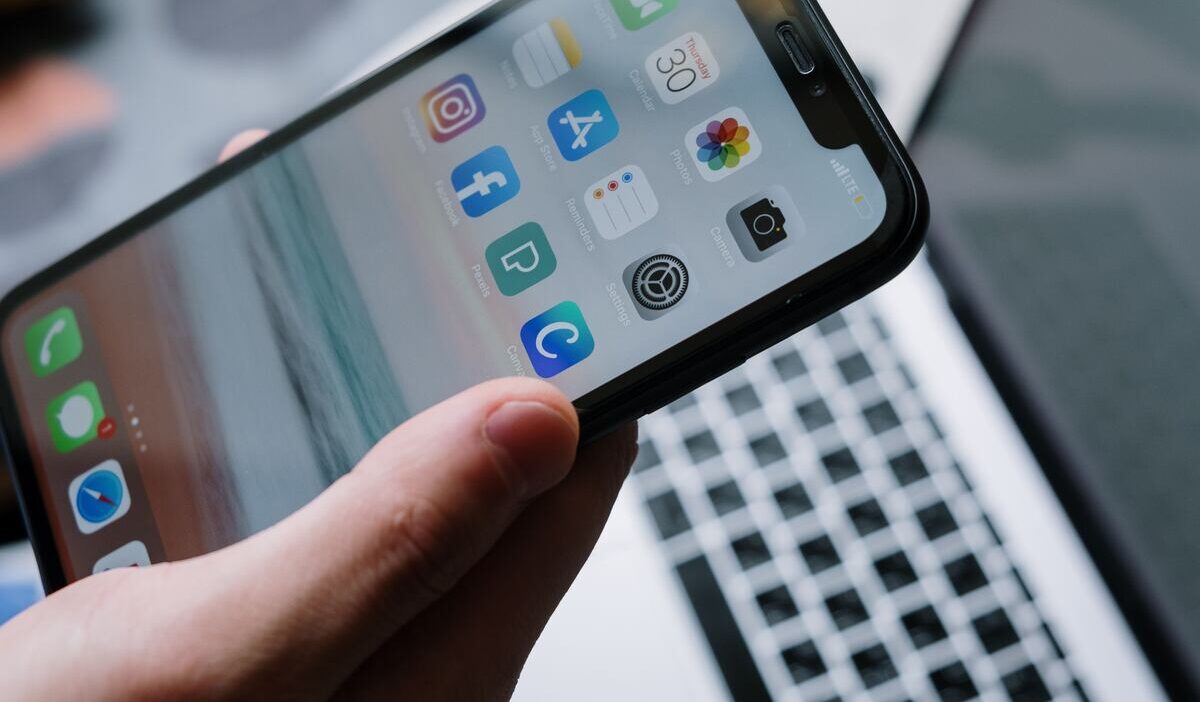
How to Turn Off eSIM on iPhone
Turning off an eSIM on an iPhone only takes a few seconds. Follow these steps:
- Open Settings
- Tap Cellular or Mobile Data
- Select the eSIM plan you want to turn off
- Toggle off Turn On This Line
Once disabled, your eSIM will stop working immediately, but it won’t be deleted. You can turn it back on anytime by switching the toggle back on.
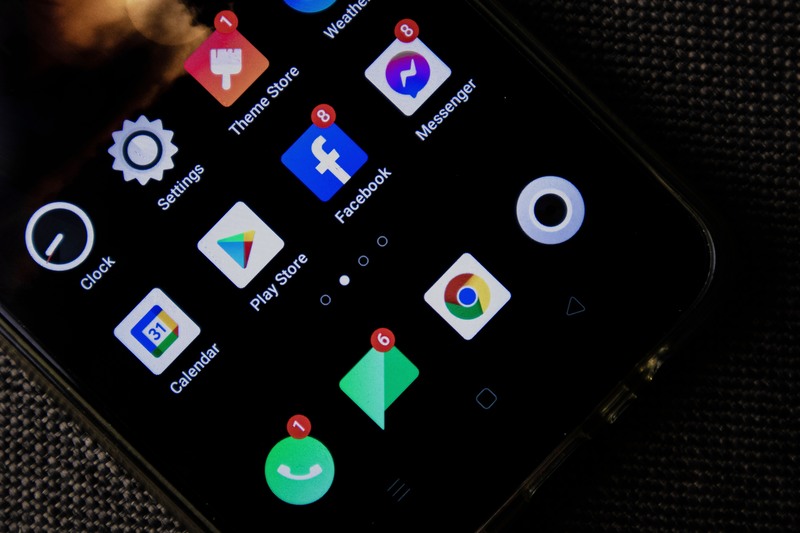
How to Turn eSIM Off on Android (Samsung & Others)
The process is just as simple on Android devices, though menu names may vary slightly depending on the brand:
- Open Settings
- Tap Connections
- Select SIM Manager
- Turn off the toggle for the eSIM you want to disable
After this, the eSIM will be deactivated but still saved on your device. This makes it easy to switch between different plans without going through setup again.
3. Turn Off vs Delete eSIM: What’s the Difference?
If you’re researching how to turn off eSIM, you may be wondering: Is turning off an eSIM the same as deleting it? The short answer is no.
Before adjusting your eSIM settings, it’s important to understand whether you actually need to turn it off or delete it.
Although both options affect how your mobile plan behaves, they are designed for very different situations in terms of flexibility, recovery, and long-term use.
Here’s a quick comparison of the key differences between turning off and deleting an eSIM:
| Feature | Turn Off eSIM | Delete eSIM |
| Purpose | Temporarily disable the line | Permanently remove the eSIM profile |
| Availability | Still stored on device | Removed completely |
| Reactivation | Can be turned back on instantly | Requires reinstall (QR code/carrier setup) |
| Use case | Travel, roaming control, battery saving | Switching carriers permanently or no longer using the plan |
| Result after action | Line is inactive but ready to reuse | Line is gone from the device |
In short, how to turn off eSIM is a reversible action for temporary control, while deleting it is a permanent removal that requires setup again if you need it later.
Because of this, most users should only turn off an eSIM unless they are completely done with that plan.
Once you’ve decided to simply turn off your eSIM, here are a few helpful tips to keep in mind:
- After turning eSIM back on, it may take a short time (up to a few minutes) to reconnect
- Avoid toggling it repeatedly during reconnection
- You may need to reselect the default line for calls, messages, or data after reactivation
- Keeping an inactive eSIM can be useful if the plan still has benefits or future use cases
- Turning off eSIM can help reduce roaming costs and battery usage in travel or low-signal situations
>>> You might be interested in: eSIM vs iSIM: The Key Differences and Which One Will Win the Future (2026)
4. What Happens When You Turn Off an eSIM?
When you turn off an eSIM, your phone simply stops using that mobile plan for data, calls, and texts.
The eSIM profile is still stored on your device, so you don’t need to set it up again later and can reactivate it anytime while the plan is still valid. This is essentially what users are trying to achieve when they look up how to turn off eSIM.
It’s also important to understand that turning off an eSIM does not pause billing or extend your plan’s validity. The subscription continues running based on its original activation date, even if the eSIM is temporarily disabled.
In practice, this means:
- Mobile connection stops immediately: Calls, messages, and mobile data linked to that eSIM will no longer work once it is turned off.
- The eSIM profile is still saved on your phone: You can turn it back on at any time without scanning a QR code again or contacting your carrier.
- Your plan keeps running in the background: A 7-day travel eSIM, for instance, will still expire after 7 days even if it was turned off for part of that time.
- Billing or validity period is not paused: Even when the eSIM is inactive, a monthly plan continues counting down until the billing cycle ends.
- Best used for temporary control, not stopping charges: This makes it useful when you want to avoid roaming usage or switch between networks, but it won’t extend your plan duration or freeze costs.
Final Thoughts
Knowing how to turn off eSIM iPhone and Android gives you a simple and practical way to manage your mobile connection without having to remove your plan completely.
Whether you’re switching networks, reducing battery usage, or avoiding extra charges while traveling, it only takes a few quick taps in your settings.
By understanding how eSIM controls work, you can stay in full control of your data and enjoy a more flexible mobile experience wherever you go.