Even with eSIM becoming more common, many users still want to know whether newer iPhones continue supporting physical SIM cards. This matters especially for travelers, prepaid users, and anyone switching devices manually between carriers.
For users asking does iPhone 13 Pro Max have a SIM card, the answer is yes. The iPhone 13 Pro Max supports both a physical nano-SIM card and eSIM functionality, giving users multiple ways to activate cellular service depending on the carrier and region.
1. Does iPhone 13 Pro Max Have a SIM Card?
Yes, the iPhone 13 Pro Max includes a physical SIM card slot while also supporting full eSIM functionality. Apple designed the device to work with both connectivity options, allowing users to activate service either through a traditional nano-SIM card or digitally through eSIM-compatible carriers.
Depending on the region and carrier, the iPhone 13 Pro Max supports:
- One physical nano-SIM
- One active eSIM
- Dual SIM functionality
- Multiple stored eSIM profiles
For users researching does iPhone 13 Pro Max have a SIM card, the important detail is that the device still supports physical SIM cards unlike some newer U.S. iPhone models that moved fully to eSIM-only designs.
2. Where Is the SIM Card Slot on iPhone 13 Pro Max?
The physical SIM tray on the iPhone 13 Pro Max is easy to access once you know where to look.
Slot Location on the Left Side
The SIM card tray is located:
- On the left edge of the iPhone
- Slightly below the volume buttons
A small pinhole next to the tray allows the SIM slot to open using an ejector tool.
SIM Size Requirements (Nano-SIM Only)
The iPhone 13 Pro Max only supports Nano-SIM cards.
Older SIM sizes such as micro-SIM or standard SIM cards will not fit properly without trimming or replacement.
Most modern carriers already issue nano-SIM cards by default.
How to Open the Tray with an Ejector Pin
To open the SIM tray safely:
- Insert the SIM ejector tool into the small pinhole
- Press gently but firmly
- Pull the tray outward carefully
If the original ejector tool is unavailable, a small paperclip may also work carefully.
3. How to Insert a SIM Card in iPhone 13 Pro Max
Installing a physical SIM card usually only takes a few minutes.
Step 1: Power Off Your Device
Before inserting the SIM card:
- Hold the side button and volume button
- Slide to power off
- Wait a few seconds for shutdown
Powering off helps reduce temporary detection issues during installation.
Step 2: Use the Ejector Pin to Open the Tray
Locate the SIM tray on the left side of the device.
Then:
- Insert the ejector pin
- Push gently
- Remove the tray carefully
Avoid forcing the tray if resistance feels unusually strong.
Step 3: Place the Nano-SIM Correctly
Place the nano-SIM into the tray using the notch for alignment.
The card should:
- Sit flat
- Match the tray shape exactly
- Not wobble or lift upward
Incorrect placement may cause detection errors later.
Step 4: Power On and Follow Setup Prompts
After reinserting the tray:
- Turn the iPhone back on
- Wait for carrier detection
- Follow any activation prompts if necessary
In most cases, the phone should recognize the SIM automatically once the network connection finishes loading.
Read more: SIM Network Unlock PIN Free: What’s Worth Trusting in 2026
4. iPhone 13 Pro Max SIM Problems and Quick Fixes
Most SIM-related problems on the iPhone 13 Pro Max can usually be fixed without replacing the phone itself.
The issue is often connected to carrier activation, SIM placement, software settings, or temporary network problems.
“No Service” After Inserting the SIM
Sometimes the phone recognizes the SIM card physically but still cannot connect to the carrier network.
Possible fixes include:
- Restart the iPhone
- Toggle Airplane Mode on and off
- Check for carrier settings updates
- Reinsert the SIM card carefully
- Confirm the carrier account is active
Poor network coverage or temporary carrier outages may also trigger this issue occasionally.
“SIM Not Detected” Error
If the iPhone cannot detect the SIM card at all, common causes may include:
- Improper SIM placement
- Dirty SIM contacts
- Damaged SIM tray
- Carrier lock restrictions
- Faulty SIM card
For users researching “does iPhone 13 Pro Max have a SIM card”, this error is usually related to SIM alignment or carrier issues rather than missing hardware support.
eSIM Won’t Download
Some users activate service digitally instead of using a physical SIM card.
If the eSIM fails to install:
- Verify Wi-Fi is stable
- Update iOS if needed
- Confirm eSIM carrier compatibility
- Restart the activation process
- Contact the carrier for reprovisioning
Many eSIM problems are tied to activation setup delays rather than phone hardware problems.
5. Already Have an iPhone 13 Pro Max? Pair It with an Affordable or Free Plan
Keeping an older premium iPhone often makes more financial sense than upgrading every year, especially when the device still supports modern features like eSIM, dual SIM, strong cameras, and long iOS support.
Instead of replacing the phone itself, many users focus on lowering the monthly wireless bill instead.
The iPhone 13 Pro Max remains compatible with many bring-your-own-device plans, including some lower-cost carriers and eligible Lifeline-supported services.
Depending on qualification status, some households may be eligible for:
- Free monthly talk
- Free text
- Data plans
- eSIM or physical SIM activation on compatible devices
AirTalk Wireless is one participating Lifeline provider that supports many compatible iPhones, allowing eligible users to continue using devices they already own instead of purchasing new phones unnecessarily.
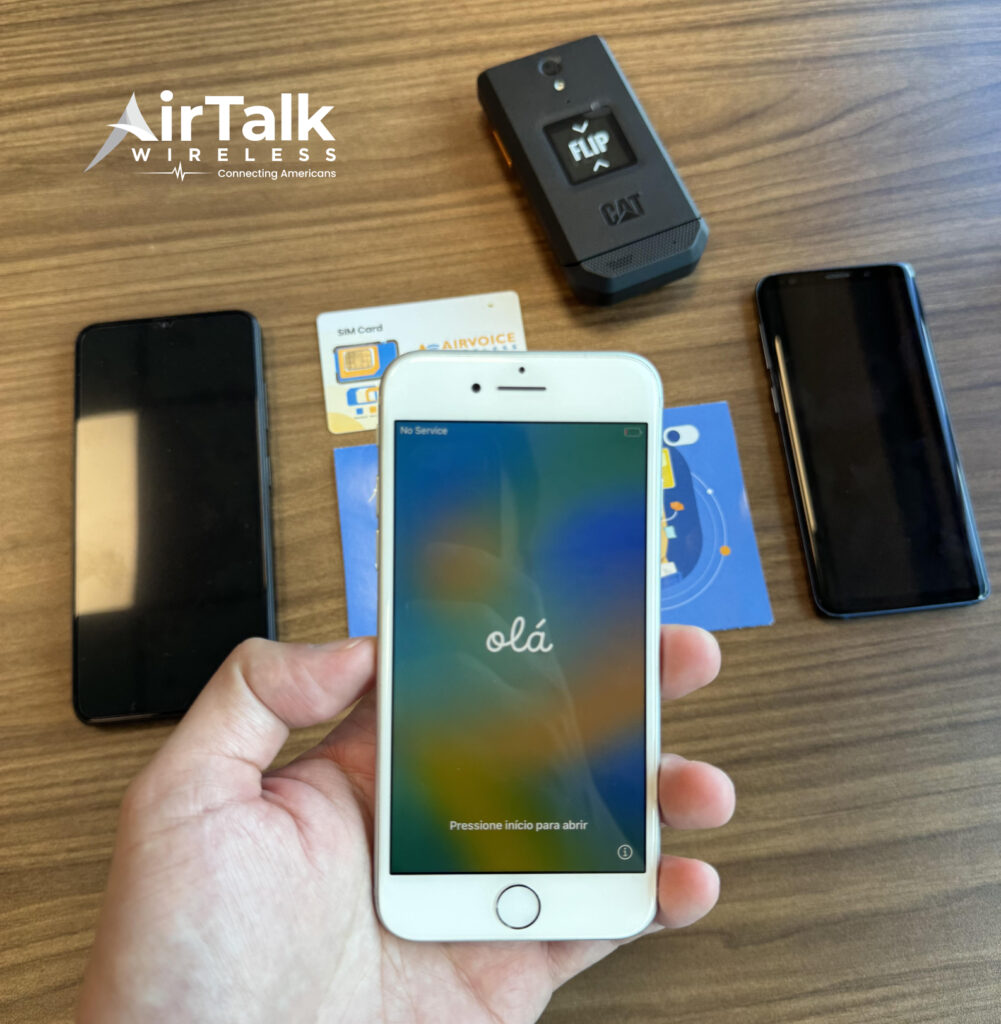
For users comfortable with digital activation, eSIM support may also simplify the setup process significantly by removing the need to swap physical SIM cards manually.
That flexibility can be especially useful for travelers, dual-line users, or anyone switching carriers more often.
6. FAQS
Does iPhone 13 Pro Max Have a Physical SIM Card Slot?
Yes. The iPhone 13 Pro Max includes a physical nano-SIM tray while also supporting eSIM functionality.
Can iPhone 13 Pro Max Use eSIM and Physical SIM Together?
Yes. The device supports dual SIM functionality using one nano-SIM and one eSIM simultaneously.
What SIM Size Does iPhone 13 Pro Max Use?
The phone uses a nano-SIM card only.
Why Is My iPhone 13 Pro Max Saying “No SIM”?
This may happen because of improper SIM placement, carrier activation problems, damaged SIM cards, or temporary software issues.
7. Conclusion
For users wondering does iPhone 13 Pro Max have a SIM card, the device still supports both a physical nano-SIM tray and full eSIM functionality. That gives users more flexibility when activating service, switching carriers, traveling internationally, or managing two phone lines on one device.
Even in 2026, the iPhone 13 Pro Max remains compatible with both traditional SIM setups and newer digital activation methods. This makes it easier to pair the phone with modern carrier plans, prepaid options, or compatible bring-your-own-device programs.