Flip phones have become popular again, whether you’re looking for a simpler mobile experience, a reliable backup device, or a compact alternative to a smartphone. But before making the switch, many people ask the same question: do flip phones have SIM cards?
This guide explains which flip phones use SIM cards, where to find the SIM slot, whether your current SIM card will work, and what to check before switching to a flip phone.
1. Do Flip Phones Have SIM Cards?
Yes, many flip phones use SIM cards to connect to a mobile network, but not every model works the same way.
Whether a flip phone has a SIM card depends on when it was made, the network technology it supports, and whether it was designed for a specific carrier.
Most flip phones sold today use physical nano SIM cards, while a small number of newer models may also support eSIM.
By comparison, some older flip phones were built for CDMA networks and either used no removable SIM card or relied on carrier-specific technology.

2. Which Flip Phones Use SIM Cards?
Not all flip phones are built on the same network technology. While most modern models require a SIM card for cellular service, older devices may have different hardware or network requirements.
Modern 4G and 5G Flip Phones
Most flip phones released in recent years use a physical SIM card to connect to 4G LTE or 5G networks. These devices work much like modern smartphones, allowing users to activate service by inserting a compatible SIM card or, on some models, setting up an eSIM.
Popular examples include flip phones from Nokia, TCL, Samsung, and Motorola that support today’s nationwide LTE and 5G networks.
Older Flip Phones
Many older flip phones were designed before LTE became the standard. Some GSM models use larger Mini SIM or Micro SIM cards, while many CDMA phones sold by carriers relied on network programming instead of a removable SIM card.
As older 2G and 3G networks have been retired in many regions, these devices may no longer work even if they still power on.
Carrier Locked vs Unlocked Models
Whether a flip phone accepts your SIM card also depends on whether it’s locked or unlocked.
An unlocked flip phone can usually work with compatible SIM cards from different carriers, provided it supports the necessary network bands.
A carrier-locked phone, however, is typically restricted to the original network until it has been officially unlocked.
Before inserting your SIM card, it’s a good idea to verify both the carrier lock status and the phone’s network compatibility.
3. How to Find the SIM Card on a Flip Phone
If you’re wondering do flip phones have SIM cards, locating the SIM slot is one of the easiest ways to find out.
The exact location varies by model, but most flip phones place the SIM card in an accessible compartment behind the battery or along the side of the device.
Where the SIM Card Slot Is Located
On many traditional flip phones, the SIM card slot is located underneath the removable battery. After removing the back cover, you’ll typically find a small slot labeled “SIM.”
Newer flip phones with sealed batteries may instead have a SIM tray on the side of the phone that can be opened with a SIM eject tool.
How to Remove or Insert a SIM Card
Always power off the phone before removing or inserting a SIM card.
For phones with a removable battery, take off the back cover, remove the battery if necessary, and gently slide the SIM card into or out of its slot. If your phone uses a SIM tray, insert the eject tool into the small pinhole, remove the tray, place the SIM in the correct orientation, and slide the tray back into the phone.
Once the phone is turned on again, it should detect the SIM automatically if it’s compatible.
How to Tell If Your Phone Uses an eSIM
Although most flip phones still rely on physical SIM cards, a few newer models also support eSIM technology.
You can usually confirm this by checking the phone’s specifications or opening the mobile network settings.
If you see options to add or activate an eSIM, your device supports digital SIM activation. Otherwise, you’ll likely need a physical SIM card for cellular service.
4. Can You Put Your Current SIM Card in a Flip Phone?
In many cases, you can use your current SIM card in a flip phone, but compatibility depends on more than whether the card physically fits. The phone must support your carrier’s network, use the correct SIM size, and be compatible with the network technology your carrier operates.
Before moving your SIM card, it’s worth checking a few details to avoid activation or connectivity issues.
When It Will Work
Your current SIM card will usually work if the flip phone is unlocked, supports your carrier’s LTE or 5G network, and uses the same SIM size.
In most cases, simply inserting the SIM card and restarting the phone is enough for the device to recognize your mobile service.
If your carrier supports automatic activation, calls, texts, and mobile data should begin working shortly afterward.
When You’ll Need a New SIM Card
A new SIM card may be required if your current one is outdated, damaged, or designed for an older network that is no longer supported.
You may also need a replacement if you’re switching to a carrier that issues new SIM cards, moving to an eSIM-compatible device, or upgrading to a plan that requires newer LTE or 5G provisioning.
If you’re unsure, your carrier can verify whether your existing SIM is compatible before you switch devices.
What to Check Before Switching Phones
Before inserting your SIM card into a flip phone, take a few minutes to confirm that:
- The phone supports your carrier’s network bands.
- The device is unlocked or compatible with your carrier.
- Your SIM card is the correct size.
- The phone supports LTE or VoLTE if required by your carrier.
- Your carrier still supports activating that specific flip phone model.
Checking these details beforehand can help you avoid activation problems and unnecessary SIM replacements.
5. Switching to a Flip Phone? Make Sure Your SIM Is Ready
Many people choose a flip phone for its simplicity, but it’s also worth considering whether a modern smartphone better fits your needs.
Entry-level smartphones now offer a straightforward experience while providing stronger network compatibility, longer software support, and access to features that many older flip phones don’t support.
For eligible users, participating Lifeline providers such as AirTalk Wireless may offer compatible devices and wireless services, including:
- SIM card activation
- Monthly talk, text, and data plans
- LTE and 5G-ready devices
- Bring Your Own Device (BYOD) support
- eSIM-compatible phones on supported models
Depending on local availability, you may find devices such as:
- Apple iPhone SE: A compact iPhone with eSIM support, long-term iOS updates, and simple navigation.
- Samsung Galaxy A14 5G: A dependable everyday phone with a large display, long battery life, and 5G connectivity.
- AirVoice C67: An easy-to-use Android phone with a responsive interface and a built-in stylus for added convenience.
- FOXXD A67L Gen 2: An affordable upgrade for users moving from older phones to faster LTE and 5G networks.
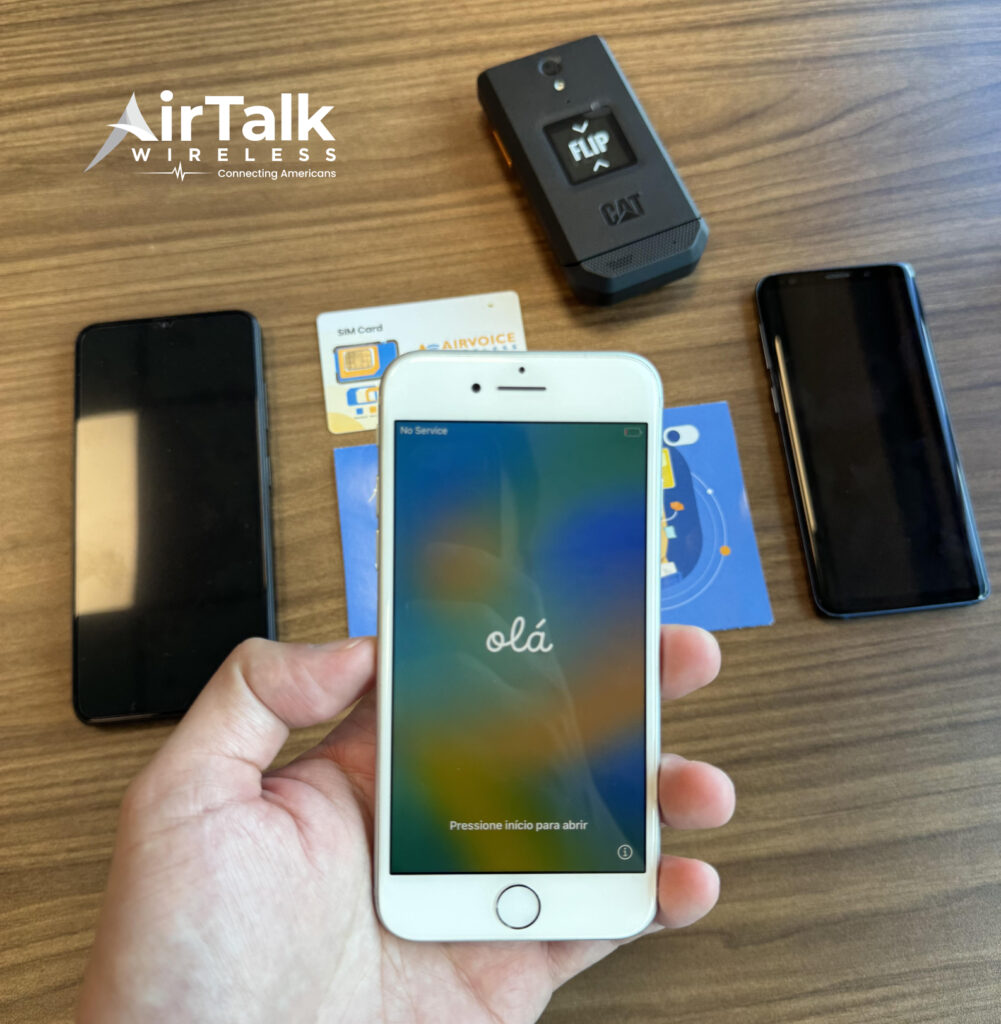
The application process typically begins by checking eligibility, entering your ZIP code to view available plans and devices, completing any required verification, and activating your service once approved.
Available devices, SIM options, supported features, and monthly data allowances vary by state and inventory.
Read more: Does Every Phone Have a SIM Card? The Answer Isn’t as Simple as You Think
6. FAQs
Do all flip phones use the same size SIM card?
No. Older flip phones may use Mini SIM or Micro SIM cards, while most modern flip phones use Nano SIM cards. Some newer models may also support eSIM.
Can I use a smartphone SIM card in a flip phone?
Yes, as long as the flip phone supports your carrier, network technology, and SIM size. Physical compatibility alone doesn’t guarantee the phone will work.
Can a flip phone work without a SIM card?
You may be able to use certain features, such as the camera or offline tools, but you won’t be able to make calls, send texts, or use mobile data without an active SIM or eSIM.
Are flip phones still supported by mobile carriers?
Yes, but support depends on the model. Most carriers support newer LTE and 5G-compatible flip phones, while many older 2G and 3G models are no longer compatible with today’s networks.
7. Conclusion
Flip phones can still be a practical choice for users who want a simpler mobile experience, but the device needs to match today’s network requirements. Checking SIM compatibility, carrier support, and LTE or 5G availability before switching can help prevent connection problems later.
The question do flip phones have SIM cards depends on the specific model, carrier, and network technology it supports. Whether you’re keeping your current SIM card or activating a new one, choosing a compatible device is the key to making the transition work smoothly.