The iPhone 11 sits in an unusual spot compared to newer iPhones because it still includes a physical SIM tray while also supporting eSIM technology on many models. That combination often creates confusion about whether the phone uses a SIM card, supports dual SIM, or works differently depending on the region where it was purchased.
Those differences should be considered before you switch carriers, insert a new nano-SIM, or set up eSIM service. For anyone checking does iPhone 11 have SIM card support, the answer depends partly on which regional model is being used and how the device was originally configured.
1. Does the iPhone 11 Have eSIM or Physical SIM?
The iPhone 11 can support both physical SIM cards and eSIM technology, but the exact setup depends on where the phone was originally sold.
U.S. Models
Most iPhone 11 models sold in the United States include:
- One physical nano-SIM tray
- One built-in eSIM
That means the phone supports dual SIM functionality by combining a physical SIM card with a digital eSIM line on compatible carriers.
So for anyone asking both “does iPhone 11 have SIM card support” and “Is the iPhone 11 a dual SIM phone?”, U.S. models generally support both features at the same time.
China and Hong Kong Models
Some iPhone 11 models sold in China, Hong Kong, or Macau use a different configuration.
Instead of combining one nano-SIM with eSIM, these regional versions may support:
- Two physical nano-SIM cards
- Dual SIM functionality without eSIM enabled
That difference is important because not every iPhone 11 worldwide uses the exact same SIM setup.
2. How to Get to the SIM Card on iPhone 11
The iPhone 11 still includes a physical SIM tray, making it easy to insert, replace, or remove a nano-SIM card when switching carriers or activating service.
Locate the SIM Tray on the Side
The nano-SIM tray is located on the left side of the iPhone 11 below the volume buttons.
A small pinhole next to the tray is used to eject it safely.
Use a SIM Eject Tool or a Paper Clip
To open the tray:
- Power off the iPhone if possible
- Insert a SIM eject tool or straightened paper clip into the pinhole
- Press gently until the tray pops out
Avoid forcing the tray open because too much pressure can damage the mechanism.
Insert or Remove the Nano-SIM Properly
When placing the SIM card into the tray:
- Align the cut corner correctly
- Lay the nano-SIM flat inside the tray
- Slide the tray back carefully until fully seated
Once reinserted, the iPhone should recognize the SIM automatically if the carrier is supported and active.
Read more: Does iPhone 13 Have a SIM Card? The Full Picture Explained
3. Get Connected with a Free iPhone Through AirTalk Wireless Lifeline
The iPhone 11 still works well for everyday use, which is why many people prefer keeping the device instead of upgrading constantly.
Since the phone supports both nano-SIM and eSIM functionality, it can also pair smoothly with many modern wireless plans, including supported Lifeline services.
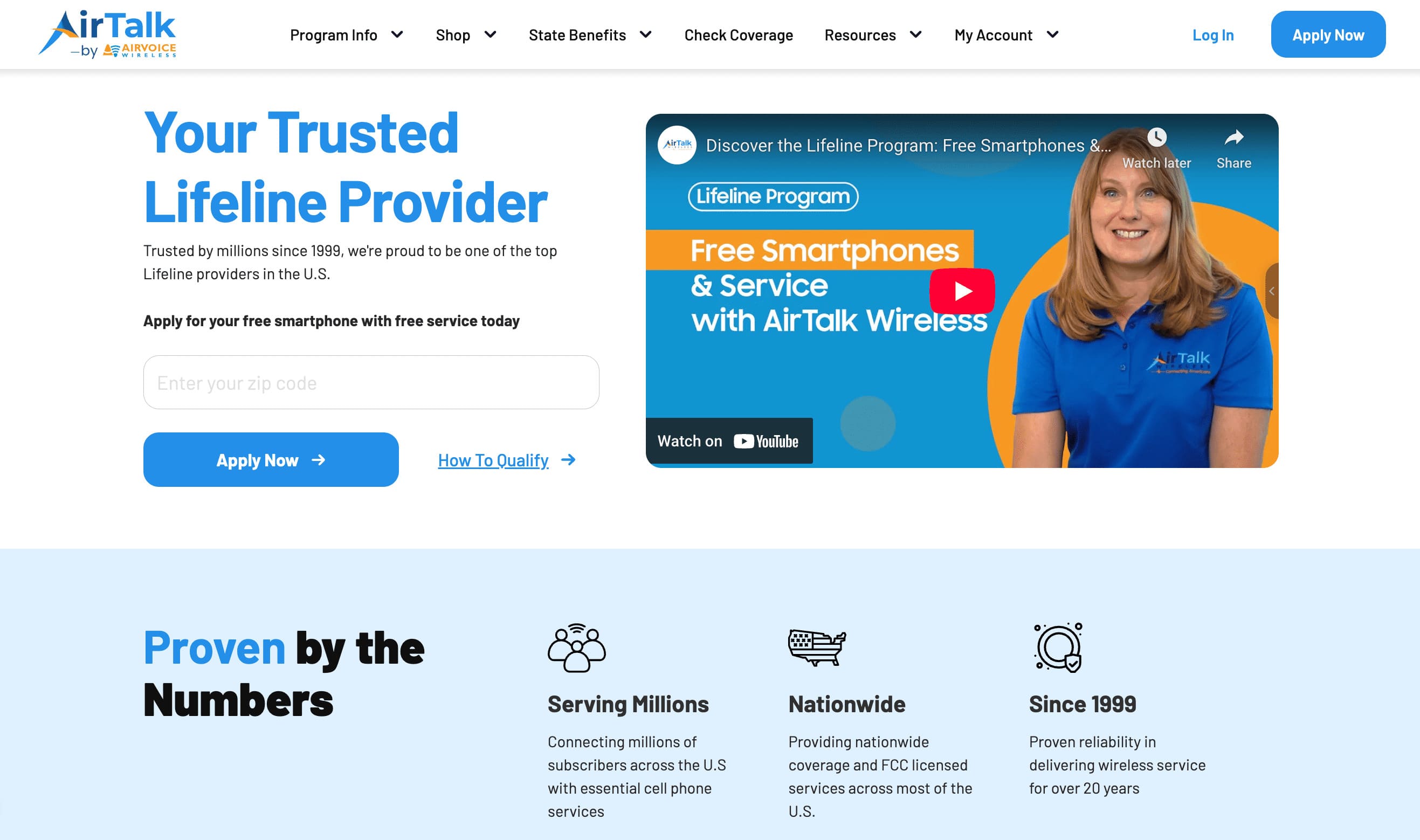
For eligible households, AirTalk Wireless offers Lifeline-supported plans that may help reduce monthly phone costs while still providing access to compatible nationwide coverage and smartphone options.
What Lifeline Covers
Lifeline is a federal assistance program designed to make phone service more affordable for qualifying low-income households.
Through participating providers like AirTalk Wireless, eligible customers may receive benefits such as:
- Monthly talk
- Text messaging
- Mobile data
- Compatible nationwide coverage
- Bring Your Own Device support for eligible phones
Because the iPhone 11 supports both physical SIM cards and eSIM activation, compatible AirTalk plans may allow flexible activation methods depending on the device setup and carrier support available in the area.
Separate from standard Lifeline service itself, AirTalk may also offer free or discounted devices depending on inventory availability and qualification status.
Who Qualifies for the Program
Eligibility can happen through either household income requirements or participation in qualifying government assistance programs.
Common qualifying pathways may include:
- Medicaid
- SNAP
- SSI
- Federal Public Housing Assistance
- Veterans Pension benefits
Qualification rules can vary slightly depending on the state and program verification process.
How to Apply for a Free Phone, Tablet & SIM/eSIM
The application process usually starts online and only takes a few basic steps.
Most applicants typically:
- Enter a ZIP code to check local coverage and availability
- Choose between Bring Your Own Device support or available phone offers if eligible
- Upload proof of eligibility if verification is requested
- Complete the online application form
- Complete activation after approval
For compatible iPhone 11 models, activation may happen through either:
- A physical nano-SIM card
- eSIM setup on supported plans
That flexibility can make it easier to keep using the same iPhone while switching to a lower-cost wireless plan.
4. FAQS
Can the iPhone 11 Hold Two eSIMs at Once?
Yes, some iPhone 11 models can support dual eSIM functionality with iOS 16 or later on compatible carriers. That allows two active eSIM lines simultaneously without requiring a physical nano-SIM card.
Does the iPhone 11 Still Need a Physical SIM Card?
Not always. Compatible carriers may allow the iPhone 11 to activate entirely through eSIM without inserting a physical SIM card.
Where Is the SIM Card Slot on iPhone 11?
The nano-SIM tray is located on the left side of the iPhone 11 below the volume buttons.
Can I Use Different Carriers on the Same iPhone 11?
Yes. Dual SIM functionality can allow separate carriers for calls, texts, or mobile data depending on carrier compatibility and device setup.
5. Conclusion
The iPhone 11 still handles modern carrier flexibility surprisingly well thanks to its support for both physical nano-SIM cards and eSIM activation. Depending on the regional model, the device may support either nano-SIM + eSIM or dual physical nano-SIM functionality.
Even in 2026, does iPhone 11 have SIM card remains an important question because many newer iPhones are moving further toward digital-only activation. The iPhone 11 keeps both options available, making carrier switching, travel setups, and dual-line usage much more flexible.