
What is the best free government iPhone program? Can you actually get a free iPhone through a government phone program? Not directly from the government, but yes, through approved carriers participating in the federal Lifeline assistance program. If you’re participating in SNAP, Medicaid, SSI, or meet income requirements, you can access these phones at no cost or at significantly reduced rates.
This guide shows you which providers offer iPhones, what models are available, and the step-by-step application process to get your device.
1. What Is the Best Free Government iPhone Program?
The best free government iPhone program is the Lifeline program. Lifeline is the longest-running federal assistance program in the United States, designed to reduce the cost of phone service for eligible low-income households.
There are several reasons why Lifeline stands out. It is available in all 50 states, making it widely accessible. In addition, it partners with many major carriers. Because it is a well-established, long-term federal program, it offers stability and reliability compared to short-term promotions or limited-time offers.
Lifeline provides a monthly discount of up to $9.25 on phone service, while eligible households on Tribal lands can receive up to $34.25 per month. Providers use this federal support to offer free monthly service plans and, depending on ZIP code and device availability, promotional smartphones – including iPhone models in some areas.
When you apply through an approved Lifeline provider, you may qualify for:
- Free talk and text
- Free monthly data
- A free SIM card or eSIM
- Free shipping
- Free smartphones
- Discounted upgrades for newer iPhone models
Lifeline creates a clear and reliable path to free or discounted phone service, along with access to free government iPhone options through trusted carriers. If you meet the eligibility requirements, you can check available devices in your area and complete the online application in just a few simple steps.

Read more: Free Government eSIM for iPhone
2. Best Lifeline Providers for iPhone
When comparing Lifeline providers for the best free iPhone government phone program, most people focus on a few key factors.
Device availability matters. You want a provider that regularly offers iPhone models and maintains a steady inventory. Next, a stable monthly plan is essential, including reliable talk, text, and data benefits. Strong network coverage is equally important to ensure dependable service in your area.
In addition, fast application approval and responsive customer support can make the process much smoother. Providers with consistent device stock and clear communication tend to offer a better overall experience.
By carefully evaluating these points, you can choose the Lifeline provider that best fits your needs and offers the most value.
2.1. AirTalk Wireless
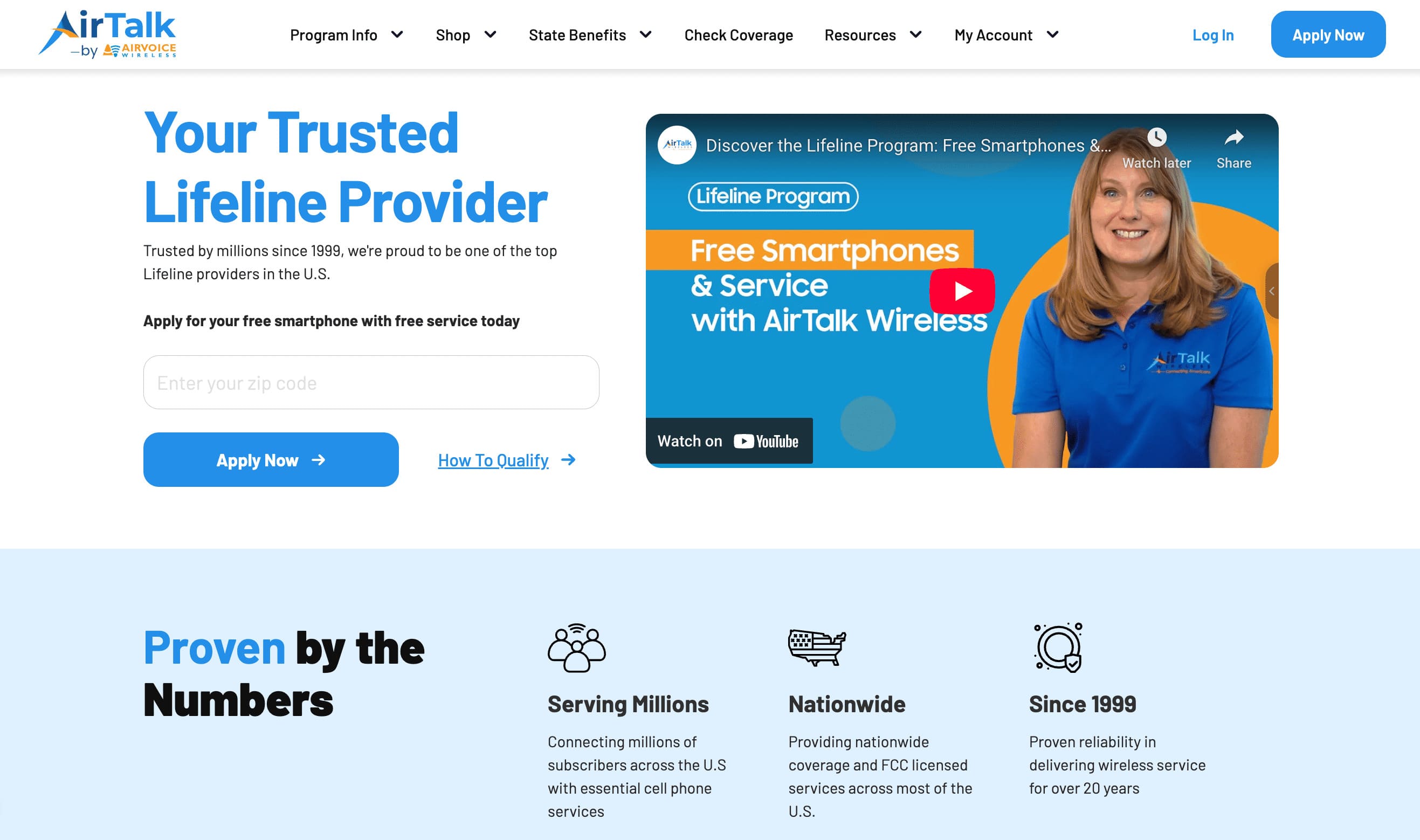
Across most states, AirTalk Wireless is recognized as a reliable Lifeline provider. Eligible households can receive free monthly service along with promotional smartphones from AirTalk.
You can now complete your enrollment directly on the AirTalk Wireless website and benefit from expanded 5G+ coverage and access to a broad selection of available iPhone models.
2.2. Key Benefits of AirTalk Wireless
When applying for Lifeline benefits, many applicants run into common challenges. These can include delayed approvals, limited smartphone inventory, weak network coverage in certain areas, or confusion when uploading required documents. Issues like these can slow down the process and make it harder to receive your device quickly.
For this reason, AirTalk Wireless is a better option for a more streamlined experience. The provider is known for offering consistent device availability and a simple overall enrollment process.
Some of the key advantages AirTalk Wireless offers include:
- A wide selection of free and discounted smartphones, including iPhone models (iPhone 6, iPhone 7, iPhone 8, etc.)
- Newer upgrade options such as iPhone 12 Pro Max, iPhone 13, and iPhone 15
- Unlimited talk and text
- Free international calling to more than 200 countries & territories
- A free SIM card or eSIM option
- Fast online approval, with free shipping typically within 3–7 days
- More reliable inventory across a wide range of ZIP codes
3. How to Apply for the Best Free iPhone Government Phone
Applying through a trusted Lifeline provider is typically straightforward. Most applicants complete the entire process online, where step-by-step instructions guide them through eligibility verification, document submission, and plan selection.
In the sections below, you’ll learn who qualifies for Lifeline benefits and how to submit your application through AirTalk Wireless and receive the best free government phone.
3.1. Do You Qualify for the Lifeline Program?
Many people want to know whether they qualify for Lifeline benefits. The good news is that the eligibility rules are straightforward. You can qualify either through your household income or by participating in certain federal or Tribal assistance programs.
1. Income-Based Qualification
You may be eligible if your total household income is at or below 135% of the Federal Poverty Guidelines.
Income limits vary by household size, so your qualification depends on the number of people living in your home.
2. Program-Based Qualification
You can also qualify if you or someone in your household participates in one or more of the following programs:
- Medicaid
- SNAP (Supplemental Nutrition Assistance Program)/food stamps
- SSI (Supplemental Security Income)
- Federal Public Housing Assistance (Section 8)
- Veterans Pension or Survivors Benefit
- Tribal TANF
- Bureau of Indian Affairs (BIA) General Assistance
- FDPIR (Food Distribution Program on Indian Reservations)
Meeting one of these requirements allows you to move forward with your Lifeline application.
3. Required Documentation
During the application process, the National Verifier system often automatically confirms your eligibility. If additional verification is needed, you may be asked to upload:
- A valid government-issued ID
- Proof of program participation or income documentation
- A document verifying your current address
3.2. Application Process (Step-by-Step)
Applying for the best free government iPhone can be completed online in just a few steps. The process follows the standard Lifeline enrollment system required by approved carriers.
Step 1: Confirm Eligibility Through the National Verifier
Before choosing a provider, you must verify your eligibility through the National Verifier website. This step is required for all Lifeline applicants and confirms that you meet income or program-based qualifications.
Step 2: Enter Your ZIP Code on AirTalk Wireless
After approval, visit the AirTalk Wireless website and enter your ZIP code. Your location determines which plans and devices are currently available in your area.
Step 3: Choose a Lifeline Plan
Once your ZIP code is entered, you can review and select a plan. Most AirTalk’s Lifeline plans include:
- Free talk and text
- Free monthly data (depending on location)
- A free SIM card or eSIM option
- Free shipping
Plan features vary by state.
Step 4: Select Your iPhone
You can browse available devices. Options may include free models or discounted upgrades.
Common free models may include:
Discounted upgrade options may include:
Device availability and pricing frequently change based on ZIP code and current inventory.
Step 5: Upload Required Documents
If your eligibility is not automatically confirmed, you may need to upload your government-issued ID, benefit approval letter, or income proof, and a document showing your address.
Step 6: Submit Your Application
Submit your application. Many applicants receive approval within minutes.
Step 7: Receive Your Device
After approval, AirTalk ships your SIM card and/or iPhone at no cost. Most deliveries arrive within a few business days.
Step 8: Activate Your Service
You can activate your SIM or eSIM by:
- Using the AirTalk app
- Contacting customer support
- Following the activation instructions included in your package
Once activated, your service will run on AirTalk’s 5G+ network, and you can begin using your Lifeline plan right away.
Read more: How To Get A Free iPad in 2026: Step-by-step Guide
4. Frequently Asked Questions
What is the Best Free iPhone Government Phone Program?
The Lifeline program is widely considered the best free government phone program for getting an iPhone. It provides a monthly service discount, and approved providers may include iPhone models depending on your ZIP code and available inventory.
Lifeline is designed to assist low-income households, seniors, veterans, and Tribal residents. Providers such as AirTalk Wireless often feature a broad selection of iPhones due to large inventory and streamlined approval processes.
Can I Get My iPhone 17 for Free?
Currently, no Lifeline provider offers a free iPhone 17. Because it is a high-cost, newer release, it is not typically included in free promotional offers. Providers generally offer older iPhone models at no cost, such as devices in the iPhone 6 to SE series, while making newer models available as discounted upgrades.
If you qualify for Lifeline, you can review the most current iPhone inventory on AirTalk Wireless to explore available upgrade options.
How can I get a real free iPhone?
If you want a legitimate free iPhone, the safest and most reliable path is through the federal Lifeline program. Lifeline provides a monthly service discount to eligible households, and approved providers may offer iPhone models when inventory is available.
Conclusion
You now understand how the Lifeline program works and which providers offer free or discounted iPhones to eligible low-income individuals. The path forward is straightforward: verify your eligibility; compare providers to see which ones have iPhones available in your area; and submit your application with the required documentation.
Don’t wait assuming iPhones will always be in stock. Device availability changes frequently, and popular models often sell out. Check which providers serve your ZIP code, see what iPhone models they currently offer, and start your application today. The sooner you apply, the better your chances of securing a free government iPhone.