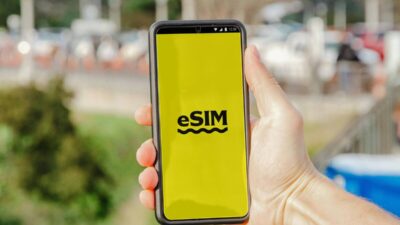
Many smartphone users are considering the switch to eSIM as carriers and device manufacturers continue moving toward digital activation. Newer phones increasingly support eSIM, and some models no longer include a physical SIM tray at all.
Still, deciding should I convert to eSIM isn’t always as straightforward as it seems. While eSIM can offer greater convenience and flexibility in certain situations, there are also trade-offs that may affect how you switch devices, activate service, or travel internationally.
Before making the change, it’s worth looking at both the benefits and potential drawbacks.
1. What Does It Actually Mean to Convert to eSIM?
Converting to eSIM means replacing your physical SIM card with a digital SIM profile that is stored directly on your phone. Instead of inserting or swapping a plastic SIM card, your carrier activates service electronically through an eSIM profile.
From a day-to-day perspective, your phone number, mobile plan, and carrier service remain the same. The main difference is how that information is delivered to the device.
Depending on your carrier, the conversion process may involve scanning a QR code, using a carrier app, or completing an activation request through customer support. Once the eSIM is activated successfully, the physical SIM card is usually no longer needed for that line.
For many users, the experience after activation feels almost identical. Calls, texts, and mobile data continue to work normally, but the service is now tied to an embedded digital profile rather than a removable card.
2. eSIM vs Physical SIM: A Practical Comparison
Both eSIM and physical SIM cards accomplish the same goal: connecting your phone to your carrier’s network. The difference lies in convenience, flexibility, and how easily service can be managed.
| Feature | eSIM | Physical SIM |
| Activation | Digital activation | Requires physical card |
| Switching Carriers | Often faster | May require a new SIM card |
| Dual SIM Support | Common on newer phones | Limited by device design |
| Risk of Loss or Damage | Very low | SIM can be lost or damaged |
| Device Transfers | May require carrier assistance | Often as simple as moving the card |
| Availability | Growing rapidly | Nearly universal |
For users who frequently upgrade phones, travel internationally, or manage multiple lines, eSIM often offers a more streamlined experience.
On the other hand, physical SIM cards still provide simplicity when moving service between devices because the card can be removed and inserted directly.
Neither option is universally better. The right choice depends on your device, carrier support, and how you typically use your phone.
3. Should I Convert to eSIM? The Honest Answer
For many smartphone users in 2026, converting to eSIM is a reasonable choice. However, the best decision depends on your device, carrier, and personal preferences.
Is It Advisable to Convert to eSIM?
In general, yes. If your phone supports eSIM and your carrier offers reliable eSIM activation, converting can simplify many aspects of mobile service management.
eSIM eliminates the need to handle physical SIM cards and makes it easier to activate new lines, add secondary numbers, or switch plans on supported devices.
That said, conversion isn’t mandatory. If your current setup works well and you rarely change devices or carriers, you may not notice a dramatic difference after switching.
When Conversion Makes the Most Sense
eSIM tends to offer the greatest benefits for users who regularly take advantage of its flexibility.
You may benefit from converting if you:
- Frequently travel internationally
- Want to use multiple phone numbers on one device
- Upgrade phones regularly
- Prefer digital activation over physical SIM cards
- Own a newer eSIM-compatible smartphone
These situations often highlight the convenience advantages that eSIM was designed to provide.
When You Should Wait
There are also situations where waiting may be the better choice.
For example, some users rely on older backup devices that do not support eSIM. Others live in regions where carrier support remains inconsistent or limited.
You may also prefer to delay conversion if:
- Your carrier has a complicated activation process
- You frequently swap SIMs between multiple phones
- Your device has experienced activation issues previously
- You depend on a carrier with limited eSIM support
In these cases, sticking with a physical SIM for a little longer may provide a smoother experience.
4. What Are the Disadvantages of Converting SIM to eSIM?
Although eSIM offers many advantages, it is not without drawbacks. Understanding the limitations can help you decide whether conversion is the right move for your situation.
Limited Carrier Support in Some Regions
While eSIM support has expanded significantly, coverage is not universal.
Some carriers still prioritize physical SIM cards or offer limited eSIM functionality. This is especially true in certain international markets where eSIM adoption remains relatively low.
Before converting, verify that your carrier fully supports eSIM activation, transfers, and device changes.
Less Flexibility When Switching Devices
One of the biggest advantages of a physical SIM card is simplicity.
If you buy a new phone, you can often move the SIM card in a matter of seconds. With eSIM, transferring service may require additional steps, including carrier verification, profile downloads, or reactivation procedures.
Many carriers have improved this process, but it is still not always as straightforward as moving a physical card between devices.
Potential Activation Delays
Most eSIM activations are completed quickly, but delays can occur.
Activation may be affected by:
- Carrier provisioning issues
- QR code problems
- Account verification requirements
- Device compatibility concerns
While these situations are usually temporary, they can be frustrating if you need service immediately. For users who prioritize the fastest possible device swaps, a physical SIM card may still feel more predictable in certain circumstances.
Read more: How to Lock SIM Card on iPhone and Android (Simple Step-by-Step Guide)
5. How to Convert from Physical SIM to eSIM Step-by-Step
Converting from a physical SIM to eSIM is usually simple, but the order matters. You should confirm compatibility first, complete activation carefully, and avoid removing the physical SIM until the eSIM is working.
Step 1: Check Device and Carrier Compatibility
Start by confirming that your phone supports eSIM. On iPhone, most models from iPhone XS, XS Max, and XR onward support eSIM.
Many newer Samsung Galaxy, Google Pixel, Motorola, and OnePlus models also support eSIM, but compatibility can vary by model, carrier, and region.
You should also confirm that your carrier supports eSIM conversion for your current plan. Some carriers allow customers to convert directly through an app, while others require a QR code, customer support request, or in-store verification.
Step 2: Request an eSIM QR Code from Your Carrier
If your carrier supports eSIM conversion, request the activation method they use. In many cases, this will be a QR code linked to your mobile line.
Some carriers may send the QR code by email or display it inside your online account. Others may use an app-based activation process instead. Follow the carrier’s instructions carefully because many QR codes are single-use and may expire after activation.
Step 3: Scan and Activate on Your Phone
Once you receive the activation details, connect your phone to a stable Wi-Fi network before starting. eSIM installation requires internet access, and a poor connection can interrupt the download.
- On iPhone, go to Settings → Cellular → Add eSIM and follow the on-screen instructions.
- On Android, the path may vary, but it is usually found under Settings → Network & Internet or Settings → Connections → SIM Manager.
After scanning the QR code or completing app-based setup, wait for the carrier profile to install. Test calls, texts, and mobile data before assuming the conversion is complete.
Step 4: Remove the Old Physical SIM Safely
Do not remove the physical SIM too early. Wait until your eSIM is active and your phone number works normally on the new digital profile.
Once confirmed, power off the device, remove the physical SIM card, and restart the phone if needed. If your phone supports dual SIM, you may also keep another SIM available for backup or travel, depending on your setup.
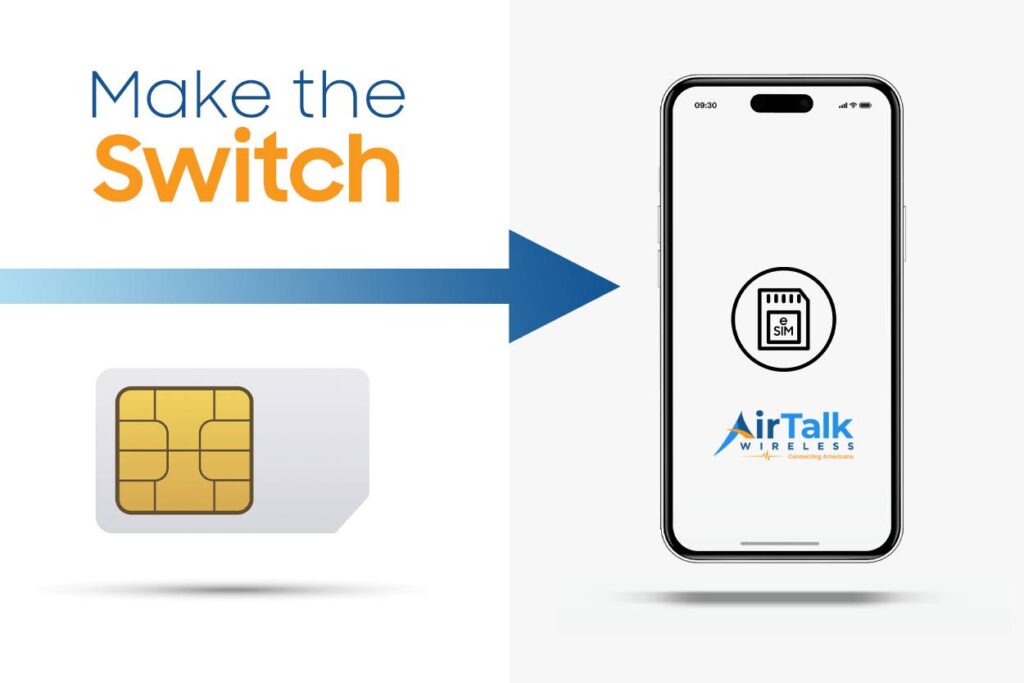
6. Change to AirTalk Wireless eSIM or Get a New One: Here’s How
If you are considering a new eSIM instead of converting your current physical SIM, Lifeline-supported service may be an option if you qualify.
Lifeline is a federal assistance program that helps eligible low-income households access discounted or free phone service through participating providers. AirTalk Wireless is a participating Lifeline provider that supports monthly talk, text, and data for eligible customers.
Depending on your device, location, and network support, activation may be available through eSIM on compatible phones.
To apply through AirTalk Wireless, visit the AirTalk Wireless website and start the application. Enter your ZIP code, select Apply Now, and choose a suitable Lifeline plan available in your area.
Next, select a smartphone or other eligible device based on current availability. Device options may vary by location, inventory, and eligibility, so availability is not guaranteed.
You can then confirm eligibility through household income or participation in qualifying assistance programs such as Medicaid, SNAP, SSI, Federal Public Housing Assistance, or Veterans Pension benefits. If required, submit proof of eligibility to support your application.
After submitting the application, wait for approval confirmation and activation instructions.
If your device supports eSIM and eSIM activation is available, you may be able to activate service digitally without waiting for a physical SIM card.
7. FAQs
Is it worth converting to eSIM?
For many users, yes. eSIM can make activation, carrier switching, and dual-line use more convenient. However, it may not be ideal if you often move your SIM between older phones.
Can I convert my physical SIM to eSIM myself?
Sometimes. Some carriers allow self-service conversion through their app or account portal, while others require a QR code or customer support request.
Will I lose my phone number if I convert to eSIM?
No. Your phone number should stay the same when the carrier properly moves your line from a physical SIM to an eSIM.
Should I remove my physical SIM after converting?
Only after your eSIM is fully active. Test calls, texts, and mobile data first, then remove the physical SIM safely.
What happens if eSIM activation fails?
Keep the physical SIM installed and contact your carrier. You may need a new QR code, account verification, or help provisioning the eSIM profile.
8. Conclusion
Deciding should I convert to eSIM depends on your phone, carrier, and how often you switch devices.
For most users with newer smartphones, eSIM offers easier activation and better day-to-day convenience. Still, physical SIM cards remain useful for older devices, quick swaps, and certain travel situations, so the best choice depends on how you actually use your phone.