Buying an iPhone 14 Pro Max SIM free sounds simple until you start comparing U.S. and international models, eSIM support, and carrier activation rules.
Many buyers assume “SIM free” automatically means the phone works the same everywhere, but that is not always true with the iPhone 14 lineup.
Some versions rely entirely on eSIM, while others still support a physical Nano-SIM card alongside digital activation.
Before purchasing a SIM-free iPhone 14 Pro Max in 2026, it helps to understand exactly what type of model you are getting and how activation works with your carrier.
1. What Does “SIM Free” Mean for the iPhone 14 Pro Max?
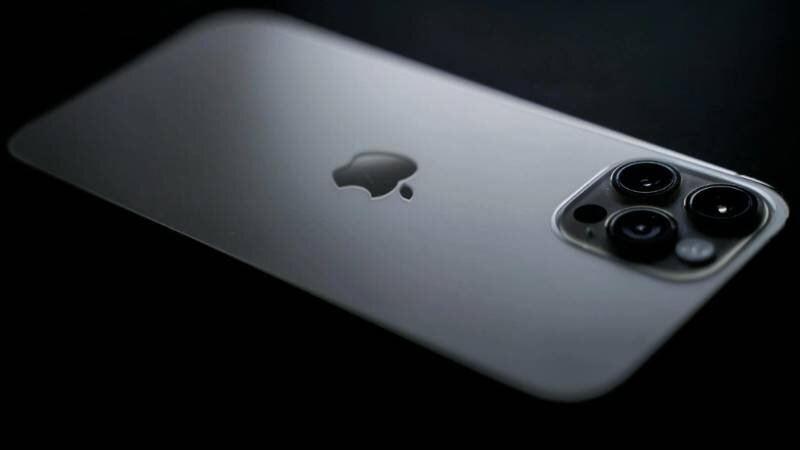
An iPhone 14 Pro Max SIM free model is a phone sold without being tied to a specific carrier plan or contract. This gives users more flexibility when choosing or switching mobile providers.
However, SIM-free does not always mean every model supports the same SIM setup. With the iPhone 14 series, U.S. and international versions handle activation differently.
SIM Free vs Unlocked vs Carrier Versions
These terms are often confused, but they are not exactly the same.
- SIM free usually means the phone is sold without a carrier contract
- Unlocked means the device can work with different compatible carriers
- Carrier versions are tied to a specific mobile provider and may include network restrictions
In many cases, SIM-free iPhones are also unlocked, but buyers should still confirm the device status before purchasing.
U.S. Model (eSIM Only) vs International Model (Nano-SIM + eSIM)
One major difference with the iPhone 14 Pro Max SIM free version involves the SIM hardware itself.
U.S. iPhone 14 Pro Max models:
- Do not include a physical SIM tray
- Use eSIM activation only
- Require an eSIM-compatible carrier
Many international versions still support:
- One physical Nano-SIM
- One eSIM
- Dual SIM functionality
This difference matters when traveling or switching carriers internationally.
2. Is the iPhone 14 Pro Max SIM Free Worth Buying?
For many users, an iPhone 14 Pro Max SIM free model offers more flexibility compared to carrier-locked devices, especially for people who travel often or prefer changing carriers without restrictions.
Full Carrier Flexibility
SIM-free iPhones allow users to activate compatible plans from different carriers instead of remaining tied to one provider.
This can make it easier to:
- Change networks
- Compare pricing
- Use prepaid plans
- Activate service internationally
Carrier flexibility is one of the biggest reasons many buyers prefer SIM-free devices.
Stronger Resale Value
SIM-free and unlocked iPhones often keep stronger resale value because they appeal to a wider group of buyers.
Many secondhand buyers specifically look for:
- Unlocked devices
- Carrier-free models
- International compatibility
- eSIM flexibility
This can make future upgrades easier when reselling the device later.
Travel-Friendly Setup Worldwide
International travelers often prefer SIM-free phones because they provide more activation options abroad.
Depending on the model version, users may:
- Download temporary eSIM plans
- Insert local Nano-SIM cards
- Use dual SIM functionality
- Avoid international roaming charges
This flexibility becomes especially useful outside the United States where physical SIM cards are still common.
3. How to Activate a SIM-Free iPhone 14 Pro Max
Activating an iPhone 14 Pro Max SIM free device is usually straightforward, but the exact setup process depends on whether the phone uses eSIM only or supports a physical Nano-SIM.
Connect to a Stable Wi-Fi Network
Before starting activation, connect the iPhone to a reliable Wi-Fi network.
eSIM setup requires internet access to:
- Download carrier profiles
- Verify activation
- Complete Apple setup steps
Without Wi-Fi, activation may fail or become delayed.
Go to Settings – Cellular – Add eSIM
To begin manual eSIM setup:
- Open Settings
- Tap Cellular
- Select Add eSIM
Compatible carriers will guide you through the remaining activation steps.
Scan a QR Code or Use Your Carrier’s App
Most carriers activate eSIM using a QR code, their official mobile app, or automatic transfer from another iPhone.
After scanning or confirming the plan, the iPhone downloads the carrier profile digitally.
Confirm Activation and Restart
Once setup finishes:
- Confirm signal connection
- Verify calls and data work properly
- Restart the iPhone if needed
Some carriers complete activation immediately, while others may require several minutes before service becomes active.
4. Common Problems Setting Up a SIM-Free iPhone 14 Pro Max
Even though activating an iPhone 14 Pro Max SIM free device is usually simple, setup problems can still happen during carrier transfer or eSIM installation.
eSIM Not Downloading
One common issue happens when the eSIM profile fails to install properly.
This can happen because of:
- Weak Wi-Fi connection
- Carrier activation delays
- Expired QR codes
- Temporary Apple server issues
- Unsupported carrier plans
Restarting the iPhone, reconnecting to Wi-Fi, or requesting a new QR code from the carrier often fixes the problem.
Carrier Lock Errors
Some buyers assume every SIM-free phone is automatically unlocked, but that is not always true with secondhand or refurbished devices.
If the iPhone displays:
- SIM Not Supported
- Carrier Locked
- Unsupported eSIM
the phone may still be restricted to its original carrier.
Checking Settings – General – About – Carrier Lock can confirm whether the device is unlocked.
“No SIM Card” Message on U.S. Models
Many U.S. iPhone 14 Pro Max models show a “No SIM Card” message because they do not include a physical SIM tray.
This often confuses users switching from older iPhones.
Since U.S. versions use eSIM only, users must activate service digitally instead of inserting a Nano-SIM card.
>>> Read more: iPhone 14 Pro SIM Free: What It Means Before You Buy
5. Already Have an iPhone? Get Free Service To Pair With Your Phone
Many people buying an iPhone 14 Pro Max SIM free model already own the device and simply need a compatible service plan. Others may be switching from a carrier-locked phone and looking for a more affordable setup option.
For eligible households, Lifeline-supported plans may help reduce monthly phone costs through participating providers in supported areas.
AirTalk Wireless is one provider participating in the Lifeline program and may offer eligible users free monthly talk, text, and data plans depending on qualification status and location.
This can work especially well for users who already have:
- An unlocked iPhone
- A SIM-free device
- An eSIM-compatible iPhone 14 Pro Max
- A phone ready for Bring Your Own Device activation
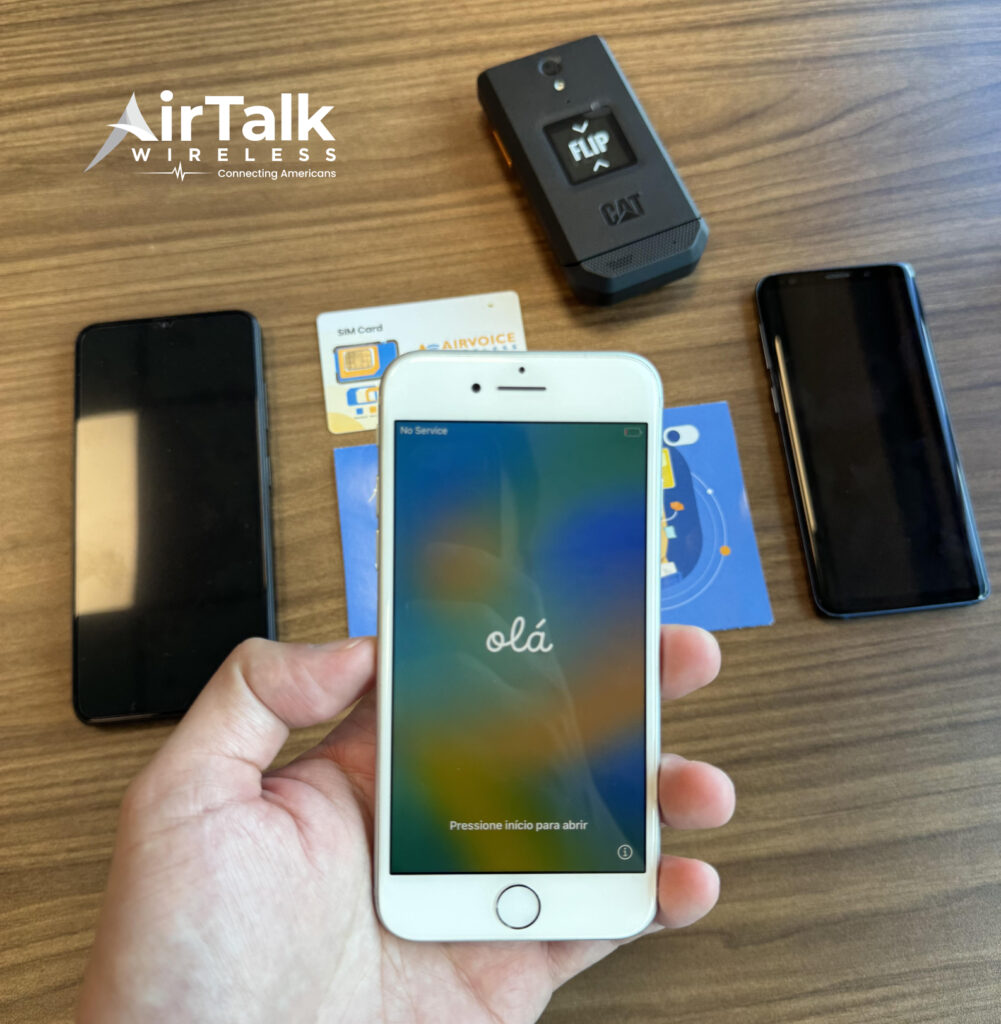
Instead of purchasing another device, users may be able to keep their current iPhone and activate service through eSIM or a physical SIM card depending on the phone model.
AirTalk Wireless also supports Bring Your Own Device options for many compatible unlocked phones. Users can typically:
- Enter their ZIP code
- Check Lifeline eligibility
- Review available plans
- Confirm device compatibility
- Activate service online
This setup can be useful for users who want to keep their existing iPhone while lowering monthly phone expenses.
6. FAQS
Is iPhone 14 Pro Max SIM Free the Same as Unlocked?
In many cases, yes, but not always. SIM-free devices are usually sold without a carrier contract, while unlocked phones can work with multiple compatible carriers. Buyers should still verify carrier lock status before purchasing.
Does a U.S. iPhone 14 Pro Max Have a Physical SIM Tray?
No. U.S. iPhone 14 Pro Max models use eSIM only and do not include a physical Nano-SIM tray.
Can I Use Two Numbers on an iPhone 14 Pro Max SIM Free?
Yes. U.S. models support dual eSIM functionality, while many international versions support one physical SIM card and one eSIM.
Can I Activate a SIM-Free iPhone Without Visiting a Store?
Yes. Many carriers allow full eSIM activation online through QR codes, carrier apps, or digital transfer from another iPhone.
7. Conclusion
An iPhone 14 Pro Max SIM free model can offer more flexibility for carrier switching, travel, and long-term device use. However, buyers should still confirm whether the phone is a U.S. eSIM-only version or an international model with physical SIM support.
Users who already own a compatible unlocked iPhone may also explore Lifeline-supported plans through AirTalk Wireless to help lower monthly phone costs while keeping their current device.