Sending a message without a SIM card may sound impossible, but it isn’t. As long as your phone has an internet connection, you can still chat with friends, family, or coworkers using several different services, even if you don’t have cellular service.
To help you choose the best option, this guide covers how to text without a SIM card, which methods work on different devices, what you’ll need before getting started, and when a SIM card or eSIM is still the better choice.
1. How to Text Without a SIM Card
Although a SIM card is normally required for traditional SMS messaging, it isn’t the only way to stay in touch. If your phone has access to the internet, you can still send messages through several different services without an active cellular connection.
The right option depends on your device, the apps you use, and whether the person you’re messaging uses the same service.
Use iMessage on Apple Devices
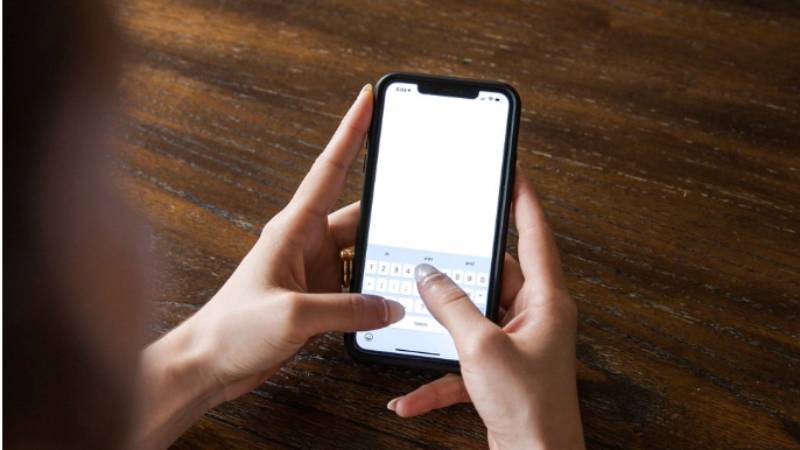
If you use an iPhone, iPad, or Mac, iMessage lets you send messages over Wi-Fi without an active SIM card. As long as you’re signed in with your Apple Account and connected to the internet, you can send text messages, photos, videos, and other files to other Apple users.
Messages sent through iMessage appear as blue bubbles and don’t rely on your carrier’s SMS network.
Use RCS Messaging (When Available)
Some Android phones support Rich Communication Services (RCS), which adds internet based messaging features such as typing indicators, read receipts, and high quality media sharing.
However, RCS availability depends on your device, messaging app, and carrier. In many cases, an active phone number is still required to set up RCS, so it may not work if your SIM has been removed or deactivated.
Use Messaging Apps
Messaging apps are one of the easiest ways to text without a SIM card. Popular services such as WhatsApp, Messenger, Telegram, Signal, and similar apps use Wi-Fi or mobile data instead of the traditional SMS network.
Most of these apps support one to one chats, group conversations, voice calls, video calls, and file sharing. Keep in mind that some services require both users to have the same app installed.
Send Texts Through Google Voice or Other VoIP Services
Internet calling services such as Google Voice also allow users to send text messages over an internet connection. Depending on the service, you may receive a virtual phone number that can send and receive messages without relying on a physical SIM card.
Availability and supported features vary by provider and country.
Use Email-to-SMS Services
Some mobile carriers support email to SMS gateways that let you send a text message from an email account to a mobile phone number. This option can be useful if you don’t have access to a SIM card but still need to contact someone by text.
Not every carrier supports this feature, and the required email format differs between providers.
Connect to Wi-Fi and Use Internet Messaging
Even without a SIM card, connecting your phone to Wi-Fi gives you access to a wide range of messaging services. Once you’re online, you can continue chatting through supported apps almost anywhere a reliable internet connection is available.
For many people, this is the simplest solution while waiting for a replacement SIM card or traveling without cellular service.
2. What You Need to Text Without a SIM Card
Most internet based messaging services require only a few basic things before you can start sending messages.
A Wi-Fi or Internet Connection
A stable internet connection is the most important requirement. Whether you’re connected through home Wi-Fi, public Wi-Fi, a mobile hotspot, or an eSIM data plan, internet access allows messaging apps and online services to work without a physical SIM card.
A Compatible Messaging App or Service
You’ll also need a messaging platform that supports internet based communication. Depending on your needs, this could be iMessage, WhatsApp, Messenger, Telegram, Google Voice, or another compatible service.
Before relying on any app, make sure it supports the type of messaging you want to use and that both you and your contacts can access it.
An Existing Account or Phone Number (If Required)
Some messaging services require you to create an account before sending messages. Others use your existing phone number to verify your identity during setup.
Even if you remove your SIM card later, certain apps may continue working after they’ve already been activated, while others may ask you to verify your phone number again when signing in on a new device.
3. What You Can’t Do Without a SIM Card
While internet messaging provides plenty of flexibility, there are still some important limitations if you don’t have an active SIM card or eSIM.
Without a SIM card, you generally can’t:
- Send traditional SMS messages through your mobile carrier.
- Receive carrier text messages, including many one time verification codes used for banking, shopping, or account security.
- Use mobile data when Wi-Fi or another internet connection isn’t available.
- Access carrier services that require an active mobile number.
If you regularly rely on SMS verification, mobile data, or traditional text messaging, a physical SIM card or eSIM will usually provide a more reliable long-term solution.
4. When Does It Make Sense to Get a SIM Card or eSIM Instead?
Messaging apps work well in many situations, but they aren’t always a complete replacement for cellular service. If you depend on your phone every day for communication, security, or work, having an active SIM card or eSIM is often the more reliable choice.
You Need SMS Verification Codes
Many banks, government services, healthcare providers, and online accounts still send one time verification codes through traditional SMS.
Most messaging apps can’t receive these carrier messages, so an active mobile number is usually required.
If you frequently use two factor authentication, online banking, or secure logins, a SIM card or eSIM will help ensure you don’t miss important verification texts.
You Need a Permanent Mobile Number
Internet messaging apps often rely on usernames, email addresses, or previously verified phone numbers. If you want a phone number that people can call or text directly, you’ll need an active cellular plan.
Having a permanent number is also helpful when applying for jobs, registering for services, or keeping the same contact information across different devices.
You Want to Text Anywhere Without Wi-Fi
Messaging over Wi-Fi works well when internet access is available. However, if you’re traveling, commuting, or spending time away from reliable Wi-Fi, you’ll likely want the flexibility to send messages wherever cellular coverage is available.
A SIM card or eSIM gives you access to mobile data, allowing supported messaging apps to continue working even when Wi-Fi isn’t available.
Read more: How to See What Is Stored on SIM Card (And What Never Touches It)
5. Stay Connected for Free Beyond Wi-Fi With the Right Mobile Plan
Internet messaging works well in many situations, but an active mobile plan gives you much greater flexibility. Besides using messaging apps over Wi-Fi, you’ll also be able to send and receive traditional text messages, access mobile data almost anywhere, and receive important SMS verification codes when needed.
The Lifeline Program is a federal assistance program that helps eligible households reduce the cost of monthly phone service.
Through participating providers like AirTalk Wireless, qualified customers can receive free monthly phone service and, depending on eligibility, location, and device availability, a physical SIM card or eSIM.
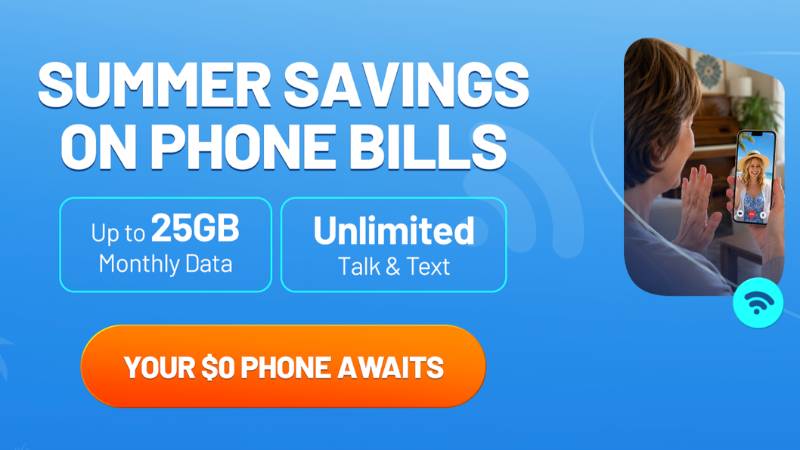
With AirTalk Wireless, eligible customers may receive:
- Free monthly phone data.
- Unlimited talk and text.
- A physical SIM card or eSIM for compatible devices.
- The option to bring a compatible phone or, in many cases, qualify for a free or low cost smartphone.
Eligibility is available through participation in qualifying assistance programs such as Medicaid, SNAP, SSI, Federal Public Housing Assistance, Veterans Pension and Survivors Benefit, or by meeting the program’s household income requirements.
6. FAQs
Can I text someone who doesn’t use the same messaging app?
Usually not through internet messaging apps. Services like WhatsApp, Telegram, and Signal require both people to use the same platform. If you need to message any mobile number, you’ll generally need SMS service through a SIM card or eSIM.
Can I still receive iMessages after removing my SIM card?
Yes. If iMessage is already activated and your Apple Account remains signed in, you can continue sending and receiving iMessages over Wi-Fi. However, some features may require your phone number to remain registered.
Will my old messages disappear if I remove my SIM card?
No. Messages stored on your phone or in cloud backups won’t be deleted simply because you remove your SIM card. Only messages stored directly on the SIM, which is uncommon today, may no longer be accessible without it.
7. Conclusion
Using internet based messaging services makes how to text without a SIM card much easier than it was in the past. Whether you choose iMessage, RCS, WhatsApp, Google Voice, or another online service, the best option depends on your device, internet access, and the type of messages you need to send.