Google pushed eSIM support much further on newer Pixel phones, especially for people who want faster activation, dual-line flexibility, or the ability to switch carriers without handling physical SIM cards.
That is why questions about does Pixel 8 have eSIM usually come up during carrier setup, international travel planning, or when comparing eSIM against traditional SIM cards.
Since the Pixel 8 supports several different SIM configurations, understanding how those options work can make activation and daily use much smoother.
1. Does Pixel 8 Have eSIM?
Yes, the Pixel 8 supports full eSIM functionality alongside a physical nano-SIM card. Google designed the phone to support flexible carrier activation methods, including digital setup without inserting a traditional SIM card.
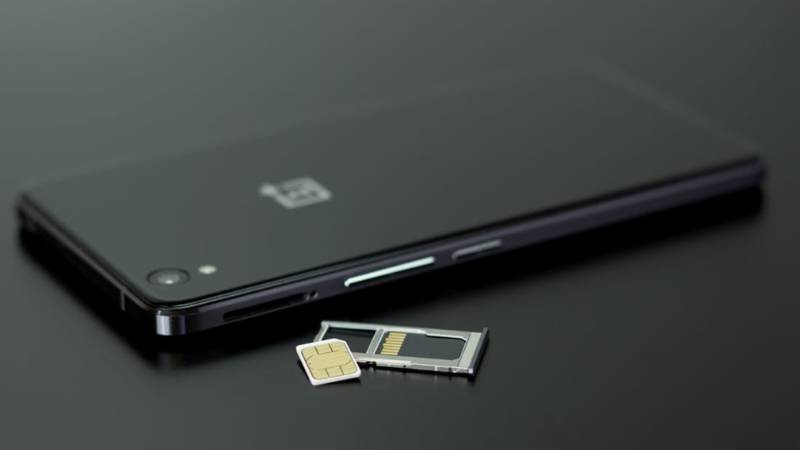
The Pixel 8 supports:
- One physical nano-SIM
- eSIM activation
- Dual SIM functionality
- Multiple stored eSIM profiles
Depending on carrier support and software configuration, the phone can also manage dual active SIM setups using either:
- Physical SIM + eSIM
- Dual eSIM profiles
This flexibility makes the Pixel 8 a practical choice for users who manage work and personal numbers on the same device, frequently switch carriers, rely on backup networks for coverage, or purchase local data plans while traveling.
2. Is the Pixel 8 Dual eSIM Compatible?
The Pixel 8 supports advanced dual SIM features, including dual eSIM functionality on supported carriers.
Running Two eSIMs at the Same Time
The Pixel 8 can support two active eSIM lines simultaneously in certain configurations.
This allows the phone to:
- Keep two numbers active
- Separate business and personal lines
- Use different carriers for data and calls
- Switch plans without swapping physical SIM cards
Carrier support still matters because not every provider currently supports dual active eSIM configurations.
Using a Physical SIM + eSIM Together
Many Pixel 8 owners choose to combine a physical SIM with an eSIM rather than relying entirely on one technology.
This setup can be useful if you want to keep an existing physical SIM while adding a second line digitally.
For example, some users maintain a personal number on a physical SIM and activate a work line through eSIM, while others use an eSIM for travel without removing their primary SIM card.
The Pixel 8 also allows you to decide how each line is used. Within the device settings, you can select different lines for mobile data, voice calls, and text messaging, making it easier to manage multiple numbers on a single phone.
For many users, this approach offers a balance between the familiarity of a traditional SIM card and the convenience of digital activation.
3. How to Set Up eSIM on Pixel 8
Most eSIM activations on the Pixel 8 only take a few minutes when the carrier fully supports digital setup.
Activate via QR Code from Your Carrier
QR code activation remains one of the easiest setup methods.
To activate eSIM:
- Open Settings
- Tap Network & Internet
- Select SIMs
- Tap Add eSIM
- Scan the QR code from the carrier
- Follow the setup instructions
A stable Wi-Fi connection is usually required during installation.
Use the Carrier’s App for Instant Setup
Some carriers support direct activation through their apps instead of QR codes.
This setup method may allow the Pixel 8 to:
- Download the eSIM automatically
- Transfer existing service
- Activate instantly
- Manage multiple lines digitally
without handling physical SIM cards at all.
Transfer an eSIM from an Old Android Phone
Many carriers also support transferring eSIM service from another Android device.
Depending on the carrier, the process may allow:
- Number transfer
- eSIM migration
- Existing plan activation
- Faster setup on the new phone
Both devices usually need:
- Updated software
- Wi-Fi access
- Carrier transfer support enabled
4. Is It Better to Use eSIM or SIM Card on Pixel 8?
Both activation methods work well on the Pixel 8, but the better choice depends on how the phone will be used daily.
When eSIM Is the Better Choice
eSIM often works better for situations involving:
- Frequent carrier switching
- International travel
- Multiple phone numbers
- Faster activation
- Cleaner setup without physical SIM trays
Because the profile downloads digitally, setup can often finish within minutes on supported networks.
When a Physical SIM Still Makes More Sense
Physical SIM cards may still be more practical when:
- Switching phones frequently
- Using carriers with limited eSIM support
- Traveling to regions where eSIM adoption remains limited
- Troubleshooting activation issues
A removable nano-SIM can also simplify quick device swaps without relying on digital transfer tools.
5. eSIM vs Physical SIM on Pixel 8: Pros and Cons
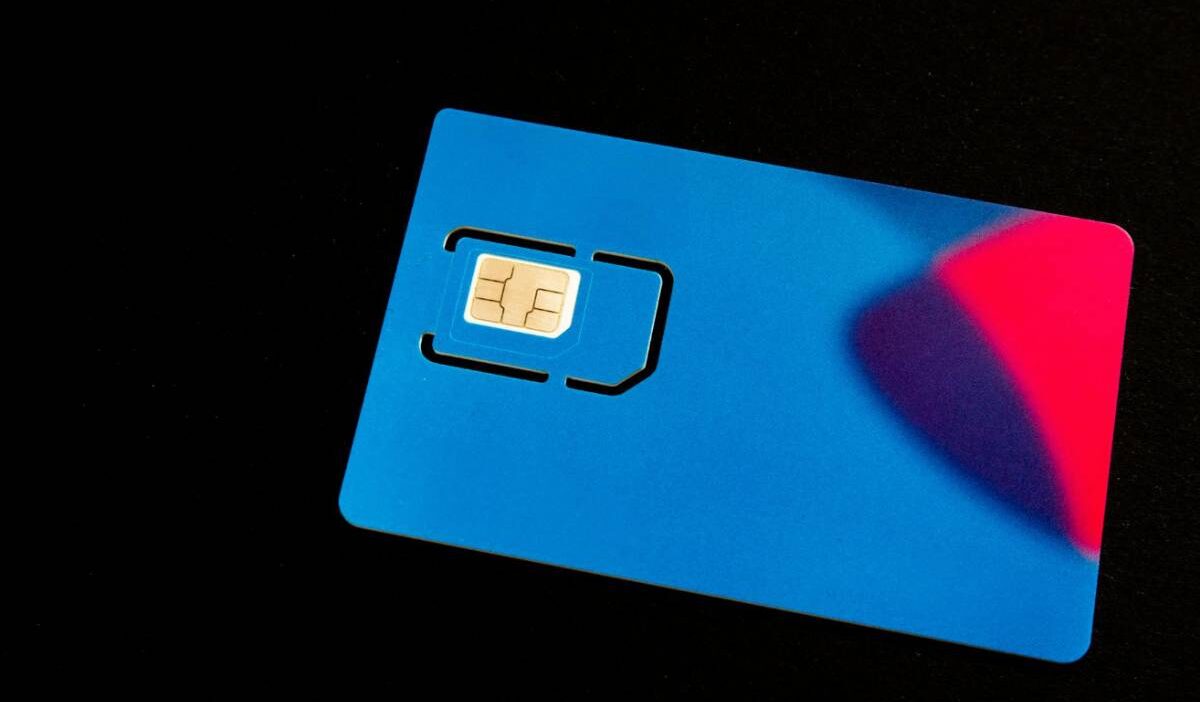
The Pixel 8 supports both eSIM and traditional nano-SIM activation, which gives much more flexibility depending on how the phone is used day to day. Some setups work better for travel and dual-line usage, while others still favor the simplicity of a removable SIM card.
Here is how both options compare on the Pixel 8:
| Feature | eSIM | Physical SIM |
| Activation | Digital setup without inserting a card | Requires a removable nano-SIM |
| Carrier Switching | Faster on supported carriers | Usually requires replacing the SIM card |
| Travel Convenience | Easy to add temporary travel plans | May require buying and swapping local SIMs |
| Dual SIM Flexibility | Supports dual eSIM or eSIM + nano-SIM | Limited to physical tray availability |
| Device Swapping | Requires digital transfer or reactivation | Easy to move between phones physically |
| Carrier Compatibility | Depends on eSIM support | More universally supported |
| Risk of Loss | Cannot be physically lost | SIM cards can be misplaced or damaged |
On the Pixel 8, eSIM generally offers more flexibility for modern carrier setups, while physical SIM cards still remain useful in regions or networks where eSIM adoption is less common.
Read more: SIM ME Lock Code Explained: How to Get the Right One (2026)
6. Common Issues with Pixel 8 eSIM and How to Fix Them
Even though the Pixel 8 handles eSIM well, activation problems can still happen because of carrier settings, network restrictions, or incomplete setup steps.
eSIM Won’t Download
An eSIM profile may fail to install if:
- Wi-Fi becomes unstable
- The QR code expires
- The carrier account is not fully provisioned
- The phone software needs updating
Restarting the device and reconnecting to strong Wi-Fi often resolves temporary installation failures.
No Service After Activation
Sometimes the eSIM installs successfully, but the phone still cannot connect to cellular service afterward.
Possible causes include:
- Incorrect preferred network settings
- Carrier-side activation delays
- Disabled mobile data on the selected line
- Weak local coverage
Checking which SIM is assigned for mobile data inside settings often fixes the issue quickly.
Carrier Compatibility Errors
Certain carriers may block activation because of:
- Unsupported plans
- Regional restrictions
- Device lock status
- Incomplete IMEI registration
Before activating eSIM, it helps to confirm directly with the carrier that the Pixel 8 supports their eSIM setup process fully.
7. FAQS
Can Pixel 8 Store Multiple eSIM Profiles?
Yes. The Pixel 8 can store multiple eSIM profiles, although only supported combinations can remain active simultaneously depending on carrier support.
Does Pixel 8 Need a Physical SIM Card to Work?
No. The phone can operate entirely through eSIM on supported carriers without inserting a physical nano-SIM card.
Can I Switch Between eSIM Profiles on Pixel 8?
Yes. Stored eSIM profiles can be enabled or disabled directly inside SIM settings without deleting them permanently.
Does Factory Reset Remove eSIM on Pixel 8?
It can. During the reset process, Android may ask whether to erase installed eSIM profiles or keep them on the device.
8. Conclusion
The Pixel 8 was built with modern carrier flexibility in mind, combining physical nano-SIM support with advanced eSIM functionality and dual-line capability.
As more wireless providers expand digital activation options, does Pixel 8 have eSIM becomes less about basic compatibility and more about choosing the setup style that fits everyday use best, whether that means dual eSIM, physical SIM backup, or fully digital activation.