Switching carriers no longer always requires opening the SIM tray or waiting for a physical card in the mail. Many iPhone users now activate service digitally through eSIM, especially when setting up dual lines, traveling internationally, or moving between carriers more often.
If you are asking does iPhone 12 have eSIM, Apple fully included eSIM support in the iPhone 12 lineup alongside the traditional nano-SIM slot.
That means the phone can support both physical SIM and eSIM functionality at the same time, giving users more flexibility for activation, carrier management, and dual-number setups.
1. Does iPhone 12 Have eSIM?
Yes, the iPhone 12 fully supports eSIM functionality alongside a physical nano-SIM card.
Apple introduced dual SIM flexibility across the iPhone 12 lineup, allowing users to activate cellular service either with a traditional SIM card or digitally through supported carriers.
The iPhone 12 can support:
- One physical nano-SIM
- One active eSIM
- Dual SIM functionality
- Multiple stored eSIM profiles
For users researching does iPhone 12 have eSIM, one of the biggest advantages is the ability to switch carriers or activate service digitally without constantly replacing physical SIM cards.
2. How eSIM Differs from a Physical SIM on iPhone 12
The iPhone 12 supports both SIM technologies, but each works differently when connecting to a carrier network.
Physical Nano-SIM: Removable Card in the Tray
A nano-SIM is the traditional physical card inserted into the SIM tray on the side of the phone.
It stores carrier information required for:
- Calls
- Text messaging
- Mobile data
- Network authentication
Physical SIM cards remain common for prepaid plans, international travel, and users who move SIM cards between devices frequently.
eSIM: Embedded Chip Activated Digitally
An eSIM works digitally instead of using a removable card.
Compatible carriers can activate service through:
- QR codes
- Carrier apps
- Manual setup information
Because the SIM information is embedded directly into the iPhone hardware, users can often activate service within minutes.
Why iPhone 12 Supports Both at the Same Time
Apple included both SIM options to improve flexibility for different situations.
Using both together can help with:
- Work and personal numbers
- International travel
- Backup carrier coverage
- Separate voice and data plans
For users asking does iPhone 12 have eSIM, dual SIM support becomes one of the most useful everyday features.
Read more: eSIM for Locked iPhone: What Works, What Doesn’t, and What to Try (2026)
3. Can iPhone 12 Run Two Numbers with Dual SIM?
The iPhone 12 supports dual SIM functionality, allowing two active phone numbers on the same device.
Nano-SIM + eSIM (Default Setup)
The most common setup includes:
- One physical nano-SIM
- One active eSIM
This allows users to:
- Separate work and personal calls
- Use different carriers
- Keep a travel data line active
- Manage two phone numbers on one device
Users can choose which line handles calls, texts, or mobile data directly inside iPhone settings.
Dual eSIM (With iOS 16 or Later)
With newer iOS versions and compatible carriers, some iPhone 12 models can also support two active eSIM lines simultaneously.
This setup removes the need for a physical SIM card entirely while still supporting dual-line functionality.
4. How to Activate eSIM on iPhone 12
Most eSIM activations only take a few minutes when the carrier fully supports digital setup.
Connect to Wi-Fi Before Starting
Before beginning activation:
- Connect the iPhone to stable Wi-Fi
- Update iOS if possible
- Confirm carrier eSIM compatibility
A reliable internet connection helps avoid setup interruptions.
Open Cellular Settings to Begin eSIM Setup
To start activation:
- Open Settings
- Tap Cellular
- Select Add eSIM
The iPhone will then guide the rest of the activation process.
Scan a Carrier QR Code or Use the Carrier App
Many carriers provide:
- QR activation codes
- Direct activation through carrier apps
- Manual setup instructions
After scanning the QR code or confirming setup inside the app, the iPhone will begin installing the digital SIM profile.
Label Your Line and Test Service
Once activation finishes:
- Assign labels such as Personal, Work, or Travel
- Choose default lines for calls and data
- Test calls, texts, and mobile data
After setup completes properly, the eSIM should function the same way as a physical SIM line.
5. Troubleshooting eSIM Activation on iPhone 12
Most eSIM activation issues on the iPhone 12 are connected to carrier setup, network provisioning, or software configuration rather than the phone hardware itself.
“Activation Failed” Error
This message usually appears during the installation process when the carrier profile cannot finish downloading properly.
Possible causes include:
- Weak Wi-Fi connection
- Carrier activation delays
- Incorrect QR code
- Outdated iOS version
- Unsupported carrier plan
Restarting the iPhone and repeating the activation process often resolves temporary setup failures.
No Signal After Setup
In some situations, the eSIM installs successfully but the phone still shows:
- No Service
- Searching
- SOS Only
Possible fixes may include:
- Restarting the iPhone
- Toggling Airplane Mode
- Updating carrier settings
- Verifying the eSIM line is enabled
- Waiting for carrier provisioning to complete
For users researching does iPhone 12 have eSIM, this problem is usually related to activation timing rather than missing eSIM support.
Carrier Won’t Transfer eSIM
Some carriers still limit direct eSIM transfer between devices.
If transfer fails:
- Contact the carrier directly
- Request a new activation QR code
- Confirm the iPhone is unlocked
- Verify eSIM support on the account
Carrier policies can vary significantly depending on region and plan type.
6. You Can Qualify for Free Monthly Service (and a Free iPhone)
The iPhone 12 still handles modern wireless features surprisingly well, especially for users who want eSIM activation, dual SIM support, and reliable daily performance without upgrading to a newer device. Because of that, many people end up looking for ways to lower the monthly service cost instead of replacing the phone itself.
Some households may already qualify for reduced-cost wireless service without realizing it.
Participation in programs connected to healthcare, food assistance, housing support, disability benefits, or certain income levels can sometimes open eligibility for Lifeline-supported phone service.
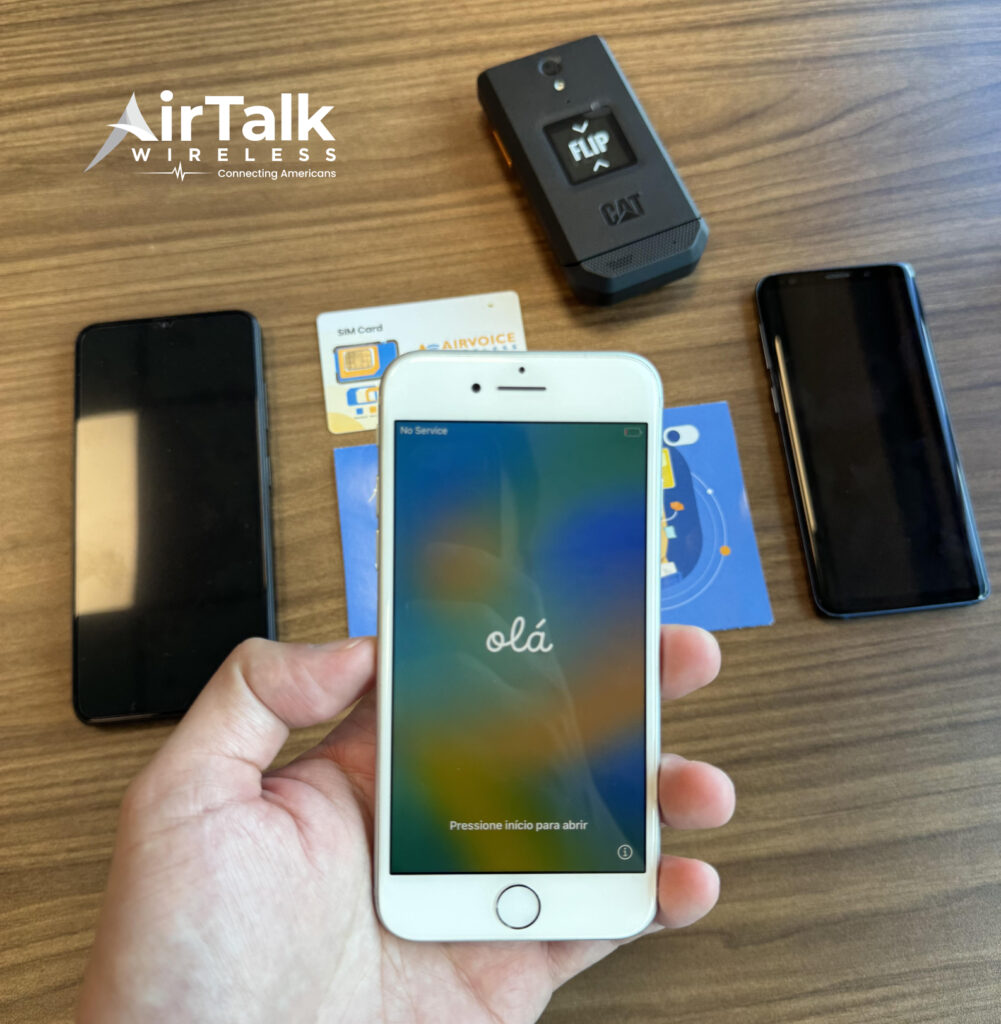
Through participating providers like AirTalk Wireless, eligible users may receive monthly talk, text, and data benefits on compatible nationwide networks.
Users with compatible devices can often keep their current phone through Bring Your Own Device support, while some applicants may also qualify separately for free or discounted smartphone offers depending on availability.
Getting started typically involves:
- Entering a ZIP code to check local coverage and eligibility availability
- Choosing whether to use your current phone or browse available device offers
- Completing the online application form
- Uploading verification documents if additional proof is requested
- Waiting for approval and activating service after the application is processed
For users already using an iPhone 12, eSIM compatibility may also simplify setup because supported plans can sometimes activate digitally without waiting for a physical SIM card shipment.
7. FAQS
Can iPhone 12 Use Dual SIM?
Yes. For users asking does iPhone 12 have eSIM, the device also supports dual SIM functionality through one physical nano-SIM and one active eSIM simultaneously. Some supported carriers and newer iOS versions may additionally allow dual eSIM functionality on compatible setups.
Is eSIM Better Than a Physical SIM?
It depends on the situation. eSIM offers faster activation and easier carrier switching, while physical SIM cards may still work better for certain prepaid or international situations.
Can I Transfer My eSIM to Another iPhone?
Many carriers allow eSIM transfer directly between iPhones through setup tools or carrier apps, although policies vary by provider.
8. Conclusion
The iPhone 12 supports both eSIM and physical nano-SIM functionality, giving users flexible options for digital activation, dual-line setups, carrier switching, and international travel.
As more wireless providers continue expanding eSIM support, does iPhone 12 have eSIM becomes less about compatibility concerns and more about choosing the activation method that fits your daily usage, travel habits, and service preferences best.