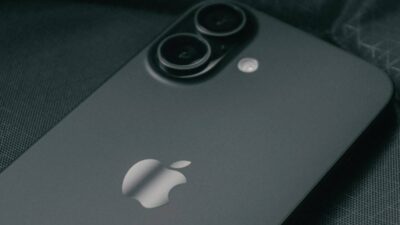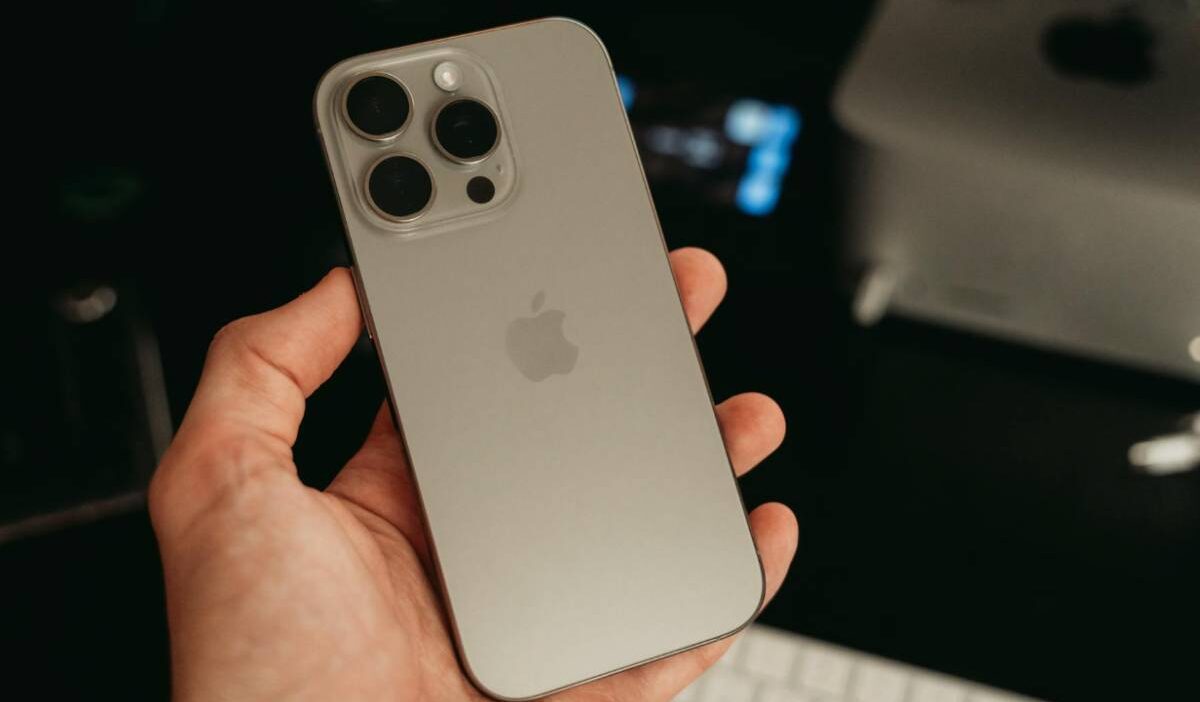
The first thing many buyers check after opening a new iPhone is the SIM tray. With the iPhone 16 lineup, that small detail still depends heavily on where the phone was purchased.
Questions about the iPhone 16 SIM card slot have become even more common because Apple continues treating U.S. and international models differently.
Some versions rely entirely on eSIM activation, while others still support physical Nano-SIM cards alongside digital setup.
1. Does iPhone 16 Have a SIM Card Slot?
Whether iPhone 16 has a SIM card slot question depends on the region where the phone was sold.
Apple continues using different SIM setups for U.S. and international iPhone 16 models in 2026. This applies across the entire lineup, including:
- iPhone 16
- iPhone 16 Plus
- iPhone 16 Pro
- iPhone 16 Pro Max
No matter which version users choose, U.S. models follow Apple’s eSIM-only approach while many international models still include physical SIM support.
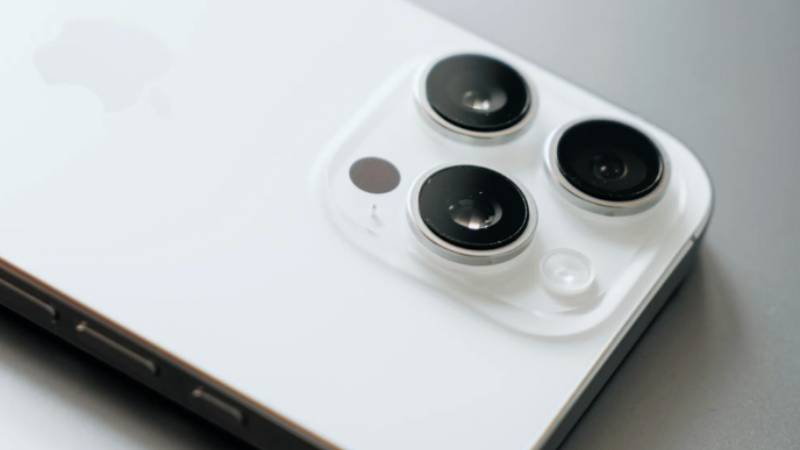
U.S. Models: No Physical Slot
iPhone 16 models sold in the United States do not include a physical SIM card tray.
Instead, all U.S. variants rely entirely on eSIM activation for cellular service. Users activate carrier plans digitally without inserting a Nano-SIM card.
U.S. models also support:
- Dual active eSIM
- Multiple stored eSIM profiles
- Digital carrier switching
This setup matches the approach Apple introduced with the U.S. iPhone 14 and iPhone 15 series.
International Models: Nano-SIM + eSIM
Many international iPhone 16 models still include:
- One physical Nano-SIM slot
- eSIM support
- Dual SIM functionality
This allows users to combine a physical SIM card with eSIM on the same device.
International versions are often preferred by travelers or users in regions where physical SIM cards remain more common.
2. Do You Know Why Apple Removed the SIM Card Slot in the U.S.?
When discussing the iPhone 16 SIM card slot, many users also wonder why Apple removed the physical tray entirely from U.S. models.
Following the iPhone 14 and 15 Approach
Apple first removed the SIM tray from U.S. iPhone 14 models and continued the same strategy with the iPhone 15 and iPhone 16 lineup.
By continuing the eSIM-only approach, Apple simplified activation around digital carrier setup instead of physical SIM installation.
This also helps create a more consistent activation process across newer U.S. iPhones.
Pushing Carriers Toward Full eSIM Support
Apple’s decision also puts pressure on carriers to improve eSIM support and digital activation systems.
With eSIM technology, users can:
- Activate service remotely
- Switch carriers digitally
- Transfer numbers faster
- Avoid handling physical SIM cards
Apple also promotes eSIM for additional security advantages because stolen phones cannot easily have the SIM card removed.
Even so, some users still prefer physical SIM cards for travel flexibility and easier switching between international carriers.
3. How to Activate eSIM Service on iPhone 16
After learning how the iPhone 16 SIM card slot works, the next step is activating eSIM service correctly.
Carrier QR Code Method
Many carriers provide a QR code for eSIM activation.
To use this method:
- Open Settings
- Tap Cellular
- Select Add eSIM
- Scan the QR code provided by your carrier
The iPhone then downloads the carrier profile digitally.
iPhone-to-iPhone Transfer
Apple also supports direct eSIM transfer between compatible iPhones.
During setup, users may transfer their existing number and carrier plan from another iPhone without contacting the carrier manually.
This option works best when:
- Both iPhones support eSIM
- Both devices use compatible iOS versions
- The carrier allows digital transfer
Manual Entry Option
Some carriers allow users to enter activation details manually instead of scanning a QR code.
This setup may require:
- SM-DP+ address
- Activation code
- Carrier confirmation details
Manual activation is less common but can help when QR setup is unavailable.
4. What If You Need a Physical SIM? Your Options
Even though the iPhone 16 SIM card slot is missing on U.S. models, users still have several practical options depending on how they plan to use the phone.
Buy an International iPhone 16 Model
Users who strongly prefer physical SIM cards may want to purchase an international iPhone 16 version instead of a U.S. model.
Many international versions still include:
- One Nano-SIM slot
- eSIM support
- Dual SIM functionality
This setup can be useful for travelers, users with older carrier plans, or people who switch SIM cards frequently between devices.
Before purchasing internationally, it is still important to confirm:
- Carrier compatibility
- Network band support
- Warranty limitations by region
Use a Dual eSIM Setup for Two Lines
For users who no longer need physical SIM cards, dual eSIM can still provide flexibility similar to traditional dual SIM setups.
U.S. iPhone 16 models support:
- Two active eSIM lines
- Multiple stored eSIM profiles
- Digital carrier switching
This allows users to separate:
- Work and personal numbers
- Domestic and travel plans
- Backup carrier lines
without using a physical SIM tray.
Read more: Can I Use eSIM on Locked iPhone? Yes, But There’s a Catch
Look at MVNO or Lifeline Carriers That Offer eSIM
More MVNO and Lifeline-supported providers now support eSIM activation for compatible iPhones.
This can help users activate service digitally without visiting a store or waiting for a physical SIM card to arrive.
Depending on the provider, users may be able to:
- Download service directly through eSIM
- Transfer existing numbers digitally
- Activate compatible unlocked iPhones online
Carrier support can still vary, so confirming eSIM compatibility before activation is important.
5. Prefer a Phone That’s Already Set Up and Ready to Use Out of the Box?
For some users, setting up eSIM manually, comparing carrier compatibility, or transferring service between devices can feel more complicated than expected. This is especially common for people switching from older iPhones that still used physical SIM cards.
Instead of managing setup alone, some users prefer getting a phone and service already prepared through a participating provider.
People who qualify through programs such as SNAP, Medicaid, or SSI may also qualify for Lifeline-supported phone service in supported areas.
AirTalk Wireless is one provider participating in the Lifeline program and may offer eligible users phones, monthly talk, text, and data plans, and compatible activation support depending on location and inventory availability.
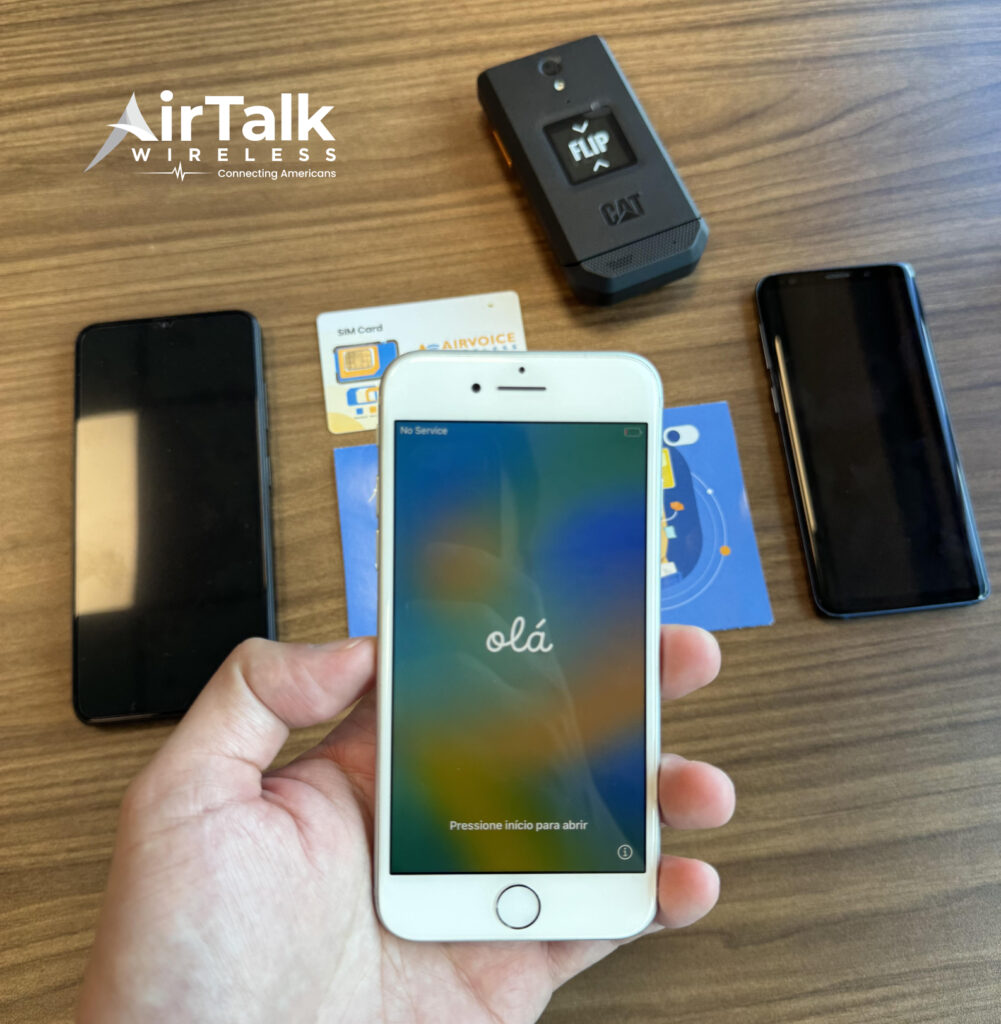
Depending on the device offered, users may receive:
- eSIM-compatible iPhones
- Physical SIM activation support
- Bring Your Own Device options
- Online activation assistance
This can be useful for users who:
- Want a simpler setup process
- Need service quickly
- Prefer compatible phones already prepared for activation
- Do not want to manage carrier setup manually
Users can enter their ZIP code on the AirTalk Wireless website to review eligibility, available plans, and current phone offers in their area.
6. FAQS
Where Is iPhone 16 SIM Card Slot?
U.S. iPhone 16 models do not have a physical SIM card slot. International versions usually place the Nano-SIM tray on the side of the device.
Why Does My iPhone 16 Not Have a SIM Card Slot?
If you purchased the phone in the United States, Apple removed the physical SIM tray and switched the device to eSIM-only activation.
Why Doesn’t My iPhone 16 Have a SIM Card Slot?
Apple continues using eSIM-only technology on U.S. iPhone 16 models to support digital carrier activation without physical SIM cards.
Where Is the SIM Card Slot on iPhone 16 Pro Max?
U.S. iPhone 16 Pro Max models do not include a SIM card slot. Many international versions still have a Nano-SIM tray on the side of the phone.
Where Is the SIM Card Slot on iPhone 16 Pro?
International iPhone 16 Pro models usually include a physical Nano-SIM tray, while U.S. versions rely entirely on eSIM activation.
7. Conclusion
The answer to the iPhone 16 SIM card slot question depends mainly on the device region. U.S. iPhone 16 models use eSIM only, while many international versions still support physical Nano-SIM cards alongside digital activation.
Before purchasing or switching carriers, it helps to confirm which iPhone 16 version you own so you can choose the right activation method, carrier setup, and SIM option for your needs.