Every mobile phone relies on a small piece of technology that most people rarely think about until it’s time to switch carriers, activate a new line, or troubleshoot a connection. That tiny chip is known as a SIM card, but its role goes far beyond simply making calls or connecting to a mobile network.
If you’ve ever wondered what SIM stands for, you’re not alone. The acronym is often mentioned without much explanation, leaving many people unsure about what it actually means or why it’s still important in the eSIM era.
This guide explains the term in plain language, explores what a SIM card does, and clears up some of the most common misconceptions surrounding modern mobile connectivity.
1. What Does SIM Stand For?
SIM stands for Subscriber Identity Module.
Although the name sounds technical, its purpose is straightforward: it securely identifies your mobile subscription so your carrier knows who you are when you connect to its network.
Every SIM contains a unique identifier linked to your account. When inserted into a compatible handset or activated as an eSIM, it authenticates your subscription, allowing you to make calls, send texts, and access mobile data.
Without that authentication, the hardware may still function over Wi-Fi, but it won’t connect to your carrier’s cellular service.

2. What Does a SIM Card Actually Do?
Think of a SIM as your digital identity on a mobile network rather than part of the phone itself. Its primary role is to verify your subscription each time the handset connects to a carrier’s towers.
Once activated, it enables core wireless services, including:
- Making and receiving phone calls
- Sending and receiving text messages
- Accessing mobile data
- Connecting to your carrier while traveling, where roaming is supported
Because your subscription is stored separately from the hardware, moving the SIM to another compatible handset often lets you continue using the same number and service without creating a new account.
3. What Information Is Stored on a SIM Card?
Many people assume this tiny chip contains everything on their phone, but that’s no longer the case.
Modern smartphones save most personal information in internal storage or cloud accounts, while the SIM retains only a limited amount of subscriber-related data.
Your Phone Number and Subscriber Information
The most important information stored on a SIM is the data that identifies your mobile subscription. This typically includes your subscriber identity, authentication credentials, and the number associated with your wireless account.
Contacts and SMS on Older SIM Cards
Years ago, many people saved contacts and text messages directly to the SIM because early mobile phones had very limited internal storage.
Today, that approach is far less common. Most smartphones automatically store contacts, messages, photos, and app data in internal memory or sync them with cloud services such as Google or iCloud, making it much easier to switch between devices.
What Isn’t Stored on a SIM Card
Despite common misconceptions, the SIM doesn’t hold most of the information people worry about losing.
Items typically stored elsewhere include:
- Photos and videos
- Installed apps
- Emails
- Documents
- Call history
- Device settings
- Biometric data, such as fingerprints or Face ID information
That’s why removing the SIM doesn’t erase your personal files or reset the handset.
4. SIM Card vs eSIM: What’s the Difference?
Both technologies perform the same core function: they authenticate your subscription and connect you to your carrier’s network. The difference lies in how they’re installed and managed.
Physical SIM Cards
A traditional SIM is a removable chip that fits into a dedicated tray inside the handset. Replacing it usually takes only a few seconds, which makes this format especially convenient for those who regularly switch between devices or use local carriers while traveling.
Embedded eSIMs
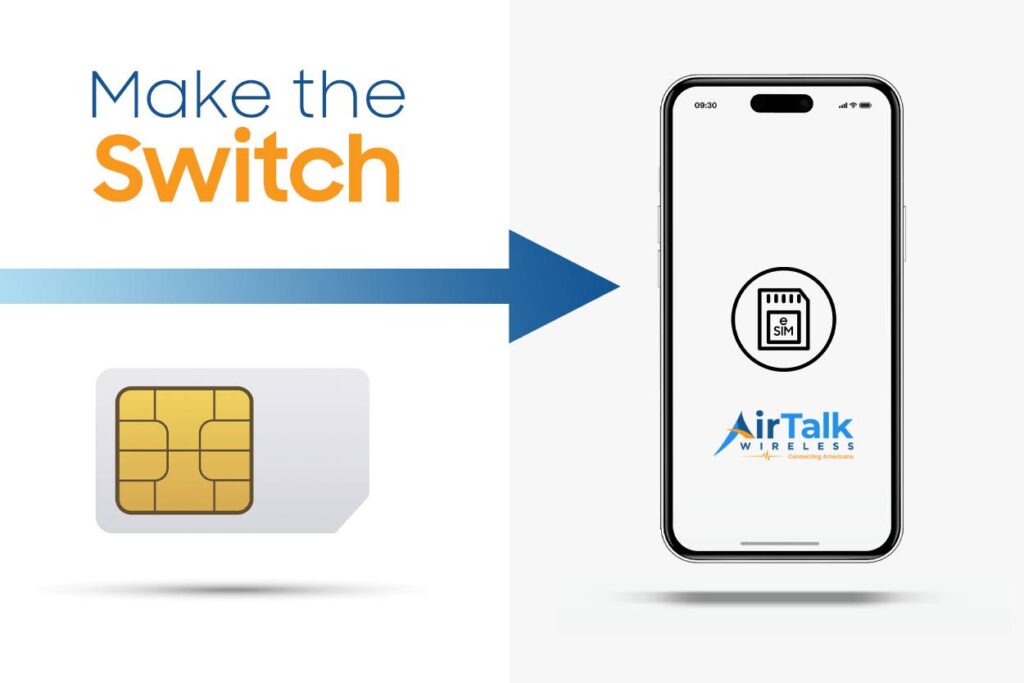
An eSIM is built directly into the hardware, so there’s nothing to insert or remove. Instead, activation happens digitally by downloading a carrier profile, often through a QR code or an app.
Besides eliminating the need for a physical card, eSIM technology makes it easier to store multiple mobile plans on one handset and switch between them without swapping anything.
Which One Should You Choose?
Neither format is inherently better because both provide the same cellular service once activated.
A traditional SIM is often the simpler choice if you frequently move your number between different handsets.
An eSIM offers greater convenience for people who activate service online, manage multiple lines, or travel internationally and want to switch carriers without handling a physical card.
As more manufacturers embrace digital activation, many newer smartphones now support both formats, giving users the flexibility to choose whichever suits their needs best.
5. Does Every Phone Still Need a SIM Card?
For cellular service, yes. Every smartphone still needs a way to authenticate with a mobile network before it can make calls, send text messages, or use mobile data.
The difference today is that authentication doesn’t always rely on a removable card.
Many newer models now support eSIM, a built-in digital alternative that performs the same function without requiring a physical chip. Some devices even offer both formats, allowing you to activate whichever one your carrier supports.
There are a few exceptions. A handset can still connect to Wi-Fi without any SIM installed, so you’ll be able to browse the internet, use messaging apps, stream videos, and access downloaded content.
However, features that depend on a cellular connection, such as regular phone calls, SMS, and mobile data, won’t work until a SIM or eSIM is activated.
In short, modern smartphones still require a SIM to access a carrier’s network. The only real change is that the SIM may now be digital instead of physical.
6. Ready to Activate a SIM Card? Here’s What to Know First
Once you understand how a SIM works, the next step is making sure you have a mobile plan that fits your needs. While many people purchase service directly from a carrier, that’s not the only option.
For eligible households, the federal Lifeline program helps reduce the cost of staying connected by providing free or low-cost monthly wireless service through participating providers.
As a participating Lifeline provider, AirTalk Wireless offers qualifying customers:
- Free or low-cost monthly wireless service
- A free physical SIM card or eSIM activation on supported devices
- Bring Your Own Device (BYOD) if you already have a compatible handset
- A selection of smartphones, with availability depending on your state and current inventory
- No annual contracts
- A free eSIM Compatibility Checker
Getting started only takes a few steps:
- Check your eligibility. Qualification is generally based on household income or participation in government assistance programs such as Medicaid or SNAP.
- Choose an available Lifeline plan. Select the service offered in your area. Depending on availability, you may also qualify for a smartphone.
- Complete your application. Submit your information and any required documents to verify eligibility.
- Receive and activate your service. Once approved, you’ll receive your SIM card or activation instructions for eSIM, allowing you to start using your wireless service.
Once you understand how a SIM works, the next step is making sure you have a mobile plan that fits your needs. While many people purchase service directly from a carrier, that’s not the only option.
Read more: What Is Stored on a SIM Card? The Complete Guide to SIM Card Data
7. FAQs
What happens if you take out your SIM card and put it in another phone?
In most cases, your mobile number and wireless service will move with the SIM, provided the other handset is compatible with your carrier. Personal files such as photos, apps, and documents usually remain on the original device.
Does removing SIM card from phone delete everything?
No. Removing the SIM doesn’t erase photos, videos, apps, or other personal data. Most of that information is stored in the handset’s internal memory or backed up to a cloud account rather than on the SIM itself.
Can someone access your phone through a SIM card?
Not by simply having the SIM. Modern smartphones rely on additional security measures such as PINs, passwords, fingerprints, or facial recognition to protect your information. However, if your SIM is lost or stolen, it’s a good idea to contact your carrier as soon as possible to suspend or replace it.
8. Conclusion
Understanding what SIM stands for is the first step toward understanding how mobile networks recognize and connect your account. Although the technology has evolved from removable cards to embedded eSIMs, its purpose remains the same: securely linking your subscription to wireless service.