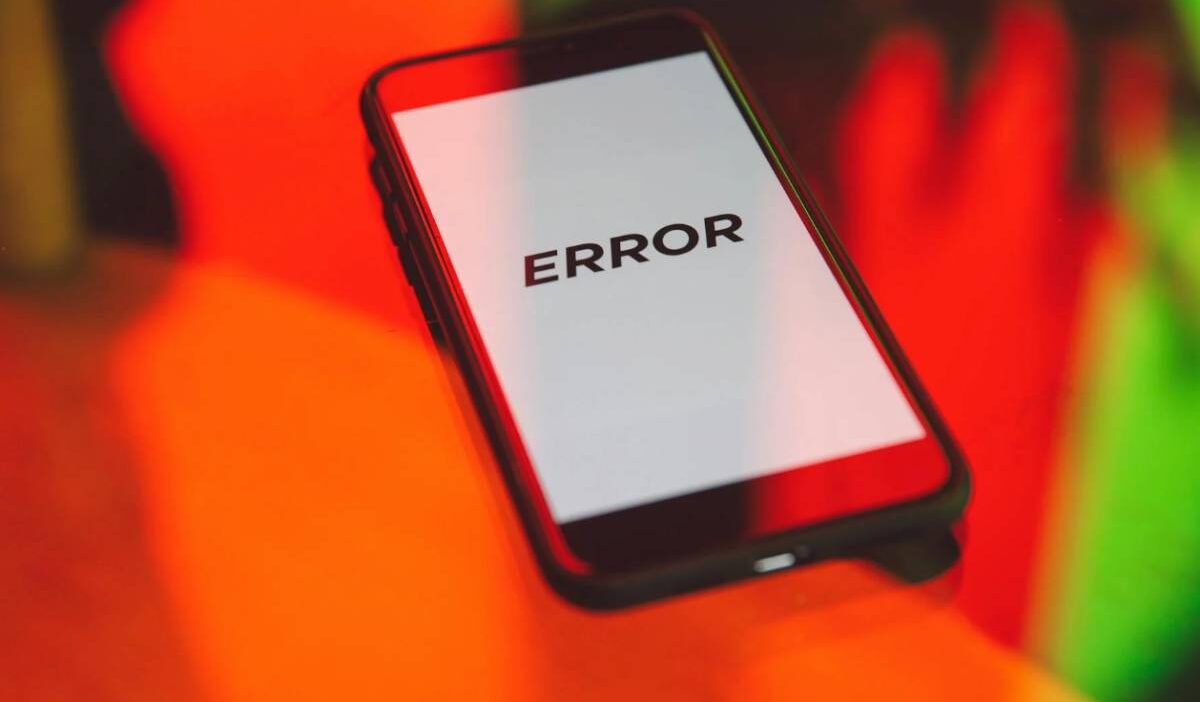
Seeing a no SIM available message can stop your phone from making calls, sending texts, or using mobile data. It often appears suddenly, leaving users wondering what went wrong and how to fix it.
In this guide, you will learn the most common causes of the error and practical steps to fix it quickly.
1. What Does No SIM Available Mean?
The no SIM available message means your phone is unable to detect or communicate with the SIM card. When this happens, your device cannot connect to a mobile network, which disables calling, texting, and mobile data.

If you are wondering why does my phone say no SIM, it usually comes down to one of these issues:
- The SIM card is not properly recognized
- The SIM is damaged or not working
- The phone is having trouble reading the SIM due to a system or network issue
Even if your SIM is inside the phone, the device may still show this error if it cannot establish a connection with the carrier. This is why the message appears even when nothing seems physically wrong.
2. Common Causes of the “No SIM Available” Error
Understanding the root cause helps you fix the issue faster. In most cases, the problem is not complex and can be resolved with simple checks.
SIM Card Not Inserted Correctly
One of the most common reasons is improper placement.
This can happen when:
- The SIM is not fully seated in the tray
- The tray is not inserted correctly
- The SIM shifts slightly inside the slot
Even a small misalignment can prevent the phone from detecting the card.
Dirty or Damaged SIM Card
A SIM card can stop working if it is physically compromised.
Possible issues include:
- Dust or dirt on the metal contacts
- Scratches or wear from frequent removal
- Exposure to moisture or heat
If the chip cannot be read properly, your phone will show the error.
Software or Network Glitch
Sometimes the issue is not the SIM at all, but the phone’s system.
This can include:
- Temporary software bugs
- Failed network updates
- Carrier configuration issues
In these cases, the phone may fail to recognize a working SIM card until the system is refreshed.
3. How to Fix “No SIM Available” (Try These First)
If your phone shows a no SIM available message, you can often fix it with a few simple steps. Many users who see iPhone says no SIM errors are dealing with temporary issues that do not require technical repair.
Start with these basic fixes before trying anything more advanced.
Restart Your Phone
Restarting your phone is the quickest fix.
This helps:
- Reset system processes
- Clear temporary software glitches
- Reconnect to the network
After rebooting, your phone will attempt to detect the SIM card again.
Turn Airplane Mode On and Off
Airplane Mode can refresh your network connection.
Steps to follow include:
- Turn on Airplane Mode
- Wait about 10–15 seconds
- Turn it off
This forces your phone to reconnect to the carrier, which can resolve detection issues.
Remove and Reinsert the SIM Card
A loose or misaligned SIM card is a common cause.
What to do:
- Power off your phone
- Remove the SIM tray
- Take out the SIM and check for dust or damage
- Reinsert it carefully and securely
Make sure the SIM sits flat in the tray before inserting it back.
4. How to Tell If the Problem Is Your SIM or Your Phone
If the issue continues, you need to identify whether the problem is the SIM card or the device itself. This is especially important when dealing with repeated no SIM available iPhone errors.
Try Another SIM Card
Insert a different SIM card into your phone.
If the new SIM works:
- Your original SIM is likely faulty
- You may need a replacement
If the new SIM does not work:
- The issue may be with your phone
Test Your SIM in Another Device
Take your current SIM and test it in another phone.
If it works in another device:
- Your phone may have a hardware or software issue
If it does not work:
- The SIM card is likely damaged or inactive
This simple test helps you quickly narrow down the cause without guessing.
Read more: How to Get the Best Free 5G Government Phones
5. What to Do If Your SIM Card Is Not Working
If you have tried basic fixes and still see the no SIM available error, the issue is likely with the SIM card itself or your carrier connection. At this point, replacing the SIM or getting support is the most effective solution.
Request a Replacement SIM Card
SIM cards can wear out over time or become damaged without visible signs.
You should request a replacement if:
- Your SIM is not detected in multiple devices
- You notice scratches or wear on the chip
- The card frequently disconnects or loses signal
Most carriers can:
- Issue a new SIM with the same number
- Provide it in the correct size or as a 3-in-1 SIM
- Offer eSIM activation if your device supports it
This is often the fastest way to resolve persistent SIM errors.
Contact Your Carrier
If a replacement SIM does not fix the issue, your carrier can help diagnose deeper problems.
They can:
- Check if your SIM is active
- Verify network coverage in your area
- Reset your connection or update settings
If you are using a provider like AirTalk Wireless, support can also guide you through:
- Replacing your SIM or switching to eSIM
- Reconnecting your device to the network
- Resolving account-related issues
Getting direct support helps ensure the problem is fully resolved.
6. FAQs
Why does my phone suddenly say no SIM available?
This can happen due to a loose SIM, software glitch, or a damaged card. Restarting your phone or reinserting the SIM often fixes the issue.
How do I fix no SIM available iPhone error?
For a no SIM available iPhone issue, try restarting your device, toggling Airplane Mode, and reinserting the SIM. If the problem continues, test the SIM in another phone or request a replacement.
Can a SIM card stop working over time?
Yes, SIM cards can degrade with use. Physical wear, dust, or network changes can cause them to stop functioning properly.
Is it better to switch to eSIM instead of a physical SIM?
If your phone supports eSIM, it can be a more stable option since there is no physical card to damage or misplace.
Conclusion
The no SIM available error is usually caused by simple issues like misalignment, SIM damage, or temporary network problems.
By checking your SIM, testing it in another device, and replacing it if needed, you can quickly restore your phone’s connection and avoid ongoing disruptions.