The iPhone SE has always been a straightforward, budget-friendly option in Apple’s lineup. But as eSIM becomes more common across newer iPhones, many users are starting to ask: does iPhone SE have eSIM?
The answer depends on the specific model you’re using. In this guide, we’ll break down which iPhone SE versions support eSIM and what you need to know before choosing one.
1. Does iPhone SE Have eSIM? The Answer May Surprise You
Yes, but it depends on the model. The iPhone SE (2nd generation, 2020) and iPhone SE (3rd generation, 2022) both support eSIM, while the original iPhone SE (2016) does not.
This difference comes from how Apple gradually introduced eSIM across its lineup. The feature first appeared on flagship iPhones before making its way to more affordable devices like the iPhone SE.
As a result, older iPhone SE models rely entirely on a physical SIM card. Newer versions, however, support both eSIM and a physical SIM. This allows you to use two numbers on the same device and switch between carriers more easily.
2. Which iPhone SE Models Support eSIM? (Breakdown)
Now that you already have a clear answer to does iPhone SE have eSIM, you might be wondering how this feature differs across each generation.
Let’s break down every iPhone SE model to see exactly where eSIM support begins and what changes from one version to the next.
iPhone SE 1st Generation – 2016
The original iPhone SE does not support eSIM. It relies entirely on a physical SIM card for cellular connectivity. At the time of its release, eSIM technology had not yet been introduced to iPhones.
If you’re still using this model, switching carriers or plans will require physically removing and replacing your SIM card.
iPhone SE 2nd Generation – 2020
With the release of the second-generation model, Apple introduced eSIM support to the iPhone SE lineup. This device supports Dual SIM functionality, allowing you to use one physical SIM and one eSIM simultaneously.
This upgrade made it much easier to manage personal and work numbers on a single device or switch carriers without needing a physical SIM card.
iPhone SE 3rd Generation – 2022
Does iPhone SE 3rd gen have eSIM? Yes! It fully supports eSIM alongside a physical SIM, allowing Dual SIM functionality on a single device.
Compared to the previous generation, this model delivers a more refined experience overall. It’s powered by Apple’s A15 Bionic chip and supports 5G connectivity, which improves speed, performance, and network reliability.
These upgrades make everyday eSIM use more seamless, especially when activating a new plan or switching carriers digitally.
3. How to Check If Your iPhone SE Has eSIM
Since eSIM support varies by iPhone SE generation, the next step is to confirm whether your specific device includes this feature. If you’re not sure which model you’re using, there are a few simple ways to check.
Method 1: Check in Settings
The quickest way is to look directly in your iPhone’s settings.
Open Settings, go to Cellular (or Mobile Data), and see if you can find an option like “Add eSIM” or “Add Cellular Plan.” If that option appears, your iPhone supports eSIM.
Method 2: Check Your iPhone Model
Another simple way is to identify your iPhone SE model, especially if you’re wondering does iPhone SE have eSIM support. As mentioned earlier, eSIM support depends entirely on the generation:
- iPhone SE (1st gen): No eSIM
- iPhone SE (2nd gen): eSIM supported
- iPhone SE (3rd gen): eSIM supported
To check which model you have, go to Settings → General → About and look for the model name listed there.
Method 3: Contact Your Carrier
Even if your device supports eSIM, availability can still depend on your carrier. Some networks may not support eSIM in certain regions or may require specific activation steps.
If you’re unsure, it’s best to contact your carrier or check their website to confirm whether eSIM is available for your plan.
>>> Also read: How to Find Your eSIM Number on iPhone: The Easy Guide for Every Model (2026)
4. Benefits of Using eSIM on iPhone SE
Once you’ve confirmed does iPhone SE have eSIM support on your specific model, the next step is understanding how this technology can improve your mobile experience.
Here are some practical benefits to keep in mind:
- Use Dual SIM without the hassle of two physical cards
You can keep both a personal and a work number on the same device without needing to insert a second SIM. Everything is managed digitally, which feels much cleaner and more convenient.
- Switch carriers more easily
Instead of waiting for a physical SIM to arrive, you can activate a new plan directly on your phone. This is especially helpful if you like comparing plans or changing providers.
- Great for travel
When you’re abroad, you can quickly add a local data plan without removing your primary SIM. That means no risk of losing your original SIM and no downtime.
- Better security
Since eSIM is built into your device, it can’t be removed if your phone is lost or stolen. This adds an extra layer of protection compared to a traditional SIM card.
- A more streamlined experience overall
With fewer physical components involved, managing your mobile connection becomes simpler, faster, and more modern.
Overall, eSIM turns your iPhone SE into a more flexible and travel-friendly device, especially if you regularly switch plans, use multiple numbers, or want a smoother, fully digital setup.
5. You May Not Know: Free eSIM Plans and Discounted iPhones Are Available
If you’re planning to switch to eSIM or looking for an iPhone that already supports it, cost is often one of the biggest concerns. Many shoppers searching does iPhone SE have eSIM are surprised to learn that there’s a much more affordable way to get started.
One option is through Lifeline providers like AirTalk Wireless.
Instead of buying a phone and a plan separately, AirTalk combines both into a single, streamlined process that can significantly reduce your costs, sometimes even making it completely free.
AirTalk Wireless operates through the Lifeline program, which is designed to make phone and internet services more accessible.
Lifeline itself provides a monthly discount on wireless service to help reduce your overall bill rather than acting as a direct carrier.
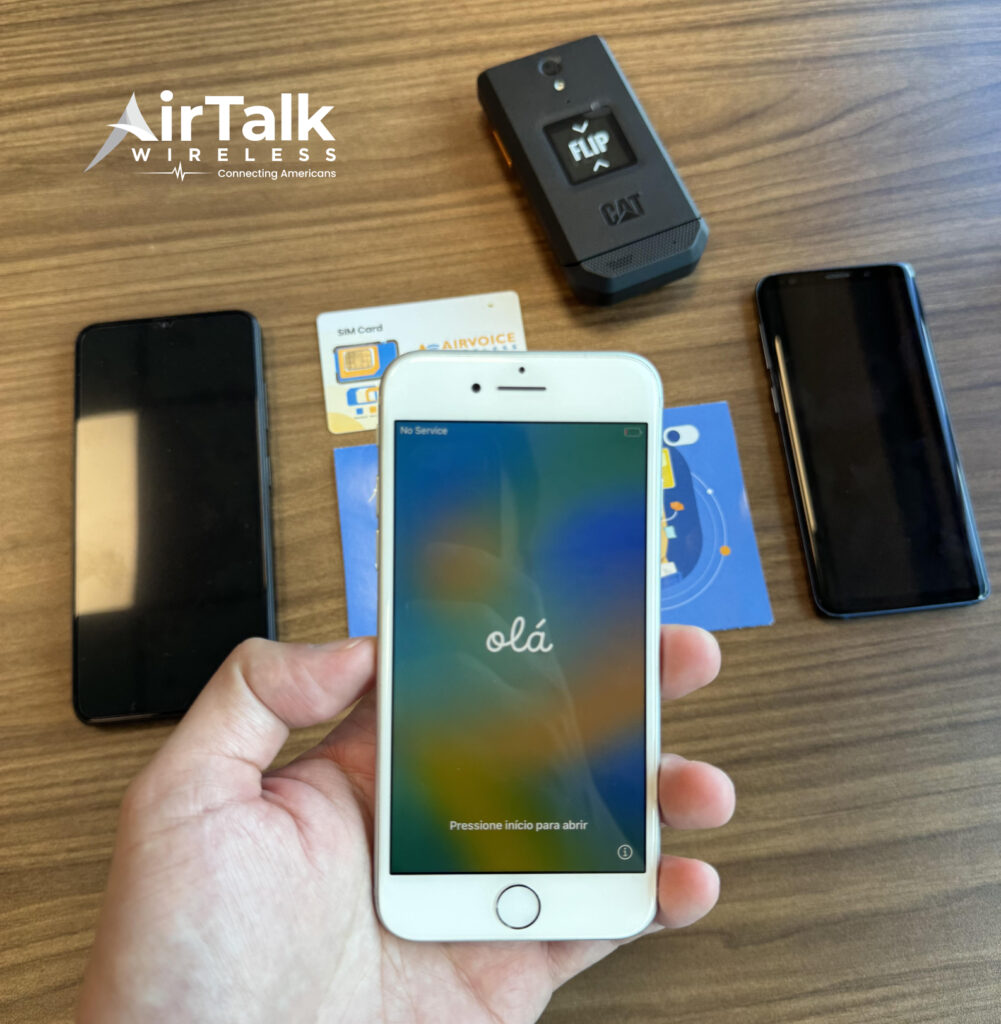
When you apply through AirTalk as a Lifeline-eligible user, you can receive several practical benefits:
- A free SIM card or eSIM, depending on whether your device supports eSIM
- The option to bring your own compatible phone and activate eSIM during signup
- Monthly plans that typically include talk, text, and data at little to no cost
- Access to free or discounted smartphones, including iPhone models that support eSIM (offered by AirTalk, not directly by Lifeline)
Sounds like a pretty great deal, right? If you’re curious whether you qualify, it’s worth taking a minute to check.
Just visit AirTalk and see what options are available for you. You might be able to switch to eSIM and even get a supported iPhone at little to no cost.
Final Thoughts
So, does iPhone SE have eSIM? The answer depends on the model. While the first generation does not support it, both the 2nd and 3rd generation models do, with the latest version offering the best overall experience.
As eSIM becomes more common, understanding your device’s capabilities can help you take full advantage of modern mobile features.
If you’re using a compatible iPhone SE, now is a great time to explore eSIM and see how it can simplify your connectivity.
And if cost is a concern, it’s worth checking options like AirTalk. You may be able to get started with eSIM and even a compatible iPhone at little to no cost, depending on your eligibility.