Buying an iPhone without a carrier attached gives users much more flexibility, but terms like “SIM free,” “unlocked,” and “eSIM compatible” can still confuse many buyers during setup.
An iPhone 12 SIM free model is designed to work without being locked to a specific carrier, making it easier to activate service, switch networks, travel internationally, or use eSIM with compatible providers. Understanding how SIM-free activation works can help avoid setup problems and make choosing the right wireless plan much simpler.
1. What Does “SIM Free” Mean for the iPhone 12?
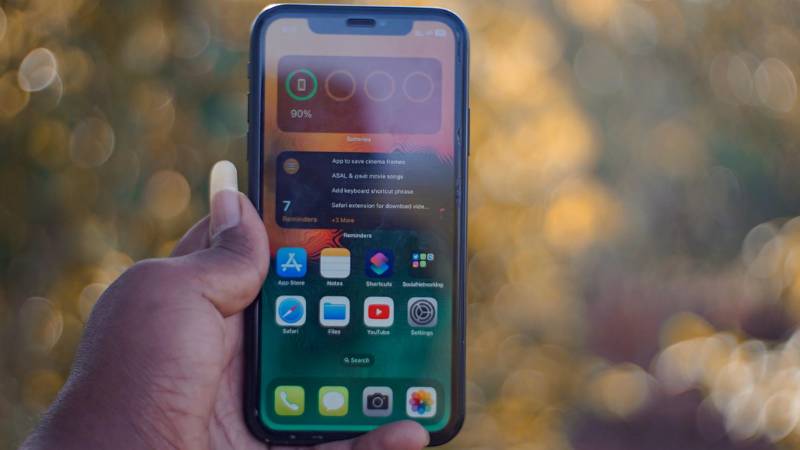
A SIM-free iPhone 12 is sold without being tied to a specific wireless carrier. Instead of arriving locked to one network, the phone is designed to work with compatible carriers of the user’s choice.
That flexibility makes activation much easier for people who want to:
- Switch carriers freely
- Use prepaid plans
- Travel internationally
- Activate eSIM service
- Avoid long carrier contracts
For users buying an iPhone 12 SIM free model, the biggest advantage is having more control over how and where the phone gets activated.
SIM Free vs Unlocked vs Carrier Versions
These terms are often used together, but they are not always identical.
- SIM free usually means the phone is sold without a carrier contract attached
- Unlocked means the device is not restricted to one network
- Carrier versions may be locked to a specific provider until eligibility requirements are met
Most SIM-free iPhone 12 models are also unlocked, but users should still verify lock status before purchasing secondhand devices.
How “SIM Free” Affects eSIM Setup
A SIM-free iPhone 12 usually makes eSIM activation easier because compatible carriers can activate digitally without carrier-lock restrictions interfering.
This allows users to:
- Download carrier plans digitally
- Add secondary lines more easily
- Switch networks faster
- Use dual SIM functionality
Carrier support still matters, but SIM-free devices generally provide much more flexibility during activation.
2. Does a SIM-Free iPhone 12 Support eSIM?
Yes. A SIM-free iPhone 12 fully supports eSIM functionality alongside the physical nano-SIM slot.
Apple built the iPhone 12 with:
- One physical nano-SIM slot
- One active eSIM line
- Dual SIM support
- Multiple stored eSIM profiles
For users considering an iPhone 12 SIM free device, this means the phone can activate service digitally on supported carriers without relying entirely on removable SIM cards.
3. Is a SIM-Free iPhone 12 Worth Buying in 2026?
Even several years after release, the iPhone 12 still works well for users who want strong performance, 5G support, and flexible carrier compatibility without paying flagship-level prices.
Carrier Freedom and Easy Switching
One major benefit of buying SIM free is the ability to change carriers more easily.
Users can often:
- Move between prepaid providers
- Activate eSIM plans digitally
- Avoid carrier lock restrictions
- Switch plans during travel
without replacing the phone itself.
Better Resale Value
SIM-free iPhones are often easier to resell because buyers are not limited to one specific carrier network.
Compared to carrier-locked phones, unlocked and SIM-free devices usually attract more buyers, better resale prices, and easier international resale opportunities
International Travel Benefits
Travelers often prefer SIM-free iPhones because they can activate local carriers more easily abroad.
Depending on carrier support, without changing their primary device setup completely, users may:
- Insert local nano-SIM cards
- Download travel eSIM plans
- Keep dual numbers active simultaneously
Read more: How to Unlock iPhone: Step-by-Step Guide for Any Situation (2026)
4. How to Activate a SIM-Free iPhone 12
Most SIM-free iPhone 12 models can activate quickly once connected to a compatible carrier.
Option 1: Insert a Nano-SIM from Any Carrier
To activate with a physical SIM:
- Insert a compatible nano-SIM card
- Power on the iPhone
- Follow the setup prompts
- Wait for network activation
Most unlocked SIM-free devices recognize supported carriers automatically.
Option 2: Set Up eSIM via QR Code
Many carriers now provide eSIM activation through QR codes.
To activate digitally:
- Open Settings
- Tap Cellular
- Select Add eSIM
- Scan the QR code
- Follow the on-screen instructions
A stable Wi-Fi connection is usually required.
Option 3: Activate Through the Carrier App
Some carriers allow direct activation through their mobile apps.
This may allow users, without needing physical SIM cards at all, to:
- Purchase plans
- Transfer service
- Activate eSIM instantly
- Manage multiple lines
5. Common Issues After Setting Up a SIM-Free iPhone 12
Even with a SIM-free device, activation problems can still happen depending on the carrier, region, or network setup method being used.
“No SIM” Error After Insertion
Sometimes the iPhone shows a “No SIM” warning even after inserting a nano-SIM card correctly.
Possible causes include:
- Improper SIM placement
- Dirty SIM contacts
- Carrier activation delays
- Damaged SIM cards
- Network lock restrictions
Restarting the iPhone and reinserting the SIM carefully often resolves temporary detection problems.
eSIM Activation Failed
Some users activating digitally may see installation or download errors during setup.
This can happen because of:
- Weak Wi-Fi connection
- Unsupported carrier plans
- Incorrect QR codes
- Carrier provisioning delays
- Outdated iOS versions
For users using an iPhone 12 SIM free model specifically for eSIM flexibility, verifying both carrier support and device compatibility beforehand can help avoid most activation issues.
Network Not Found in a New Region
Travelers occasionally discover that local carriers do not appear automatically after arriving in another country or region.
Possible fixes may include:
- Turning Airplane Mode on and off
- Restarting the device
- Enabling roaming if needed
- Manually selecting a network
- Installing a regional travel eSIM
Carrier support varies significantly depending on country and network partnerships.
6. Got a Free iPhone 12 with Free Service Through Government Support
One of the biggest advantages of owning an iPhone 12 SIM free device is the freedom to choose how you activate service instead of being locked into expensive long-term carrier contracts.
That flexibility becomes even more useful for consumers trying to reduce monthly phone costs while continuing to use a fully capable iPhone.
Eligible households may qualify for Lifeline-supported wireless service through participating providers like AirTalk Wireless.
Because SIM-free iPhones already work more easily across compatible networks, many users can activate supported plans without dealing with carrier lock restrictions or complicated switching processes.
AirTalk supports compatible unlocked iPhones with both physical SIM and eSIM activation on supported plans.
Those already having an iPhone 12 may be able to keep using their current device through Bring Your Own Device (BYOD) support instead of purchasing another phone.
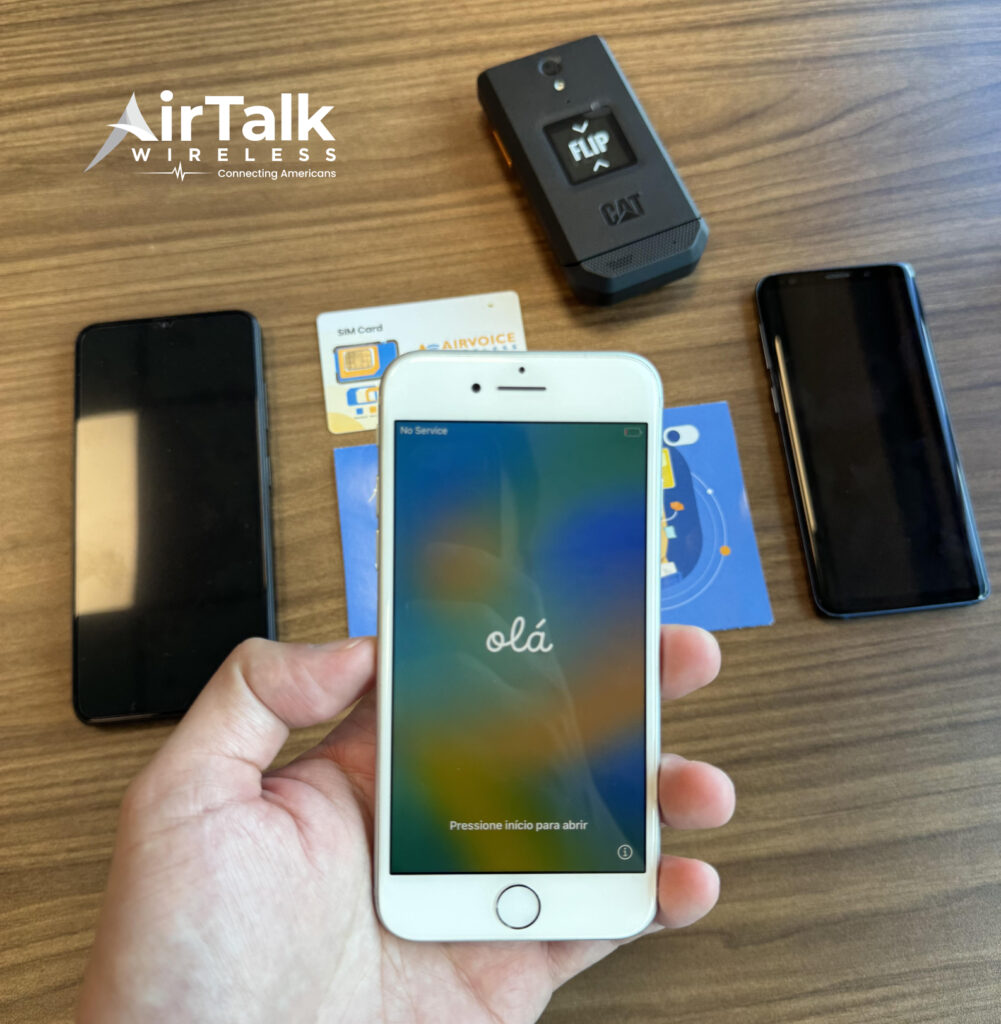
Depending on eligibility and availability, users may also qualify separately for free or discounted smartphone offers.
The process usually starts by:
- Entering a ZIP code to check local availability
- Verifying device compatibility
- Completing the online application
- Uploading eligibility documents if requested
- Activating service after approval
For users who prefer flexible activation and easier carrier switching, combining a SIM-free iPhone 12 with compatible eSIM-supported plans can make everyday setup much simpler.
7. FAQS
Can a SIM-Free iPhone 12 Work with Any Carrier?
Most SIM-free iPhone 12 models work with many compatible carriers, although network compatibility can still vary depending on region and carrier technology.
Is SIM Free the Same as Unlocked?
Often yes, but not always. SIM-free usually means the phone is sold without a carrier attached, while unlocked refers specifically to the device not being restricted to one network.
Can a SIM-Free iPhone 12 Use eSIM and Physical SIM Together?
Yes. The iPhone 12 supports dual SIM functionality using one physical nano-SIM and one active eSIM simultaneously.
Do SIM-Free iPhones Activate Faster?
In many situations, yes. SIM-free devices often avoid carrier lock restrictions, which can simplify both physical SIM and eSIM activation.
8. Conclusion
An iPhone 12 SIM free model gives users much more flexibility when choosing carriers, activating eSIM service, traveling internationally, or switching plans without long-term restrictions.
Because the iPhone 12 supports both physical nano-SIM and eSIM functionality, SIM-free versions remain highly practical even in 2026 for users who want easier activation, dual SIM support, and greater control over how their phone connects to wireless service.