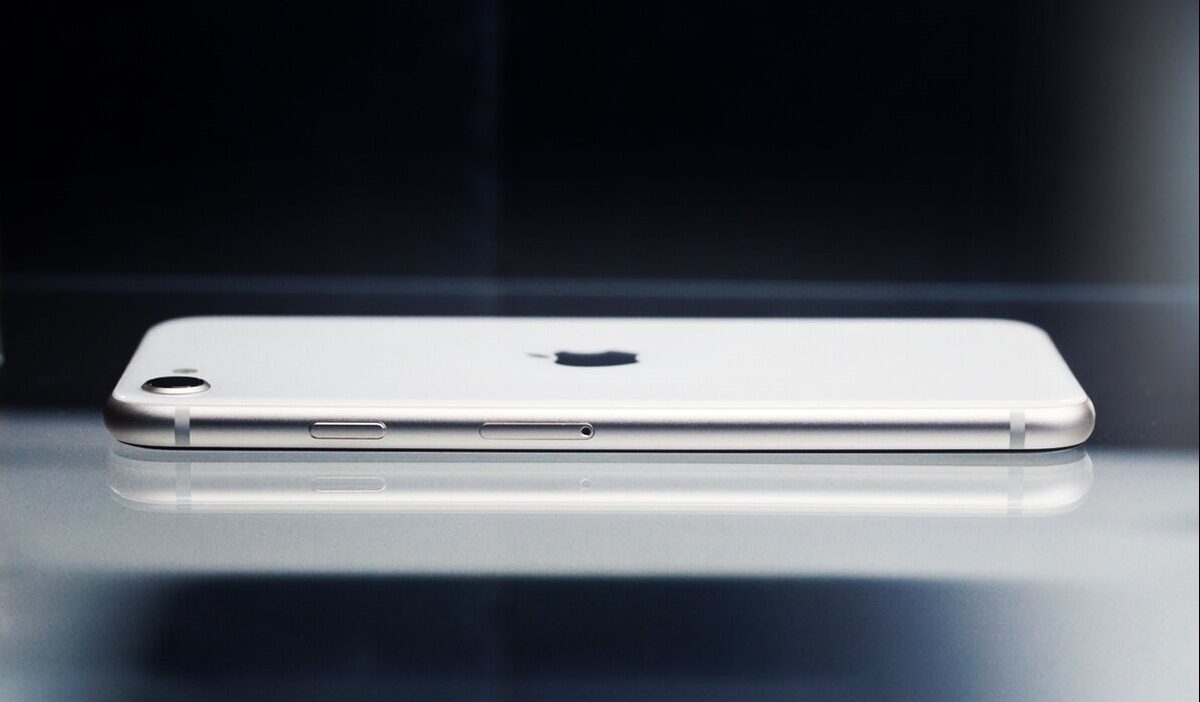
The iPhone SE (3rd generation) is still a popular option, especially for users who prefer a smaller, more affordable iPhone. However, when it comes to newer features like eSIM, things aren’t always obvious at first glance.
One common question is: does iPhone SE 3rd gen have eSIM, and how does it actually work on this device?
In this guide, you’ll find everything you need to know, from compatibility to setup and everyday use.
1. Does iPhone SE 3rd Gen Have eSIM?
Yes, the iPhone SE (3rd generation) does support eSIM, and this feature is available in most regions. That means you can activate a cellular plan without needing a physical SIM card. The setup process is faster and more convenient.
The device also supports dual SIM functionality. In other words, you can use both a physical SIM and an eSIM at the same time. This is useful if you want to separate work and personal numbers or use a local plan while traveling.
Here are some key eSIM features on iPhone SE (3rd generation):
- Dual SIM capability with one physical SIM and one eSIM
- Storage for multiple eSIM profiles on a single device
- Easy switching between different plans in “Settings”
- Compatibility with many major carriers that support eSIM
However, availability may still depend on your carrier and region. Therefore, it’s always a good idea to confirm that your provider supports eSIM activation on this model.
>>> Also read: Does iPhone X Support eSIM? The Honest Answer and What to Do Instead
2. How to Set Up eSIM on iPhone SE 3: 3 Easy Methods
Now that you have a clear answer to does iPhone SE 3rd gen have eSIM, the next step is setting it up on your device.
Setting up eSIM on your iPhone SE 3 is straightforward. Depending on your carrier, you can choose one of the following methods.
Method 1: Scan QR Code
This is the most common and straightforward way to activate eSIM. Just follow the steps below. It only takes a few minutes:
- Go to Settings > Cellular
- Tap “Add eSIM” or “Add Cellular Plan”
- Select the option to use a QR code
- Scan the QR code provided by your carrier
- Follow the on-screen instructions to complete activation
Once done, your eSIM plan should be ready to use within minutes.
Method 2: Use Carrier App
If you’re not comfortable scanning a QR code or simply prefer a more guided process, using your carrier’s app is a good alternative.
Here’s how to set it up:
- Download your carrier’s app from the App Store
- Log in to your account
- Look for an option to activate or transfer your plan
- Follow the guided steps to install the eSIM
This method is convenient because it removes the need to manually enter details or scan codes.
Method 3: Enter Details Manually
If you don’t have a QR code or app access, you can still set up eSIM manually. It may take a bit more time, but the process is still easy to follow as long as you have the required information.
- Go to Settings > Cellular
- Tap “Add eSIM”
- Choose “Enter Details Manually”
- Input the activation information provided by your carrier
- Confirm and complete the setup
Although this method takes a bit longer, it works in situations where other options aren’t available.
3. How to Check If eSIM Is Already Active on iPhone SE 3rd?
Many users searching does iPhone SE 3rd Gen have eSIM simply want to know whether their device already has an active eSIM profile. Fortunately, you can verify this in just a few steps.
- Open Settings
- Tap Cellular (or Mobile Data)
- Look under the SIMs or Cellular Plans section
If your eSIM is active, you’ll see a plan listed there. It may be labeled with your carrier name or a custom label like “Primary” or “Secondary.”
You can tap on the plan to view more details, such as:
- Network status and signal
- Data usage settings
- Default line for calls and messages
In addition, if you see multiple plans listed, it means your device is using dual SIM. You can switch between them or choose which one to use for data at any time.
However, if no eSIM appears, it may not be activated yet. In that case, you can go back to the setup steps and try again or contact your carrier for assistance.
>>> You might be interested in: Does My Phone Have an eSIM? Here’s How to Check in 1 Minute
4. Get a Free eSIM Plan or Discounted iPhone
If you’ve been wondering does iPhone SE 3rd gen have eSIM and are considering getting an eSIM-compatible device like this, it’s also natural to think about the cost of switching or starting a new plan.
If budget is a concern, there’s a helpful option you might not know about.
The Lifeline program is a government-supported initiative that provides a monthly discount on phone or internet services to eligible low-income individuals.
It’s designed to make sure everyone can stay connected for work, healthcare, and daily communication.
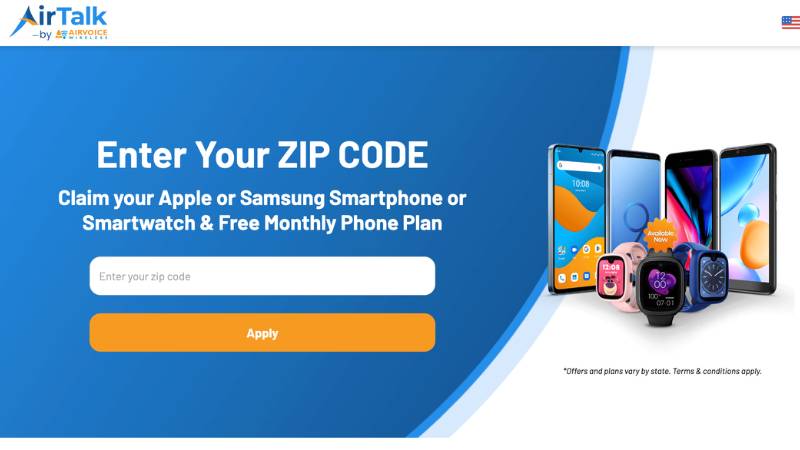
Through Lifeline providers like AirTalk Wireless, you can access these benefits in a simple way.
Here’s what you can expect with AirTalk Wireless:
- All approved applicants receive a FREE SIM card or eSIM (depending on device compatibility), along with monthly service.
- Depending on your area and eligibility, plans typically come with features like unlimited talk and text, plus high-speed data.
- If you already have an eSIM-compatible phone (such as newer iPhone models), you can choose the Bring Your Own Device (BYOD) option and activate your eSIM during signup.
- If you need a device, AirTalk Wireless also offers free or discounted smartphones as part of its own promotions, including many newer models that support eSIM.
Once approved, your service is typically activated quickly. If your device supports eSIM, you can start using it right away without waiting for a physical SIM card.
Sounds appealing, right? You can take advantage of these benefits as long as you meet the eligibility requirements for the Lifeline program. Visit AirTalk Wireless to check if you qualify and get started!
Final Thoughts
So, does iPhone SE 3rd gen have eSIM? The answer is YES, and it opens up a more flexible, convenient way to stay connected.
From activating your plan in minutes to managing multiple lines without a physical SIM, this feature makes everyday use much easier.
If you’re ready to take advantage of it, don’t stop at just setting up your eSIM. You may also qualify for a free or low-cost plan through the Lifeline program.
With providers like AirTalk Wireless, you can get started quickly and even explore free or discounted smartphones through their exclusive offers.
Take a minute to check your eligibility and apply today. If you qualify, you could be up and running with an eSIM plan in no time, without paying the usual monthly cost.