One of the biggest advantages of eSIM is convenience. Unlike physical SIM cards that may require shipping, store visits, or manual installation, eSIM activation can often happen entirely online.
That speed is one reason more carriers and smartphone manufacturers continue moving toward digital SIM technology.
Still, activation is not always instant. Some people are connected within minutes, while others spend hours wondering why their phone is still processing.
If you’re asking how long does it take to activate eSIM, the answer depends on factors such as your carrier, device, network conditions, and activation method.
1. How Long Does It Take to Activate eSIM on Average?
Most eSIM activations are much faster than waiting for a physical SIM card. In many cases, service can be up and running within minutes of scanning a QR code or completing setup through a carrier app.
However, activation times vary significantly between carriers, devices, and account types.
It’s also not unusual to see an eSIM stuck on activating message during setup. While that can be frustrating, it does not always mean something is wrong. Sometimes the carrier is simply processing the activation request in the background.
Typical Carrier Activation Times
For most major carriers, eSIM activation falls into one of these ranges:
| Activation Scenario | Typical Time |
| Carrier app activation | 1–10 minutes |
| QR code activation | 5–15 minutes |
| Existing customer line transfer | 5–30 minutes |
| New account setup | 15–60 minutes |
| Manual carrier verification | Several hours |
In ideal conditions, many people complete activation before finishing their initial phone setup.
Best-Case vs Worst-Case Scenarios
The fastest activations often happen when:
- The phone already supports eSIM
- The carrier supports instant activation
- Wi-Fi is stable
- Account information is verified
In these situations, service may become available within a few minutes.
On the other hand, delays can occur when:
- Carrier systems are overloaded
- Additional identity verification is required
- The device software is outdated
- The eSIM profile fails to download correctly
Although uncommon, some activations can take several hours before service becomes fully available.
2. Step-by-Step: How to Activate eSIM Faster
While some factors remain outside your control, there are several ways to improve the chances of a smooth activation process.
The same recommendations apply whether you’re activating on Android or learning how to activate eSIM on iPhone for the first time.
Step 1: Use a Strong Wi-Fi Connection
A weak internet connection is one of the most common causes of activation delays.
Before starting:
- Connect to a reliable Wi-Fi network
- Avoid public networks when possible
- Stay close to the router during setup
The eSIM profile must download successfully before activation can finish.
Step 2: Activate During Off-Peak Hours
Carrier systems can experience heavier demand during:
- Business hours
- Major device launch days
- Holiday periods
If activation repeatedly fails, trying again later in the evening or early morning may help reduce processing delays.
Step 3: Use the Carrier App Instead of QR Code
Many carriers now prioritize activation through their official mobile apps.
App-based activation can offer:
- Automatic account verification
- Direct profile downloads
- Fewer scanning errors
- Faster provisioning
If both options are available, the carrier app is often the smoother experience.
Step 4: Restart Your Phone After Setup
A simple restart remains one of the most overlooked troubleshooting steps.
Restarting can help the device:
- Refresh network settings
- Register with the carrier
- Complete pending activation processes
- Load newly installed carrier profiles
Even if the phone appears activated, a restart can sometimes resolve lingering connectivity issues.
3. Why Is eSIM Taking Too Long to Activate?
When activation drags on longer than expected, the cause is often related to carrier systems rather than the phone itself.
Carrier Provisioning Delays
Before an eSIM becomes active, the carrier must create and assign a network profile to the device.
This process can slow down when:
- Large numbers of activations occur simultaneously
- Carrier systems experience maintenance
- Additional account verification is required
In many cases, waiting a little longer resolves the issue without additional action.
Network Congestion in Your Area
Activation requires communication between the device and carrier servers.
Heavy network usage can sometimes affect:
- Profile downloads
- Account verification
- Initial network registration
This is more common in densely populated areas or during major network events.
Device Compatibility or Software Bugs
Sometimes the issue originates from the device itself.
Common causes include:
- Outdated operating systems
- Carrier compatibility limitations
- Incomplete eSIM support
- Software glitches affecting activation
Installing the latest software updates before activation can prevent many of these problems.
4. What to Do If Your eSIM Still Isn’t Activated After Hours
If several hours have passed and service still hasn’t appeared, it is time to move beyond waiting and start troubleshooting.
Check the eSIM Status in Settings
Open the device’s cellular settings and verify whether the eSIM profile appears correctly.
Look for messages such as:
- Activating
- No Service
- Activation Failed
- Cellular Plan Ready to Install
These status indicators can provide clues about where the process is getting stuck.
Contact Your Carrier Support
If activation remains incomplete, the carrier can check:
- Account status
- Provisioning progress
- Network registration
- Device compatibility
Often, support representatives can identify issues that are not visible on the phone itself.
Re-Scan or Re-Request the QR Code
Sometimes the original activation profile becomes corrupted or expires during setup.
Depending on the carrier, the solution may involve:
- Re-scanning the QR code
- Generating a replacement QR code
- Downloading a new profile through the carrier app
- Reissuing the eSIM entirely
When other troubleshooting steps fail, starting with a fresh activation profile often resolves the issue.
Read more: Free SIM Unlock: Legit Ways to Unlock Your Phone Without Paying
5. Want a Faster Activation Experience? Here’s a Free Option
Waiting hours for activation can be frustrating, especially when a new phone is ready to use and the eSIM remains stuck in a pending status. While activation speed ultimately depends on carrier systems, some providers have invested heavily in digital onboarding tools that simplify the process.
Modern eSIM-friendly carriers often offer:
- Online activation without visiting a store
- Carrier app setup instead of manual configuration
- QR code installation for compatible devices
- Bring Your Own Device options
- Faster account management and profile replacement
For eligible households, another option is exploring Lifeline-supported service providers.
AirTalk Wireless participates in the Lifeline program and supports activation on many compatible smartphones, including devices that use eSIM technology. Qualifying customers may receive monthly talk, text, and data benefits while activating service on a supported device.
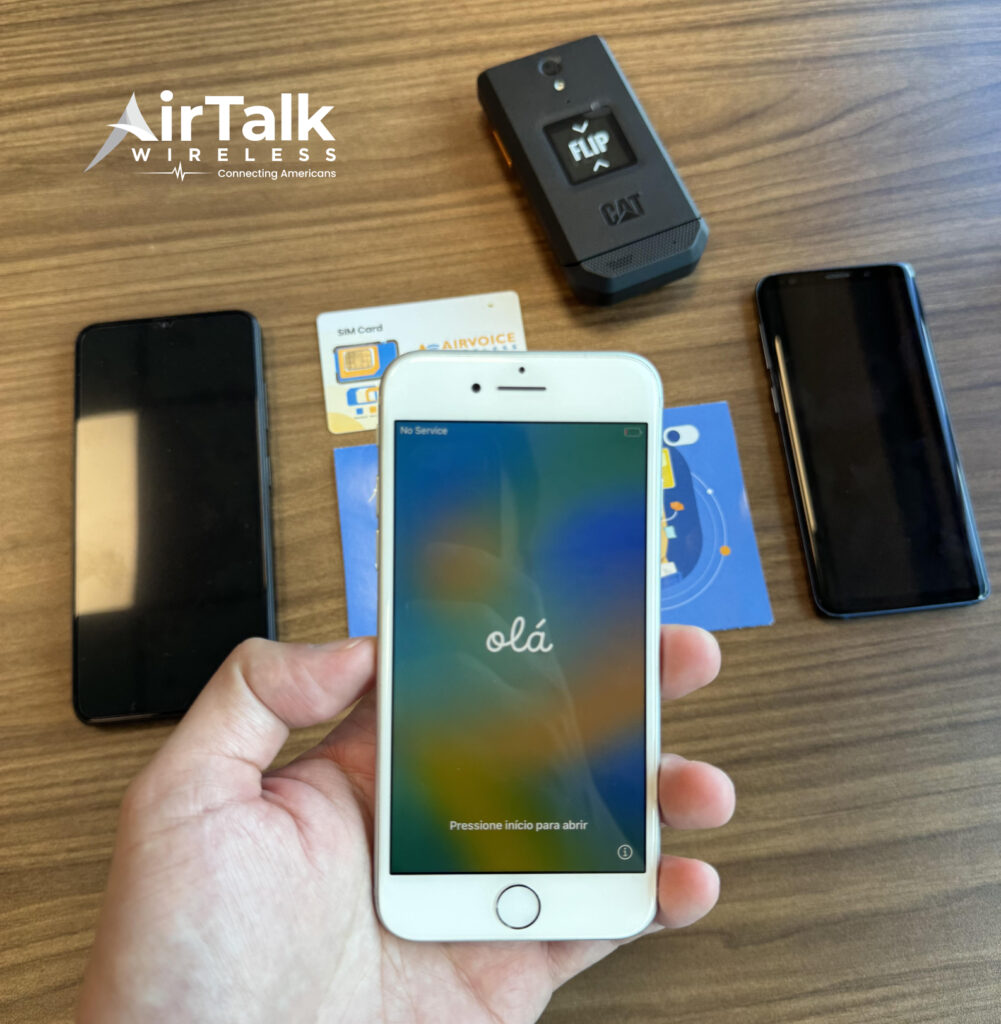
What makes AirTalk different from many traditional carriers is that it combines service options with device flexibility. Rather than requiring a new phone purchase, eligible customers may be able to:
- Keep a compatible device they already own
- Activate service digitally on supported phones
- Access monthly wireless benefits through Lifeline
- Choose from available smartphone and tablet offers when eligible
For someone already using an eSIM-capable iPhone, Samsung Galaxy, or Google Pixel device, that can make activation and ongoing service management significantly more convenient.
6. Conclusion
One of the biggest advantages of eSIM technology is speed. In many situations, activation takes only a few minutes, making it much faster than waiting for a physical SIM card to arrive.
Still, there is no single answer to how long does it take to activate eSIM because timelines vary by carrier, device, and activation method. A strong Wi-Fi connection, updated software, and the correct activation tools can often make the difference between a five-minute setup and a multi-hour troubleshooting session. When delays occur, understanding the common causes can help get service running again much faster.