
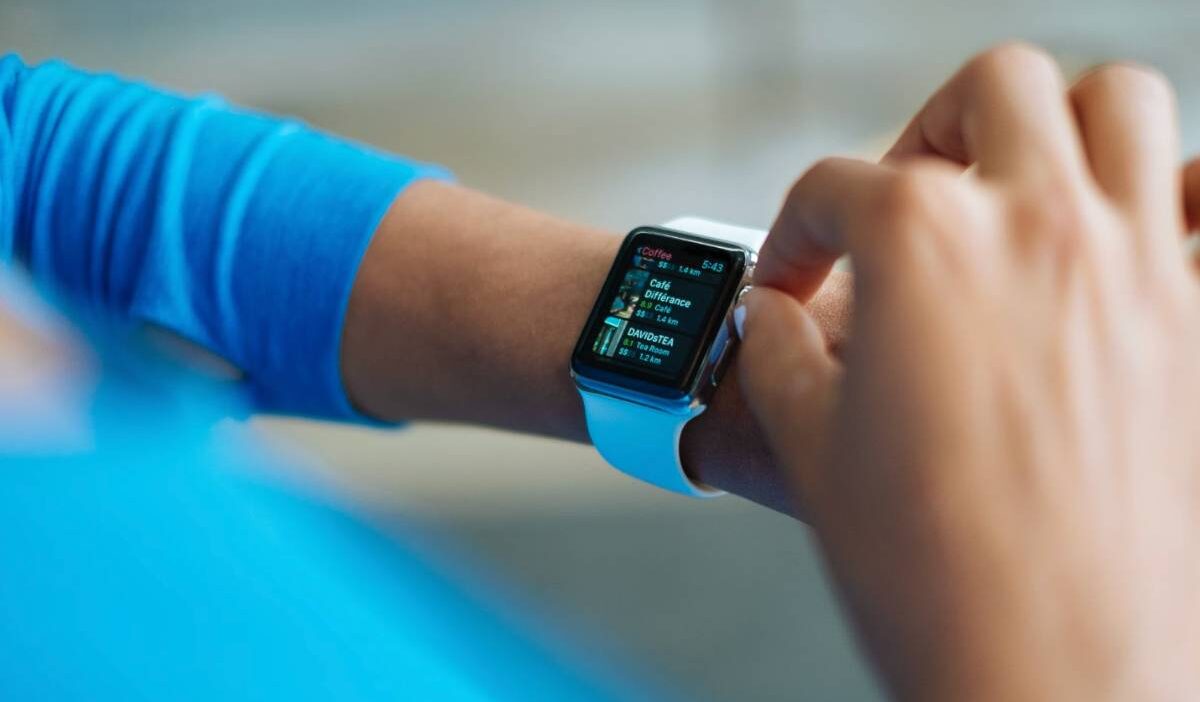
A smart watch with SIM card support allows you to stay connected without keeping your phone nearby. With cellular connectivity, these devices can handle calls, messages, and mobile data directly through a carrier network, making them useful for workouts, travel, outdoor activities, and everyday convenience.
Let’s find out how they work, what features matter, and which models fit your needs can help you choose the right device in 2026.
1. What Is a Smart Watch With a SIM Card?
A smart watch with SIM card support is a wearable device that can connect directly to a mobile network, allowing you to make calls, send messages, and use mobile data without depending completely on your phone.
There are two main ways these devices connect:
- Physical SIM support: Some models use a Nano SIM card that is inserted directly into the device.
- Cellular connectivity with eSIM: Many newer models use a built-in eSIM that can be activated digitally through a supported carrier.
Both options allow the watch to stay connected when your smartphone is not nearby. However, available features depend on the model, your carrier, and whether the device supports standalone cellular service.
Compared with Bluetooth-only models, cellular versions provide more freedom for activities such as exercising, commuting, traveling, or situations where carrying a phone is inconvenient.

2. How Does a Smart Watch With a SIM Card Work?
A cellular smartwatch works similarly to a smartphone by connecting to nearby cell towers through a compatible mobile network. After activation with a supported plan, the device can access cellular services independently.
Depending on the model, you may be able to:
- Make and receive calls.
- Send and receive text messages.
- Stream music without a phone connection.
- Use GPS and navigation features.
- Receive app notifications.
- Access emergency features such as SOS alerts.
Some models share the same phone number as your smartphone through your carrier’s wearable service, while others use a separate cellular line.
The setup process depends on the manufacturer, carrier support, and the type of plan you choose.
3. Best Smartwatches With a SIM Card in 2026
The best smart watch with SIM card support depends on how you plan to use it. Some models focus on premium fitness features, while others prioritize affordability, child safety, or emergency assistance for seniors. Below are some of the strongest options in each category.
Best Overall
If you’re looking for the most capable smart watch regardless of ecosystem, these models deliver the best balance of performance, battery life, cellular connectivity, and health features.
| Smart watch | SIM Type | Best For | Highlights |
| Samsung Galaxy Watch Ultra | eSIM | Overall Android users | Excellent battery life, rugged design, advanced health tracking |
| Apple Watch Ultra 3 | eSIM | Premium Apple users | Outstanding performance, Emergency SOS, fitness features |
| Google Pixel Watch 3 LTE | eSIM | Everyday Android users | Clean Wear OS experience, Fitbit integration |
Among these, the Samsung Galaxy Watch Ultra stands out for its durability, long battery life, and reliable LTE performance.
Apple users looking for the best premium experience should consider the Apple Watch Ultra 3, while the Google Pixel Watch 3 LTE offers one of the smoothest Android experiences for everyday use.
Best for Android Users
Android users have more cellular options than ever before. The best choice depends on whether you prioritize battery life, fitness tracking, or seamless integration with Google’s services.
| Smart watch | SIM Type | Best For | Highlights |
| Samsung Galaxy Watch Ultra | eSIM | Outdoor & fitness | Rugged build, multi-day battery |
| Samsung Galaxy Watch 8 LTE | eSIM | Everyday users | Balanced features and price |
| Google Pixel Watch 3 LTE | eSIM | Google ecosystem | Fitbit health tracking, Google apps |
If you already use a Samsung Galaxy phone, the Galaxy Watch lineup offers the deepest integration. Pixel phone owners will likely get the most seamless experience from the Pixel Watch, while both options provide excellent LTE connectivity.
Best for iPhone Users
Cellular Apple Watches continue to offer the most complete smart watch experience for iPhone owners, with tight integration across calls, messaging, fitness, and emergency features.
| Smart watch | SIM Type | Best For | Highlights |
| Apple Watch Series 11 GPS + Cellular | eSIM | Most users | Balanced features and price |
| Apple Watch Ultra 3 | eSIM | Athletes & adventurers | Longer battery, rugged design |
| Apple Watch SE (Cellular) | eSIM | Budget-conscious buyers | Affordable LTE connectivity |
For most users, the Apple Watch Series 11 offers a strong balance of everyday features, health tracking, and connectivity. Outdoor enthusiasts may prefer the Ultra model for its larger battery and more durable design, while the Apple Watch SE provides a more affordable way to access cellular features.
Best Budget Smart Watch
A lower price doesn’t necessarily mean sacrificing cellular connectivity. Several affordable smart watches still offer calling, messaging, and GPS features without the premium price tag.
| Smart watch | Approx. Price | SIM Type | Highlights |
| Xplora XGO3 | $$ | Nano SIM | Calling, GPS, messaging |
| Amazfit Active 2 LTE | $$ | eSIM | Fitness tracking, long battery |
| TicWatch Pro 5 LTE | $$$ | eSIM | Strong battery life, Wear OS |
These models are ideal for users who want core smart watch functions without paying flagship prices. The right choice depends on whether you value battery life, fitness tracking, or basic communication features.
Best Smart Watch for Kids
Parents often look for a smart watch that offers reliable communication while giving them peace of mind through location tracking and safety features.
| Smart watch | SIM Type | Why Parents Like It |
| COSMO JrTrack 4 | Nano SIM | GPS tracking, safe contacts |
| TickTalk 5 | Nano SIM | Video calling, messaging |
| Garmin Bounce | LTE | Location sharing, activity tracking |
These watches allow children to stay connected without needing a smartphone, while giving parents useful tools such as GPS tracking, emergency contacts, and location updates.
Best Smart Watch for Seniors
For older adults, simplicity, emergency assistance, and health monitoring are often more important than having dozens of apps.
| Smart watch | SIM Type | Best Features |
| Apple Watch SE Cellular | eSIM | Fall Detection, Emergency SOS |
| Samsung Galaxy Watch FE LTE | eSIM | Health monitoring, simple interface |
| Lively Mobile2 | Cellular | One-touch emergency assistance |
These devices help seniors stay connected while offering valuable safety features, including emergency calling, health monitoring, and GPS location services that family members can rely on.
What to Consider Before Buying a Smart Watch With a SIM Card
Not every cellular wearable offers the same experience. Before choosing a model, consider factors such as network support, battery performance, and the features that matter most for your daily use.
Physical SIM or eSIM Support
Some devices use a physical Nano SIM, while many newer cellular models rely on built-in eSIM technology that can be activated digitally through a carrier.
A physical SIM may be useful if you prefer the flexibility of moving the card between compatible devices. An eSIM model offers a simpler setup process and allows manufacturers to create slimmer designs without a SIM tray.
Carrier Compatibility
Before purchasing, check whether your carrier supports the specific watch model you want to use.
Some devices only work with certain carriers or require a compatible smartphone from the same ecosystem. Others support more networks but still need proper activation before cellular features become available.
Checking compatibility in advance can help prevent connection issues after purchase.
Battery Life
Cellular features require more power than a Bluetooth-only connection.
Most models can last around one to two days with regular use, but activities such as LTE calling, music streaming, GPS tracking, and continuous health monitoring can reduce battery life. Consider how often you will use cellular features and whether you need a device that can last through a full day of activity.
Health and Safety Features
Modern cellular watches offer more than calls and notifications. Many include health and safety tools designed to provide additional support throughout the day.
Depending on the model, features may include:
- Heart rate monitoring
- Blood oxygen tracking
- ECG measurements
- Fall detection
- Emergency SOS
- Crash detection
- GPS location sharing
For children or older adults, these safety features can be just as important as cellular connectivity when choosing the right device.
4. Do You Need a Separate Cellular Plan for Your Smart Watch?
Whether you need a separate cellular plan depends on the type of wearable you choose and how your carrier handles connected devices. Some models can share your existing phone number, while others require their own line with a separate SIM or eSIM profile.
Understanding how these options work before buying can help you avoid unexpected activation issues and monthly costs.
When You Can Share Your Phone Plan
Many premium cellular models are designed to work as an extension of your smartphone through your carrier’s wearable service.
With this setup, your device can typically:
- Share the same phone number as your smartphone.
- Access your existing contacts and messages.
- Make and receive calls even when your phone is not nearby.
- Connect through a carrier-supported wearable plan.
This setup is common with popular LTE models such as Apple Watch (GPS + Cellular) and Samsung Galaxy Watch LTE versions, which are designed to stay connected through your existing mobile account.
This option is common for devices such as Apple Watch (GPS + Cellular) and Samsung Galaxy Watch LTE models.
When You Need a Separate Plan
Some connected watches operate independently and require their own cellular service.
A separate plan may be needed when:
- The device has its own phone number.
- It is designed for children or seniors who may use it without a smartphone.
- It supports a standalone physical SIM or eSIM profile.
- Your carrier does not offer shared wearable plans.
This setup is especially common for kids’ watches and safety-focused devices, allowing users to make calls, send messages, and share their location without carrying a smartphone.
Monthly Costs to Expect
The cost of adding cellular connectivity varies depending on the provider, device, and type of plan.
In general, you can expect:
| Plan Type | Typical Monthly Cost |
| Add-on wearable plan | $5–$15 |
| Standalone plan | $10–$30 |
| Kids’ plan | $10–$20 |
Some carriers also charge a one-time activation fee. Before buying a smart watch with cellular connectivity, check whether your preferred carrier supports the device and whether you can add it to an existing plan or need a separate line.
5. Looking for an Affordable Cellular Plan for Your Devices?
A connected device works best when you have reliable mobile service behind it. If you’re looking for an affordable way to stay connected across your phone and other devices, choosing a provider that supports multiple device options can make setup easier.
For eligible households, the federal Lifeline program helps reduce the cost of monthly wireless service. Depending on your income or participation in qualifying government assistance programs, you may qualify for discounted phone service.
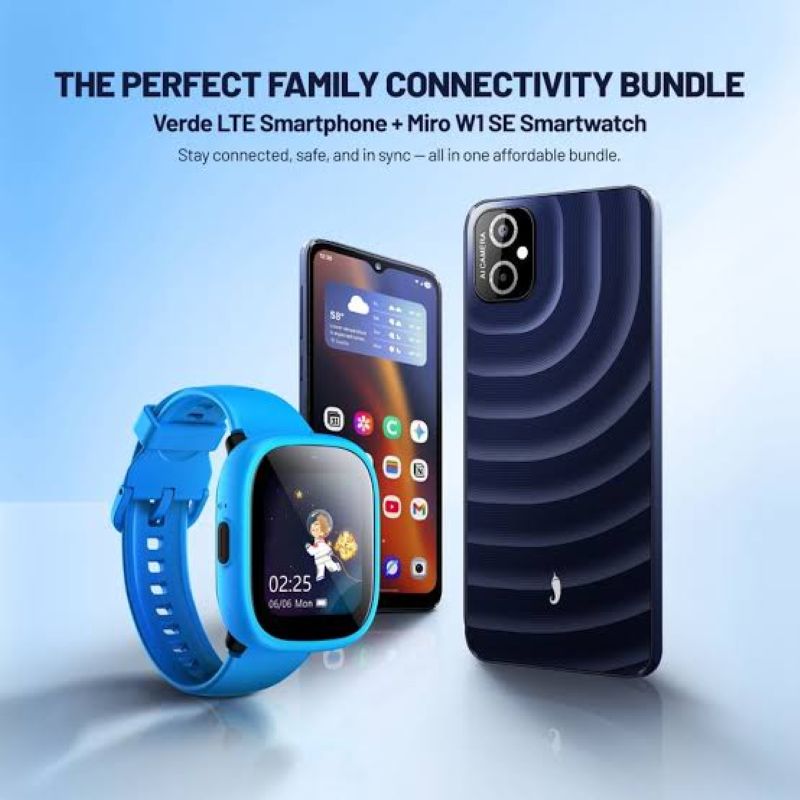
As a participating Lifeline provider, AirTalk Wireless offers affordable wireless plans along with a selection of connected devices.
Depending on availability, customers may find standalone smartwatch options or bundles that include a smartwatch with an eligible smartphone, giving users more flexibility when choosing the devices they need.
Getting started is simple:
- Visit the AirTalk Wireless website.
- Enter your ZIP code and select Apply Now.
- Choose a qualifying Lifeline plan.
- Browse available devices, including eligible smartphones and smart watch offers.
- Verify your eligibility and upload any required documents.
- Submit your application and wait for approval.
Because available devices and bundles change over time, it’s a good idea to check the latest devices offers before completing your application.
Read more: How to Save Contacts to SIM Card on iPhone, Android, and Older Phones: 3 Easy Methods
6. FAQs
Can a smartwatch with a SIM card work without a phone?
Yes. A cellular model can make calls, send messages, and access mobile data even when your smartphone is not nearby. However, the device must be activated with a compatible wireless plan and supported by your carrier.
Do all smartwatches support SIM cards?
No. Many wearable devices only connect through Bluetooth and require a paired smartphone to access most features. Only cellular versions support mobile network connections through a physical SIM or eSIM.
Which is better: a cellular smartwatch or a Bluetooth model?
It depends on how you plan to use it. A cellular smartwatch is better if you want to stay connected while leaving your phone behind, such as during workouts or outdoor activities. A Bluetooth-only model is usually more affordable and offers longer battery life but needs your phone nearby for calls, messages, and mobile data.
Can I put my phone’s SIM card into a smartwatch?
Usually not. Some models with a physical Nano SIM slot may accept a SIM card, but most modern cellular watches use eSIM technology instead. Compatibility depends on the device, your carrier, and whether your plan supports wearable connectivity.
7. Conclusion
The best smart watch with SIM card for you depends on your phone, budget, and how independently you want your watch to function. Whether you choose any model, or a wearable for a senior family member, checking carrier compatibility and available plan options before you buy will help you get the most from your device.


